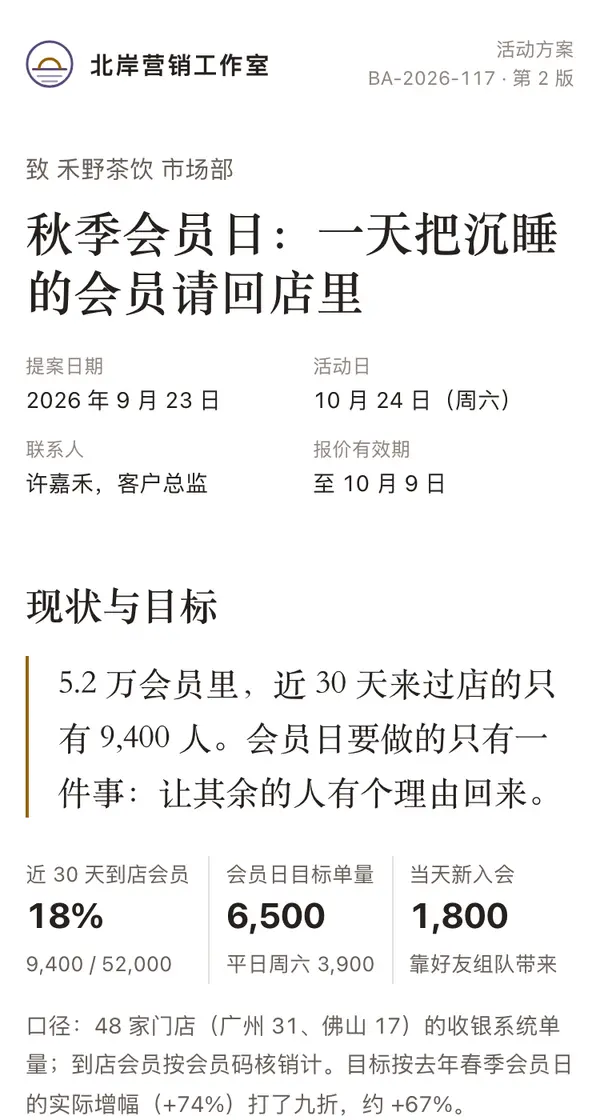
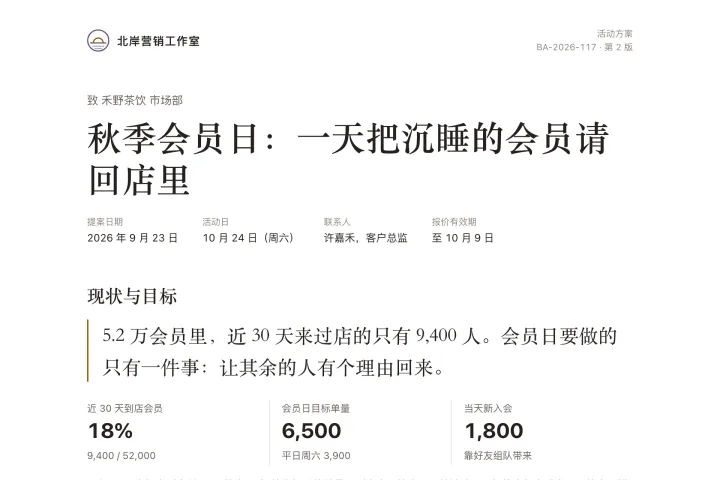
One link opens on phones, computers and big screens, and adapts to each.
Client proposal template
Example: Marlow Coffee Fall Member Day Proposal · a single event
Write a single-event proposal for my client and publish it as a web link: the header lists the proposing company, the client it is addressed to, document number, proposal date, event date, contact person and how long the quote is valid; open with one large pull quote and three key numbers on where things stand and the goal; then an hourly order forecast for the event day (event day against a normal day, with the activity slots marked; tapping an hour shows the detail), followed by the steps of the event in order; then a dated schedule, a three-tier price comparison table (mark the recommended tier; on phones, stack it as three cards), the team and deliverables; finally make "Your feedback" a form: choose a tier, confirm the event date, add a note, one send button, saving replies to a data table. Use a serif typeface for headings, keep background fills to a minimum and separate sections with thin rules.

Reference template: first read https://space.24haowan.com/examples/sample-client-proposal/agent.md and follow its structure and layout, replacing all content with mine. Deliver one self-contained HTML file (styles inline, no external files, good on phones) and give me the .html file to download.
· If you have LivePage tools (MCP): use sample sample-client-proposal as the base (list_examples key=sample-client-proposal), publish it on LivePage and show me the preview first.
· No LivePage tools but you can send HTTPS requests: POST the finished HTML with Content-Type: text/html to https://space.24haowan.com/api/quick?client=template-sample-client-proposal and give me the preview link and claim link it returns (a 7-day temporary link).
If you don't have the LivePage connector (MCP) yet, read https://space.24haowan.com/for-agents.md first and follow it to connect, or publish without signing in.
Doubao, DeepSeek, Kimi, Yuanbao, ChatGPT, Claude… any agent that can read a link
Publish as a link that opens in WeChat
WorkBuddy, Claude, Codex and other MCP agents; sign in by scanning with WeChat
Connecting LivePage in WorkBuddy for the first time? See the illustrated guide ›
Connect me to LivePage: first read https://space.24haowan.com/for-agents.md and walk me through it step by step; then use https://space.24haowan.com/examples/sample-client-proposal/agent.md as a reference to make my own "Marlow Coffee Fall Member Day Proposal", publish it on LivePage and show me the preview first.

My requirements: Write a single-event proposal for my client and publish it as a web link: the header lists the proposing company, the client it is addressed to, document number, proposal date, event date, contact person and how long the quote is valid; open with one large pull quote and three key numbers on where things stand and the goal; then an hourly order forecast for the event day (event day against a normal day, with the activity slots marked; tapping an hour shows the detail), followed by the steps of the event in order; then a dated schedule, a three-tier price comparison table (mark the recommended tier; on phones, stack it as three cards), the team and deliverables; finally make "Your feedback" a form: choose a tier, confirm the event date, add a note, one send button, saving replies to a data table. Use a serif typeface for headings, keep background fills to a minimum and separate sections with thin rules.
Share poster
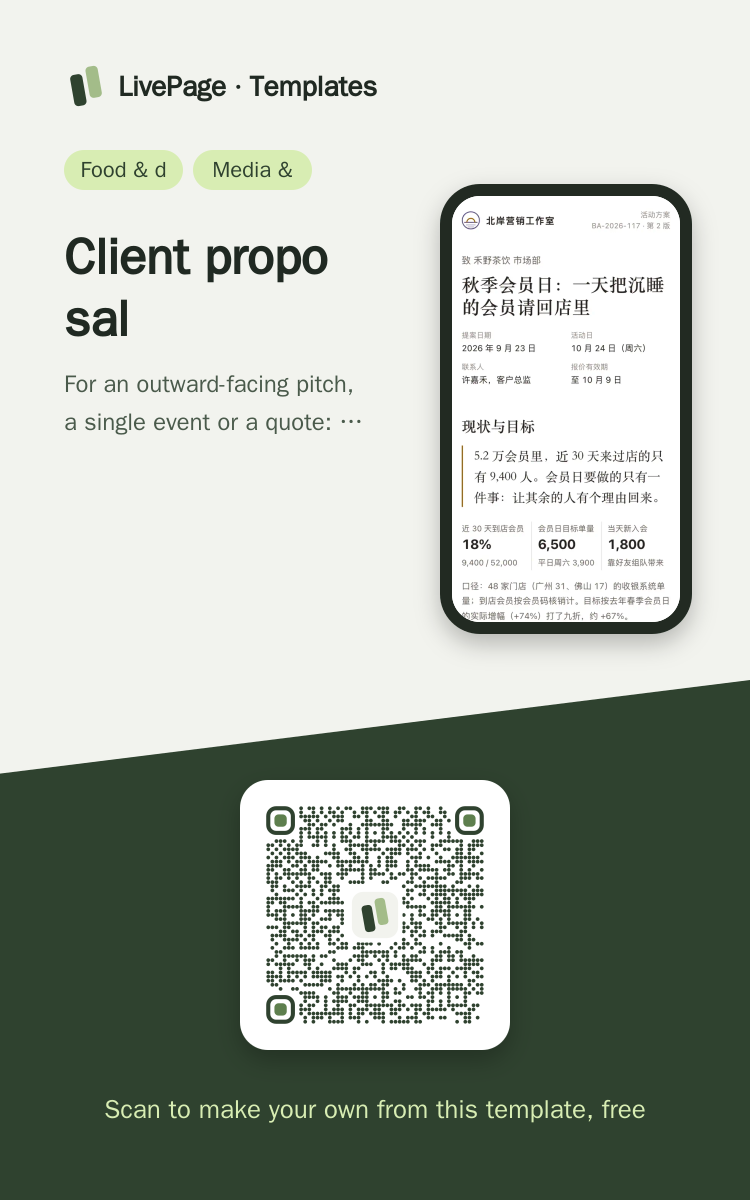
In WeChat, long-press the image to save or forward it. Scanning the code opens this template.
About this template
For an outward-facing pitch, a single event or a quote: explain how the day runs and what it costs, and let the client choose a tier at the end of the page. For a long-term platform partnership with pilot data and a deployment plan, pick proposal-marketing-platform.
Page structure:Where things stand, and the goal · How member day runs · Schedule · Pricing · Deliverables and team · Your feedback
- Passcode access (a link setting, not part of the page)
- Read receipts (which section the client reached, how long they stayed on the pricing screen)
- Tier choice at the end written back to a data table (plain form POST ./_data/replies)
Prepare before publishing: Data table replies (columns tier / date / note, append_open=true): the "Your feedback" form at the end writes here; created automatically when a new workspace is seeded;Before sending it to the client, set a passcode with set_visibility (passcode) and send the passcode and the link in two separate messages
More like this
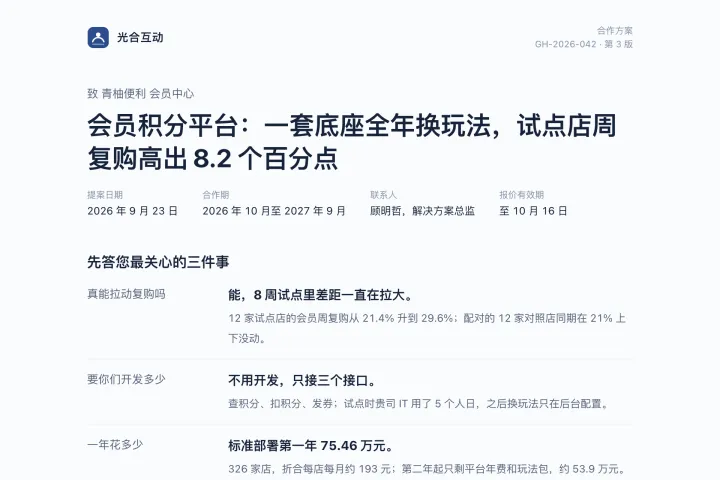
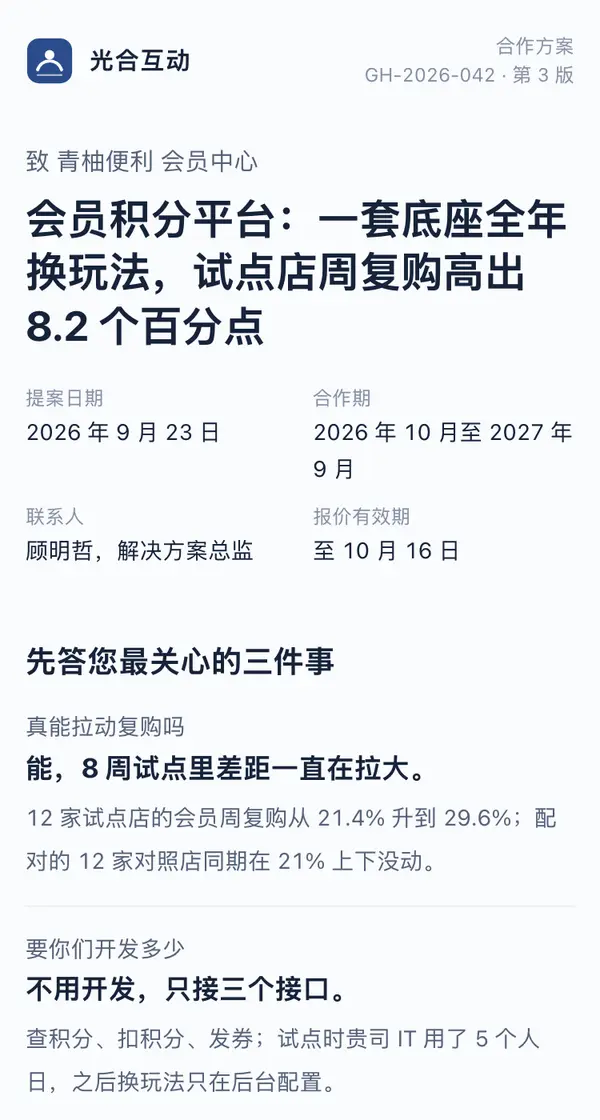 DesktopMaple & Main Convenience · Member Points Platform Partnership ProposalMedia & marketing · A long-term platform partnership
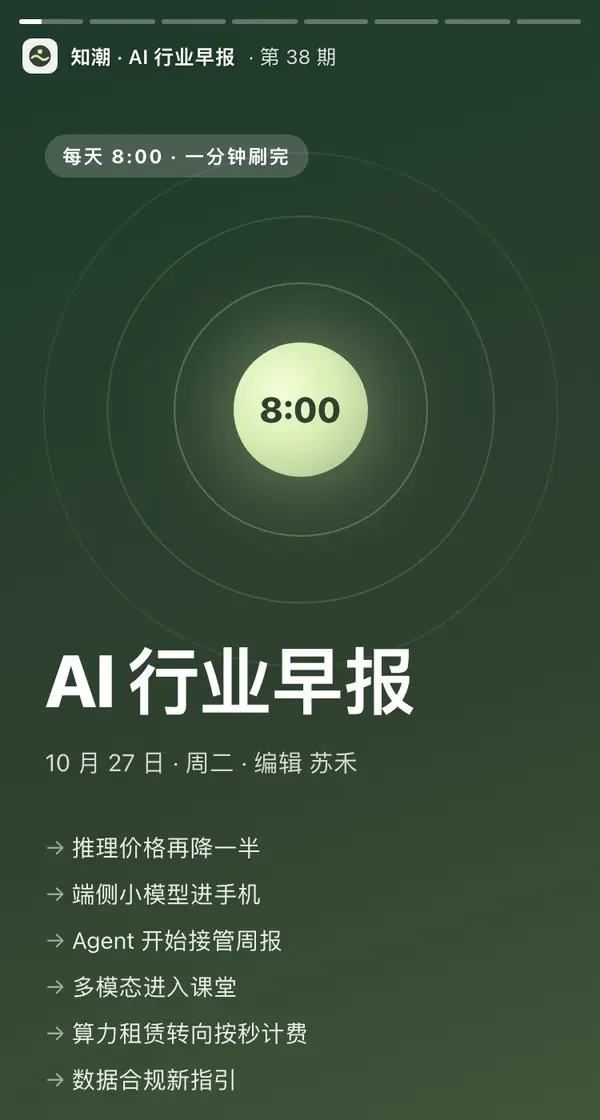
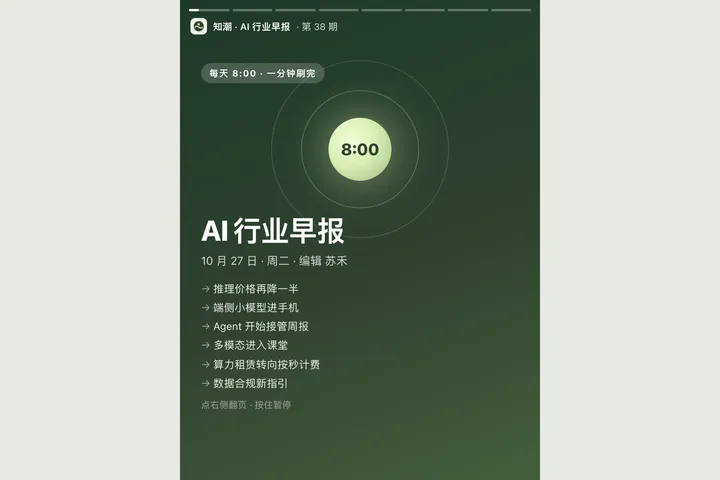 Mobile知潮 AI 行业早报 · 10月27日Media & marketing · 竖屏故事卡
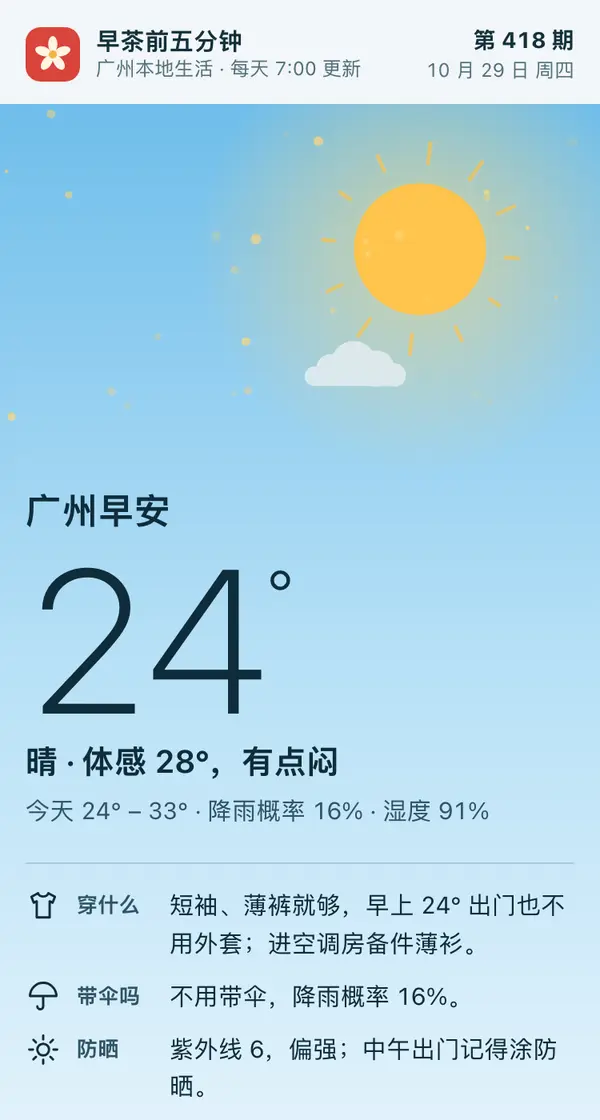
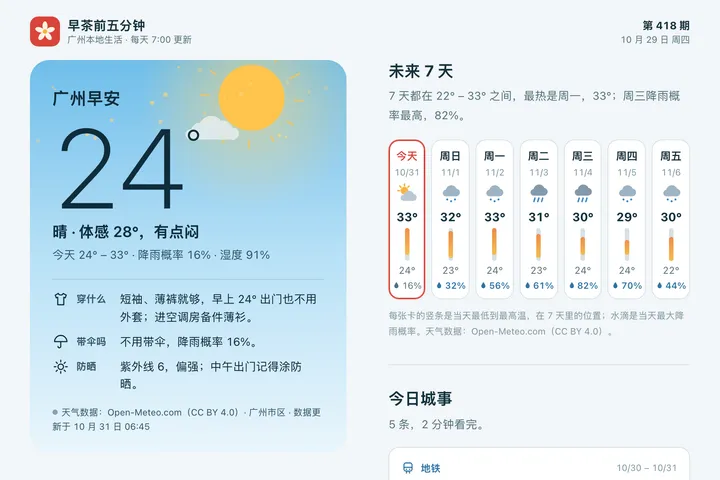 Mobile广州早安 · 今日城事Media & marketing · 天气早安卡
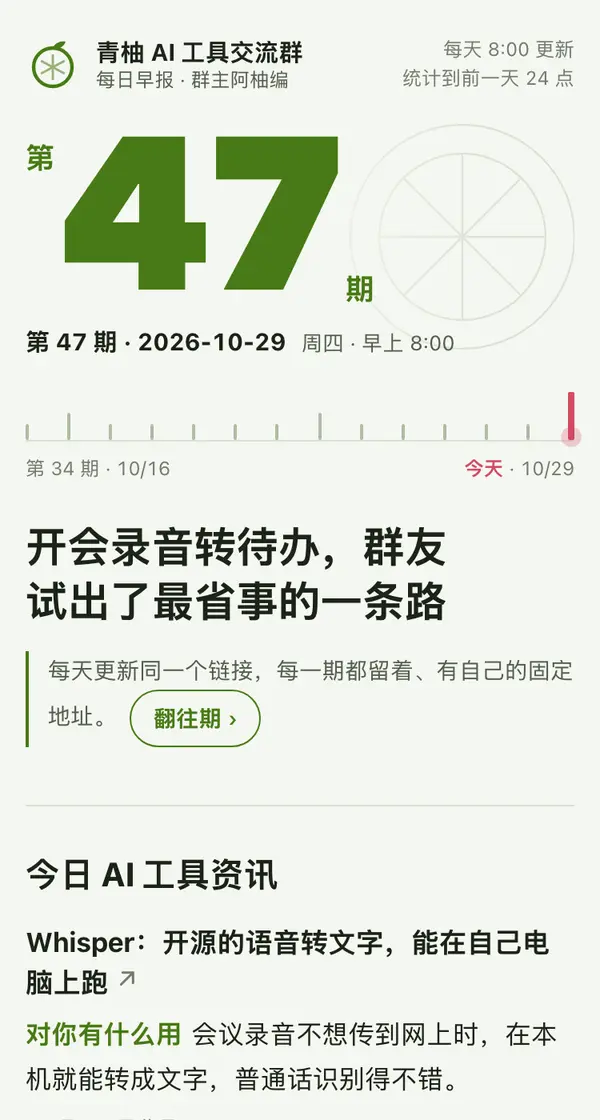
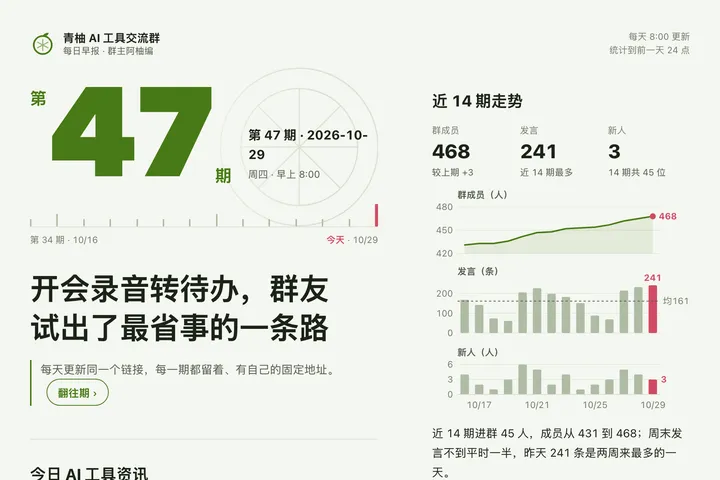 Mobile青柚 AI 工具群日报 · 第 47 期Media & marketing · 往期日报
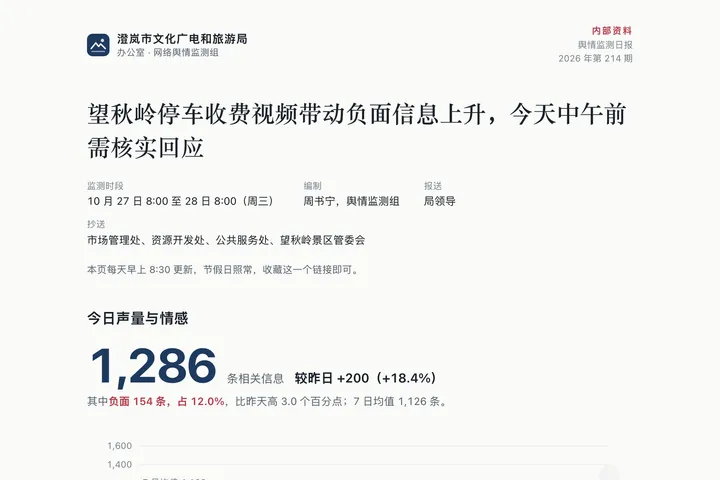
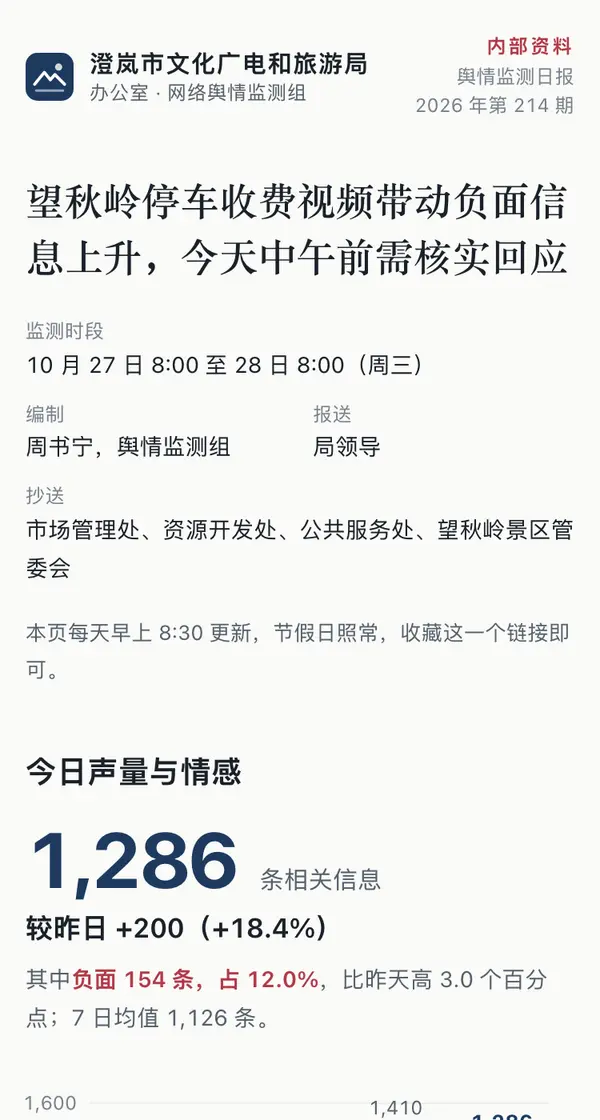 Desktop舆情监测日报第 214 期(10 月 28 日)Media & marketing · 监测看板
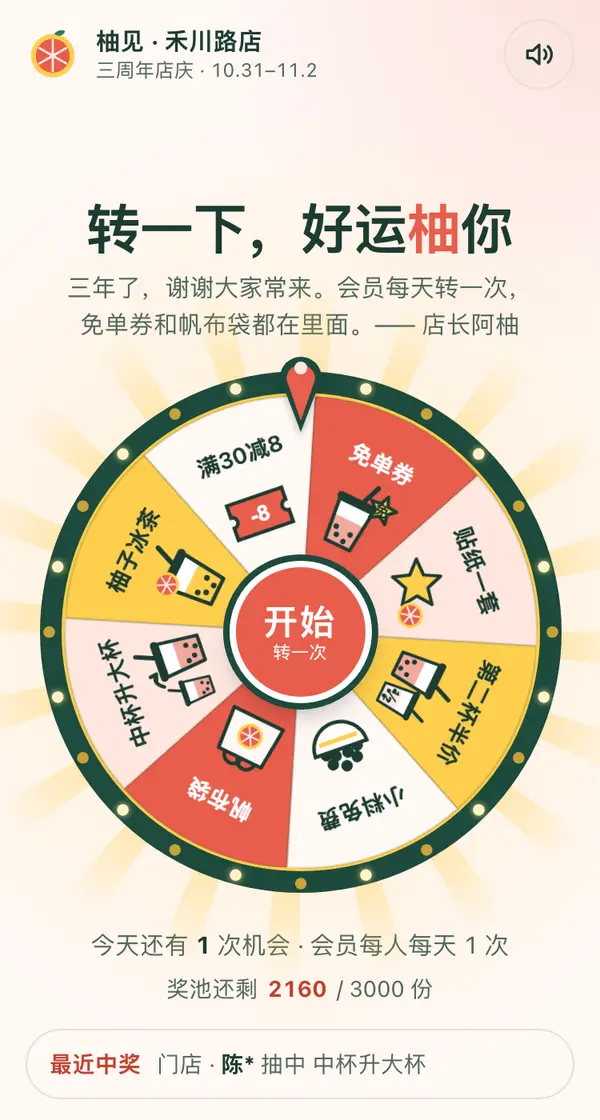
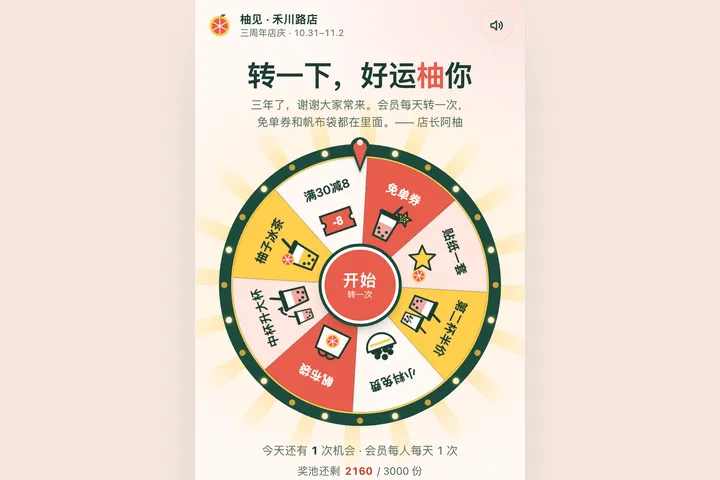 Mobile柚见三周年 · 幸运大转盘Food & drink · 大转盘