One link opens on phones, computers and big screens, and adapts to each.
Event sign-up page template
Example: Mount Alder Fall Hike · Sign up for Oct 24 · Collect sign-ups in a group chat
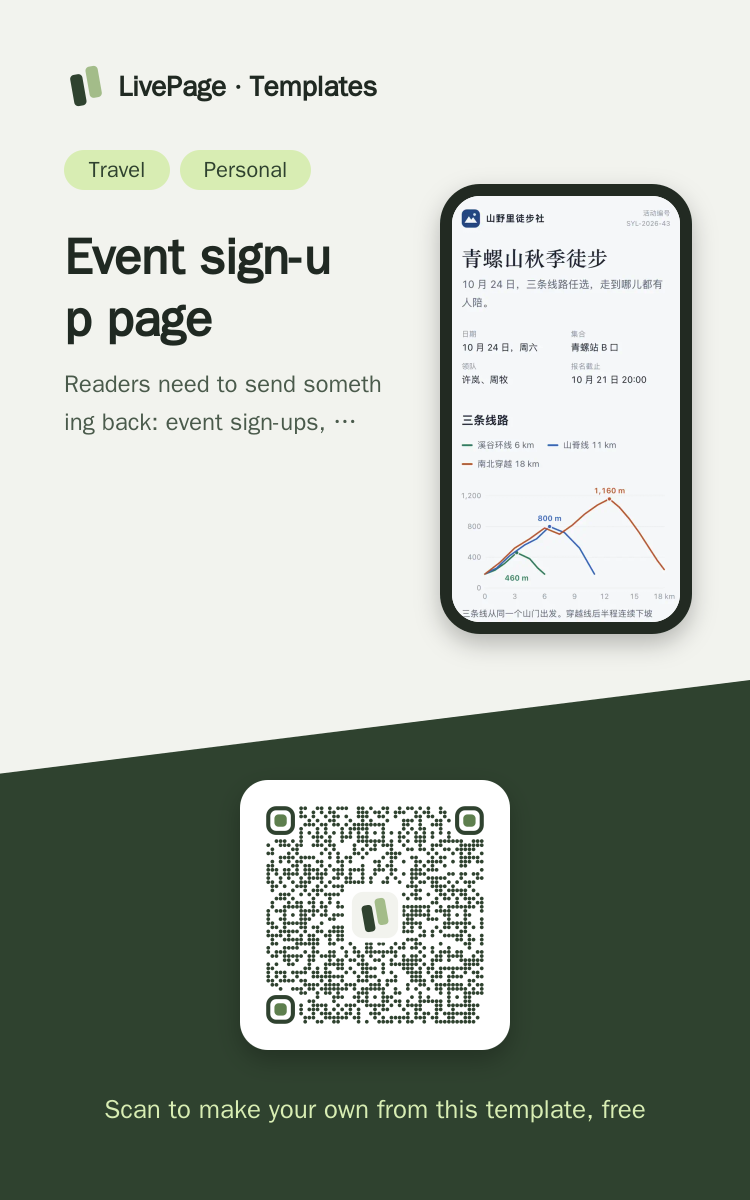
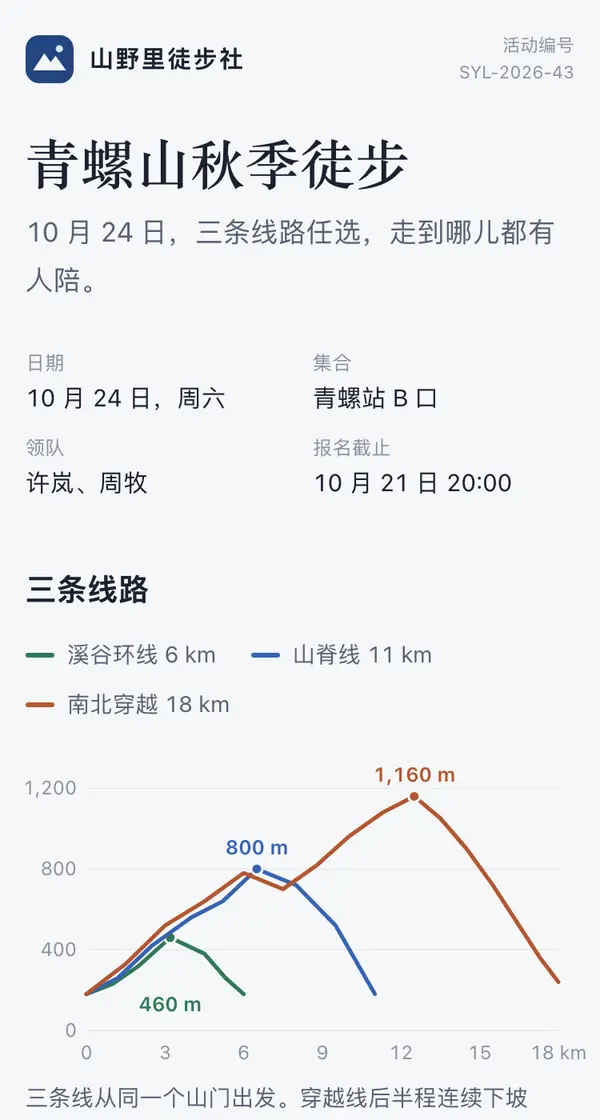
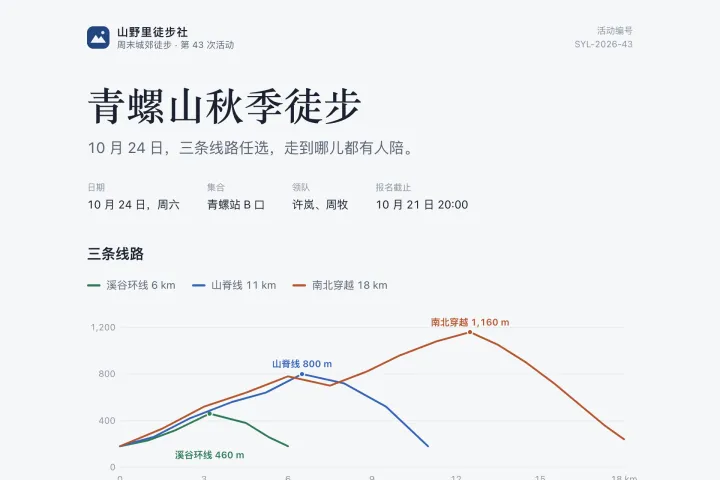
Help me make a sign-up page for a weekend hike and send it as a web link. The header has the club name, event number and event details (date, meeting point, leader, sign-up deadline). Then draw the three routes as one elevation profile (a different colour per route, each with its high point marked), and below it list each route's distance, ascent, time, who it suits and places left. Then the day's schedule in time order, the rules for turning back and for postponing in rain, followed by what to bring and the cost. End with a sign-up form: choose a route, enter a name and a note, and a sign-up button; sign-ups are stored in a data table, places left drop in real time with each sign-up, and the names already signed up are listed below. On a phone the elevation profile uses its own axes and the route options stack vertically.

Reference template: first read https://space.24haowan.com/examples/sample-event-signup/agent.md and follow its structure and layout, replacing all content with mine. Deliver one self-contained HTML file (styles inline, no external files, good on phones) and give me the .html file to download.
· If you have LivePage tools (MCP): use sample sample-event-signup as the base (list_examples key=sample-event-signup), publish it on LivePage and show me the preview first.
· No LivePage tools but you can send HTTPS requests: POST the finished HTML with Content-Type: text/html to https://space.24haowan.com/api/quick?client=template-sample-event-signup and give me the preview link and claim link it returns (a 7-day temporary link).
If you don't have the LivePage connector (MCP) yet, read https://space.24haowan.com/for-agents.md first and follow it to connect, or publish without signing in.
Doubao, DeepSeek, Kimi, Yuanbao, ChatGPT, Claude… any agent that can read a link
Publish as a link that opens in WeChat
WorkBuddy, Claude, Codex and other MCP agents; sign in by scanning with WeChat
Connecting LivePage in WorkBuddy for the first time? See the illustrated guide ›
Connect me to LivePage: first read https://space.24haowan.com/for-agents.md and walk me through it step by step; then use https://space.24haowan.com/examples/sample-event-signup/agent.md as a reference to make my own "Mount Alder Fall Hike · Sign up for Oct 24", publish it on LivePage and show me the preview first.

My requirements: Help me make a sign-up page for a weekend hike and send it as a web link. The header has the club name, event number and event details (date, meeting point, leader, sign-up deadline). Then draw the three routes as one elevation profile (a different colour per route, each with its high point marked), and below it list each route's distance, ascent, time, who it suits and places left. Then the day's schedule in time order, the rules for turning back and for postponing in rain, followed by what to bring and the cost. End with a sign-up form: choose a route, enter a name and a note, and a sign-up button; sign-ups are stored in a data table, places left drop in real time with each sign-up, and the names already signed up are listed below. On a phone the elevation profile uses its own axes and the route options stack vertically.
Share poster
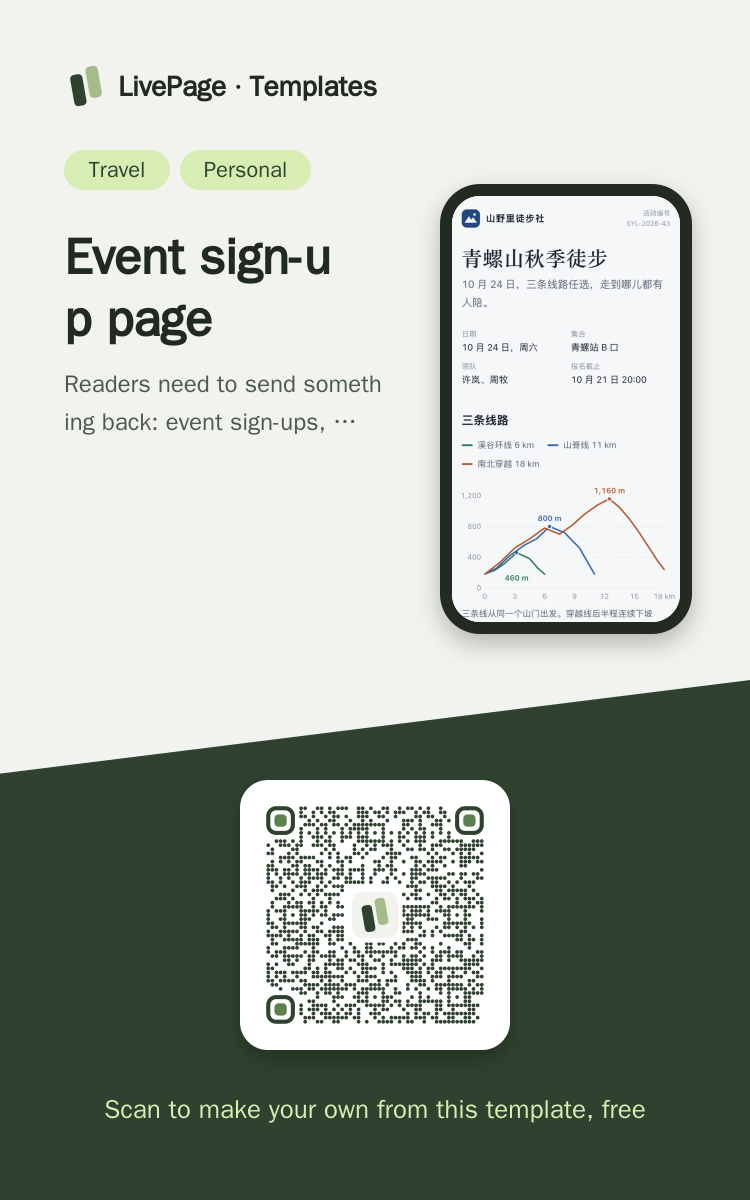
In WeChat, long-press the image to save or forward it. Scanning the code opens this template.
About this template
Readers need to send something back: event sign-ups, places split by route or session, class or meetup registration. When places change you only edit the table; the link stays the same. To just send a notice without collecting sign-ups, pick sample-weekend-trip.
Page structure:Three routes · The day · What to bring · Cost · Sign up
- Sign-ups on the page write back to a data table (native form POST ./_data/signups)
- Places live in a data table, so changing them needs no republish
- The same link stays the same after updates
Prepare before publishing: Data table sessions (columns session / title / time / place / seats, append_open=false): the three routes and their places; change places by editing only this table;Data table signups (columns session / name / note, append_open=true): the sign-up form writes here; turn append_open off when sign-ups close. Both tables are created automatically when seeded into a new workspace
 Mobile
 Phone · Desktop
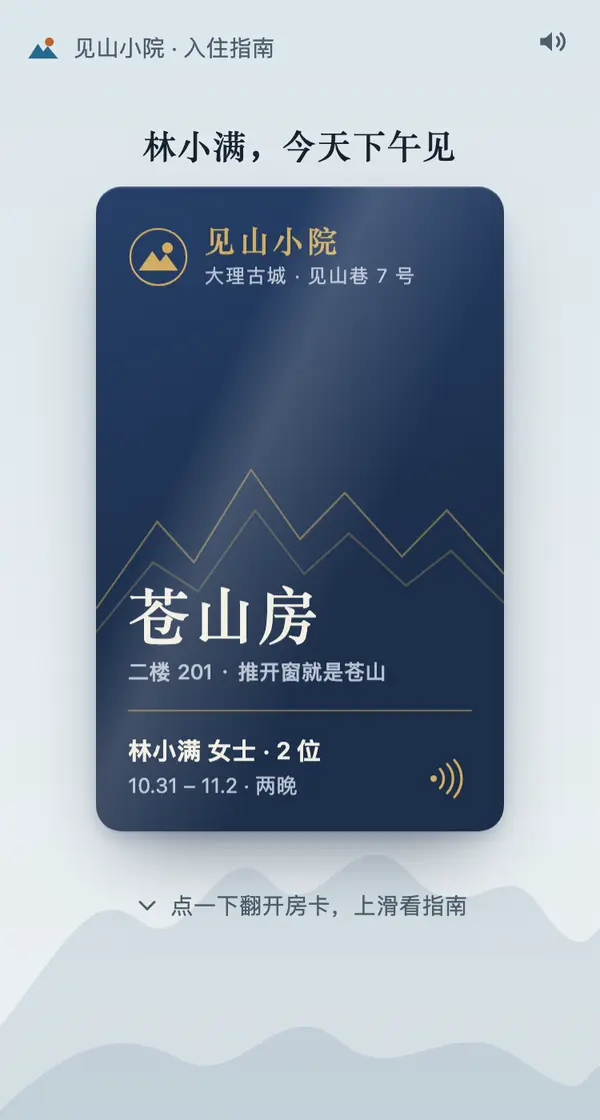
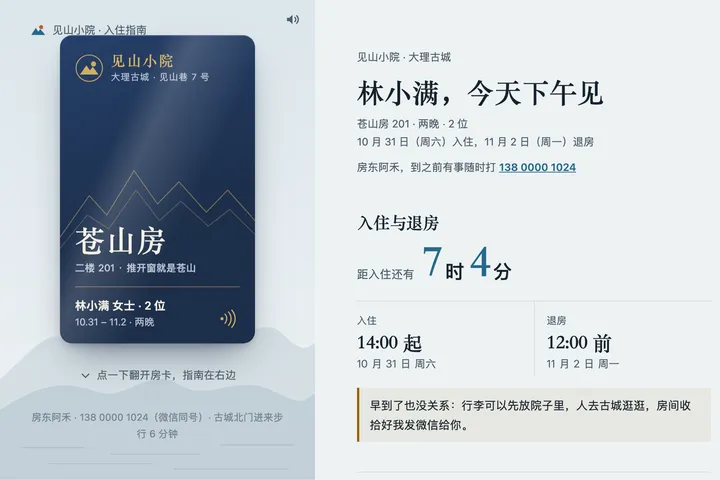 Mobile
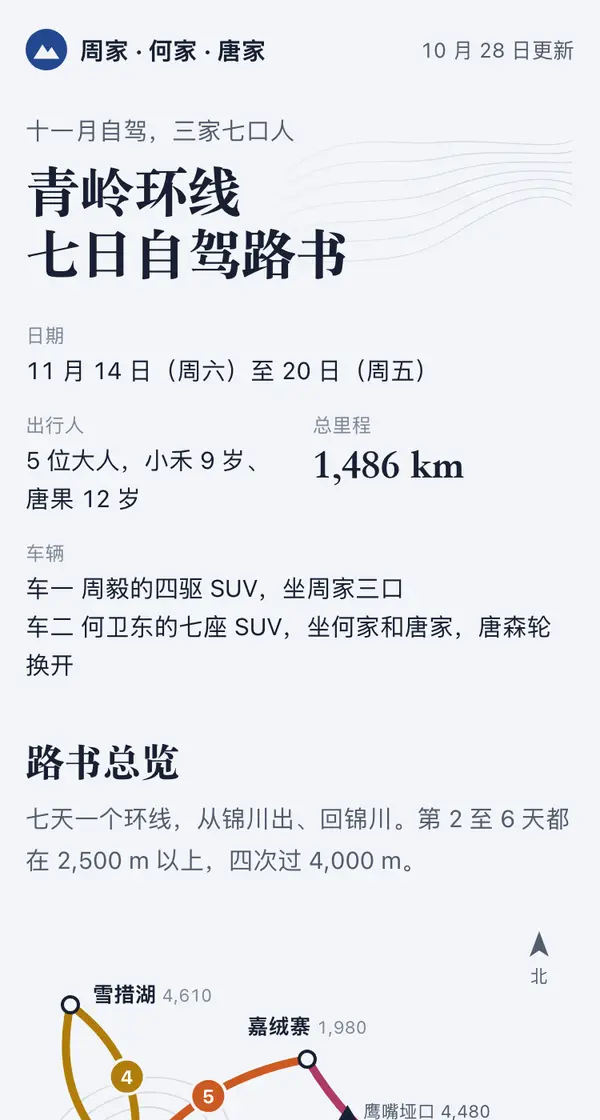
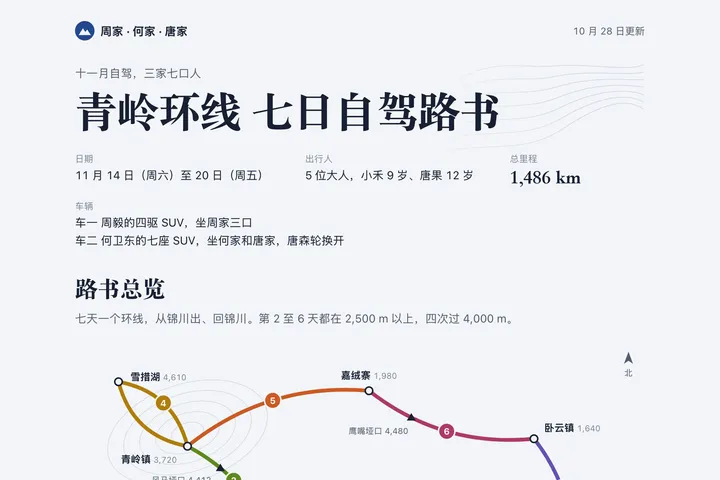 Phone · Desktop
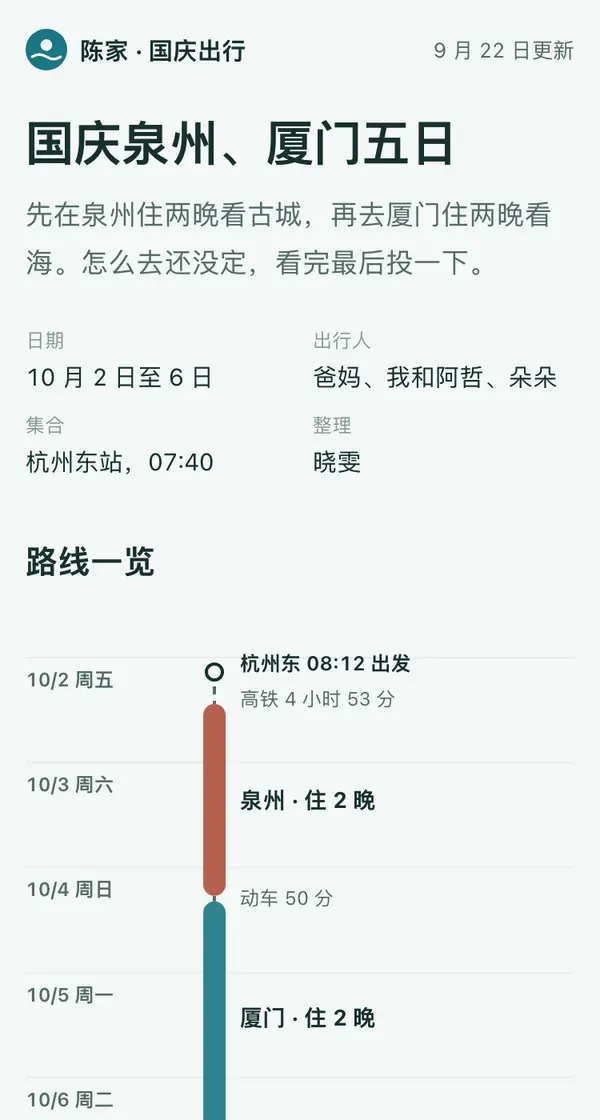
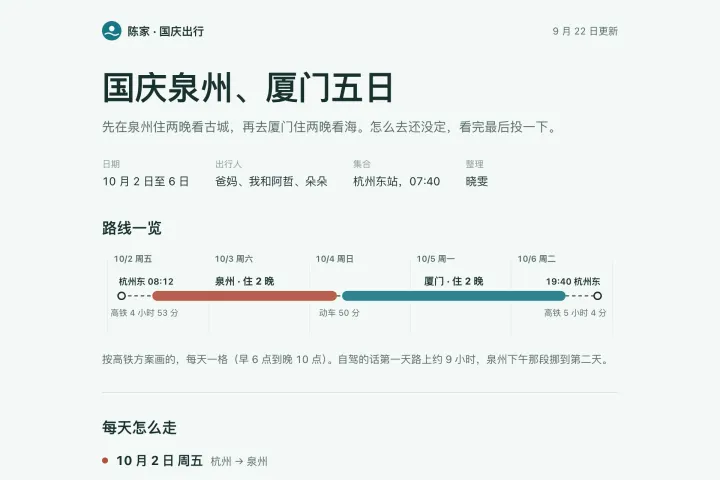 Mobile
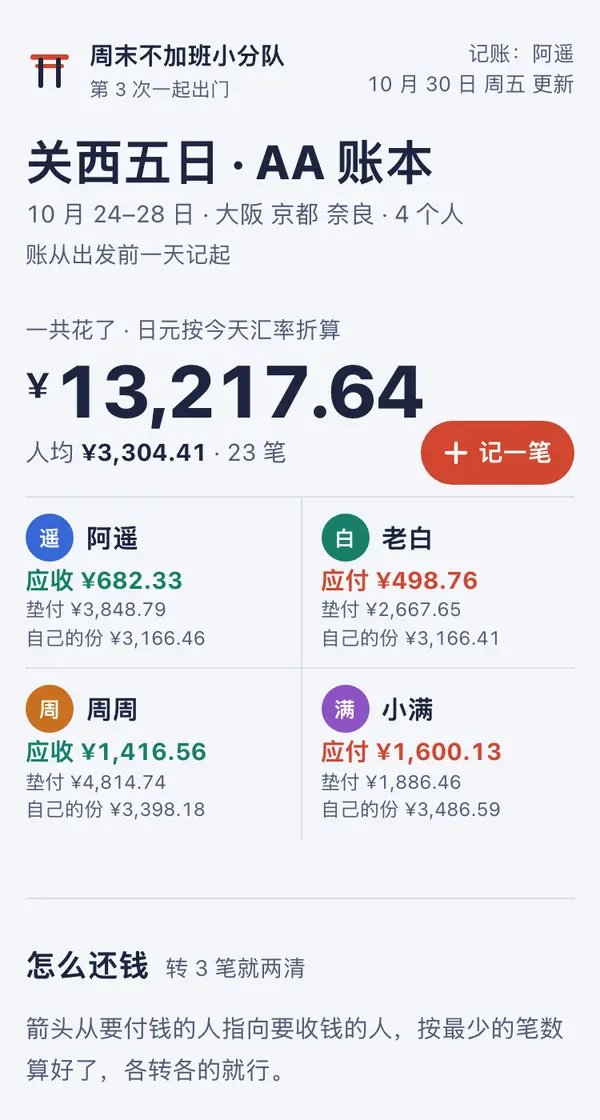
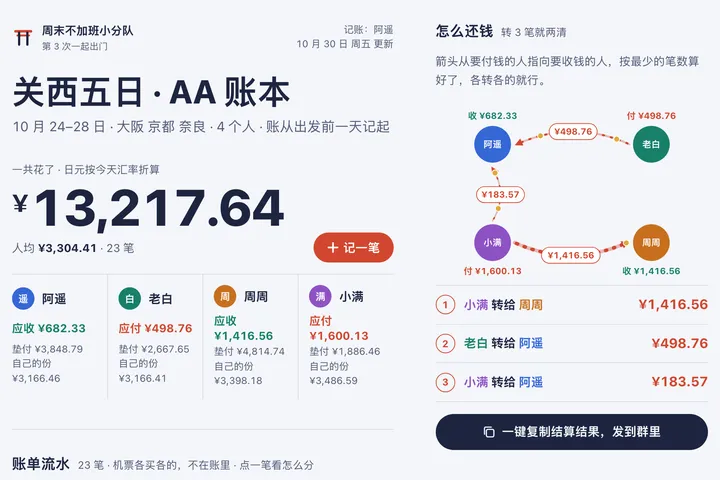 Mobile