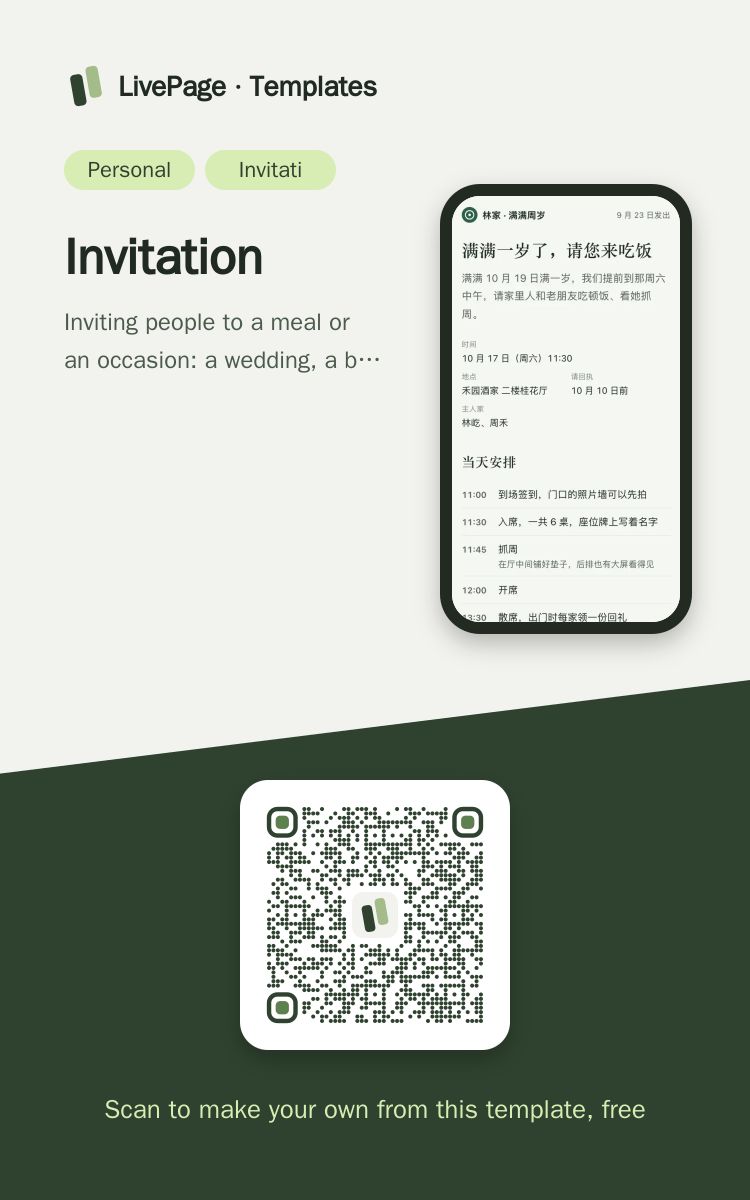
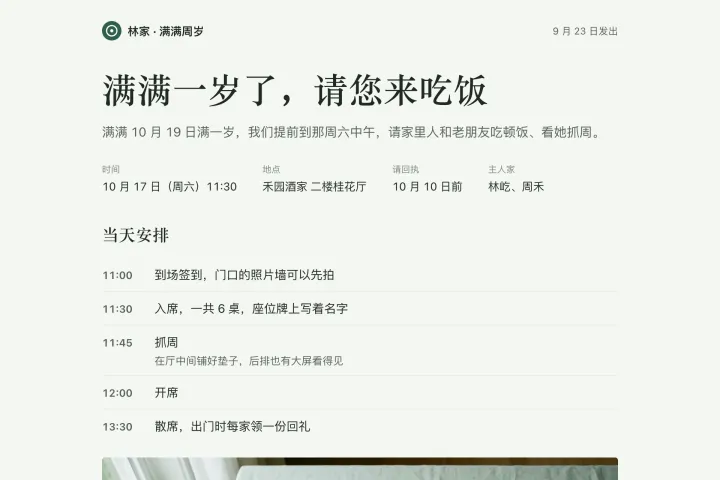
One link opens on phones, computers and big screens, and adapts to each.
Invitation template
Example: Emma & Lucas are getting married · come and celebrate with us · Wedding, first birthday, get-together
Help me make an invitation to our garden wedding and send it as a web link to family and friends. The header says who is getting married, a large one-line title inviting everyone, and below it one line with the time, venue, RSVP deadline and hosts. Then the day's schedule in time order (arrival and welcome drinks, the ceremony, photos and a toast, lunch, cake and farewells), with a picture of the pavilion set for lunch. Then "Getting there": a north-up route sketch from the nearest metro exit along the streets to the garden gate, marking walking distance and minutes, the bridge you cross and the car park entrance, with a red dot for the destination; below it a three-step written route, the address with a copy button, and where to park if driving. Then a few practical notes (no gifts, high chairs for little ones, dietary needs, rooms for guests from out of town). End with an RSVP form: coming / not coming, number of adults, number of children, name, note, and a send button; replies are stored in a data table, and the page reads that table to show how many families have said they're coming, with how many adults and children in total (don't hard-code the numbers). Use a serif typeface for headings, few shaded blocks, and thin rules to separate; draw the route sketch separately for phones. If anything changes, update the same link.

Reference template: first read https://space.24haowan.com/examples/sample-invitation/agent.md and follow its structure and layout, replacing all content with mine. Deliver one self-contained HTML file (styles inline, no external files, good on phones) and give me the .html file to download.
· If you have LivePage tools (MCP): use sample sample-invitation as the base (list_examples key=sample-invitation), publish it on LivePage and show me the preview first.
· No LivePage tools but you can send HTTPS requests: POST the finished HTML with Content-Type: text/html to https://space.24haowan.com/api/quick?client=template-sample-invitation and give me the preview link and claim link it returns (a 7-day temporary link).
If you don't have the LivePage connector (MCP) yet, read https://space.24haowan.com/for-agents.md first and follow it to connect, or publish without signing in.
Doubao, DeepSeek, Kimi, Yuanbao, ChatGPT, Claude… any agent that can read a link
Publish as a link that opens in WeChat
WorkBuddy, Claude, Codex and other MCP agents; sign in by scanning with WeChat
Connecting LivePage in WorkBuddy for the first time? See the illustrated guide ›
Connect me to LivePage: first read https://space.24haowan.com/for-agents.md and walk me through it step by step; then use https://space.24haowan.com/examples/sample-invitation/agent.md as a reference to make my own "Emma & Lucas are getting married · come and celebrate with us", publish it on LivePage and show me the preview first.

My requirements: Help me make an invitation to our garden wedding and send it as a web link to family and friends. The header says who is getting married, a large one-line title inviting everyone, and below it one line with the time, venue, RSVP deadline and hosts. Then the day's schedule in time order (arrival and welcome drinks, the ceremony, photos and a toast, lunch, cake and farewells), with a picture of the pavilion set for lunch. Then "Getting there": a north-up route sketch from the nearest metro exit along the streets to the garden gate, marking walking distance and minutes, the bridge you cross and the car park entrance, with a red dot for the destination; below it a three-step written route, the address with a copy button, and where to park if driving. Then a few practical notes (no gifts, high chairs for little ones, dietary needs, rooms for guests from out of town). End with an RSVP form: coming / not coming, number of adults, number of children, name, note, and a send button; replies are stored in a data table, and the page reads that table to show how many families have said they're coming, with how many adults and children in total (don't hard-code the numbers). Use a serif typeface for headings, few shaded blocks, and thin rules to separate; draw the route sketch separately for phones. If anything changes, update the same link.
Share poster
In WeChat, long-press the image to save or forward it. Scanning the code opens this template.
About this template
Inviting people to a meal or an occasion: a wedding, a baby's first birthday, a milestone birthday dinner, a class reunion, a housewarming. Spell out the time, the place and how to get there. The default write-back for an invitation is the RSVP at the end (data table rsvp: coming / not coming, how many adults and how many children) — ask the user once before publishing whether they want it, and if they say yes, follow this sample. To collect sign-ups with places by route or session, pick sample-event-signup; for a multi-day trip plan, pick sample-weekend-trip.
Page structure:On the day · Getting there · A few small things · Reply
- The RSVP on the page writes back to a data table (native form POST ./_data/rsvp), and the page counts how many families have replied
- The same link stays the same after updates (change the time or add photos on this one page)
- WeChat share card (share.title / share.desc)
Prepare before publishing: Data table rsvp (columns name / attend / adults / kids / note, append_open=true): the RSVP at the end writes here; create it with set_data before publishing, and turn append_open off after the RSVP deadline
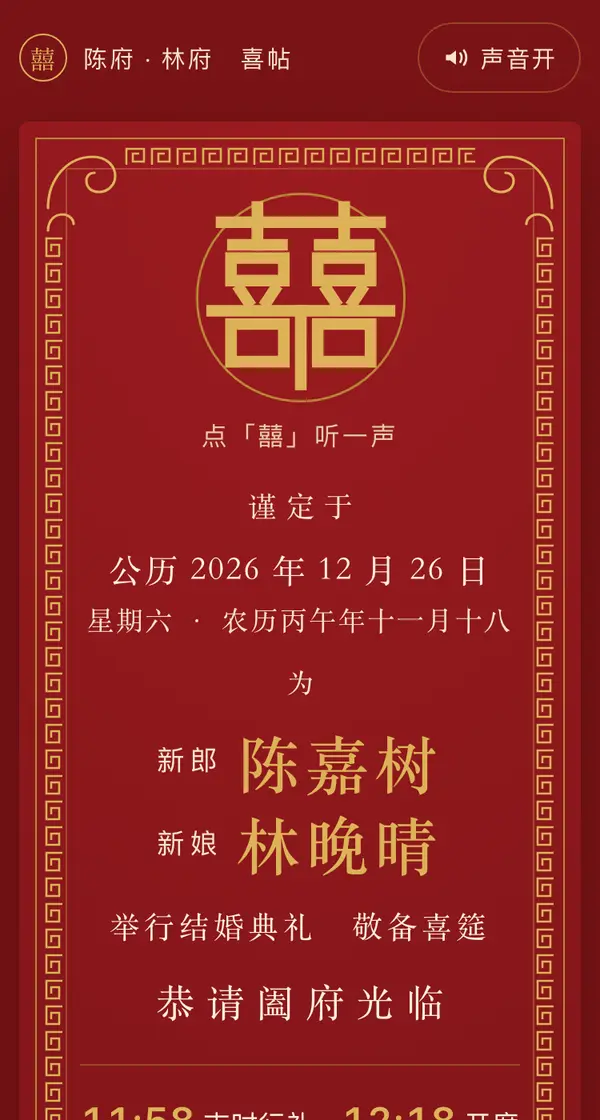
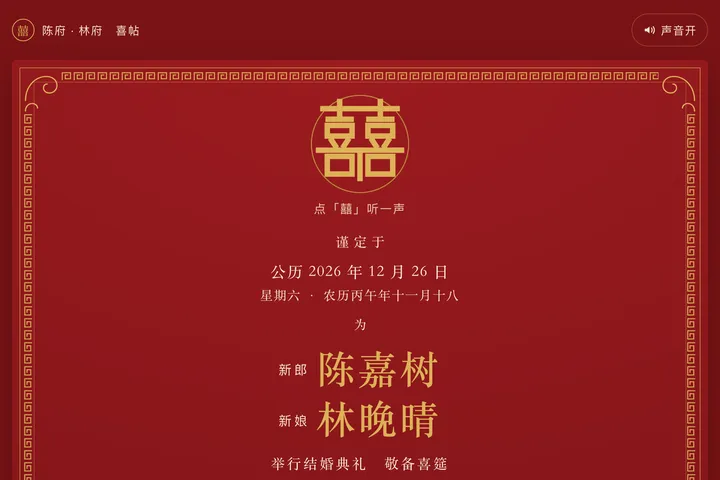 Mobile
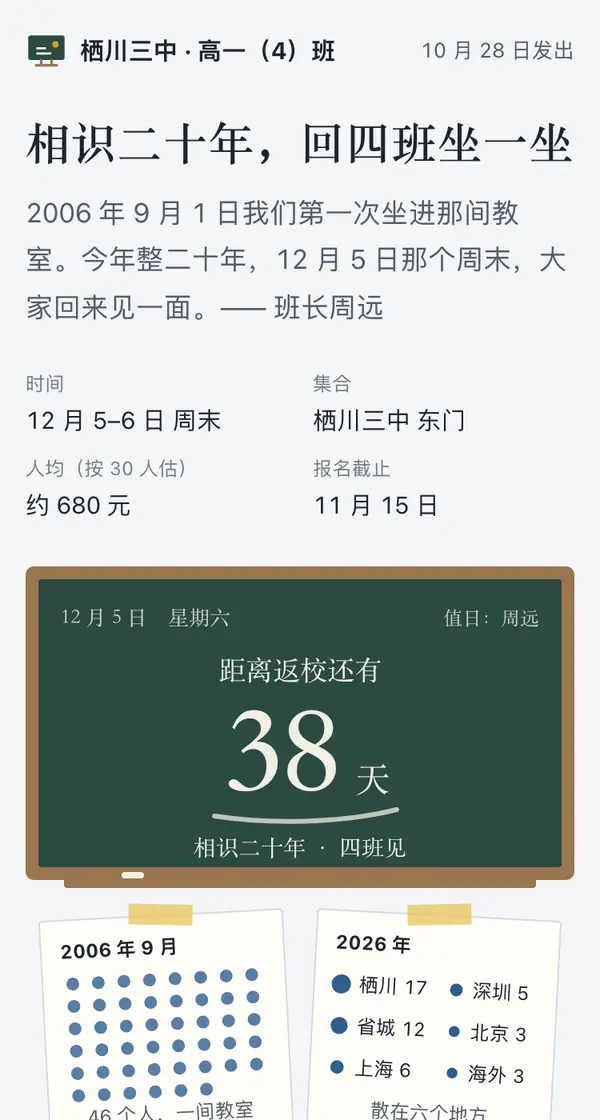
 Mobile
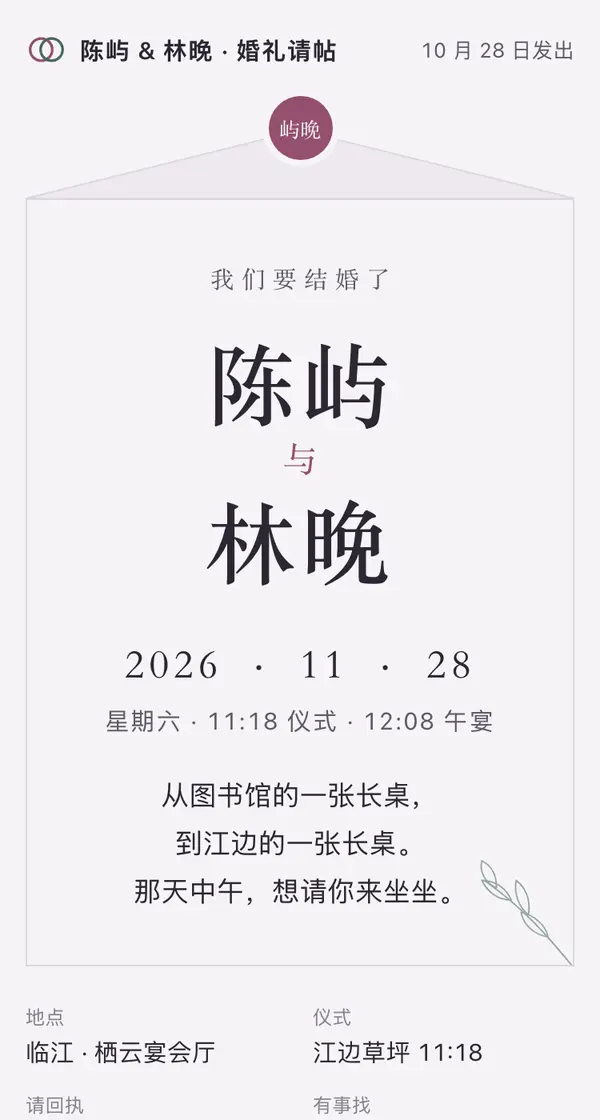
 Mobile
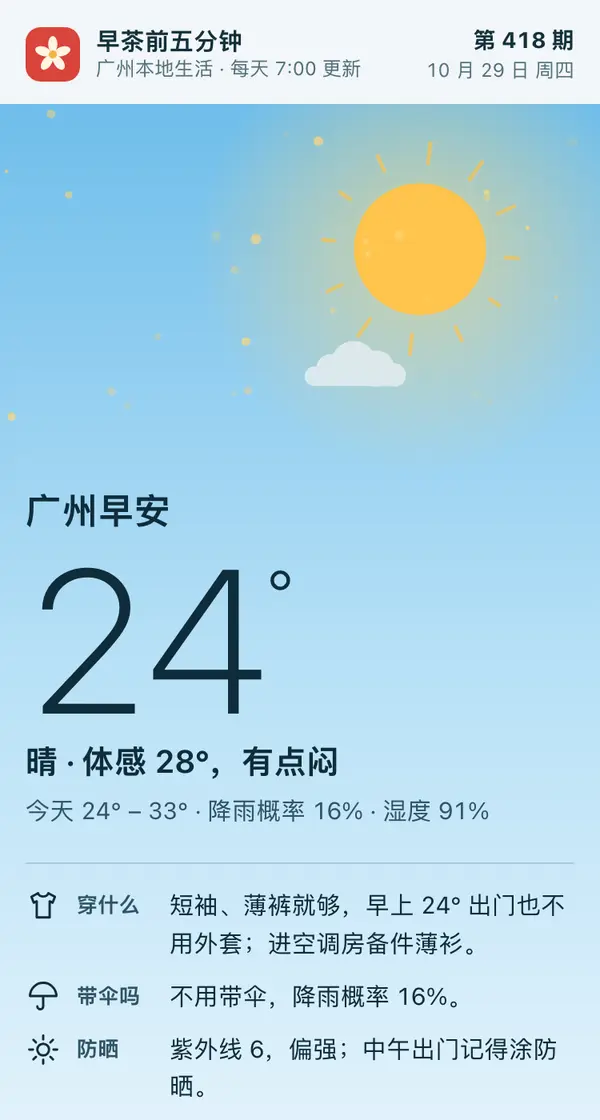
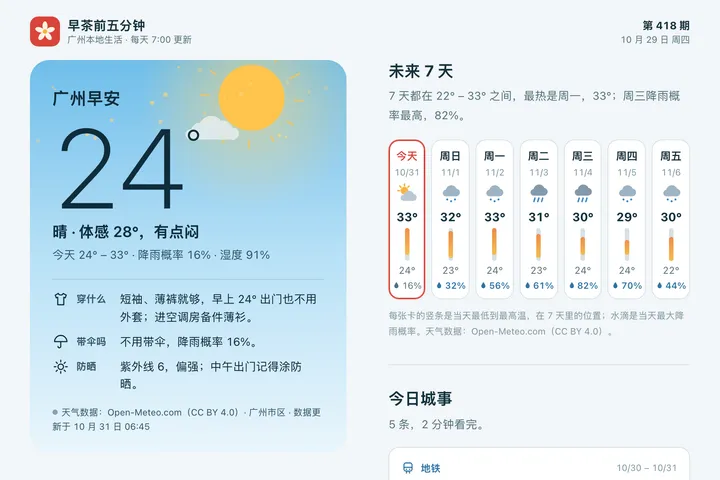 Mobile
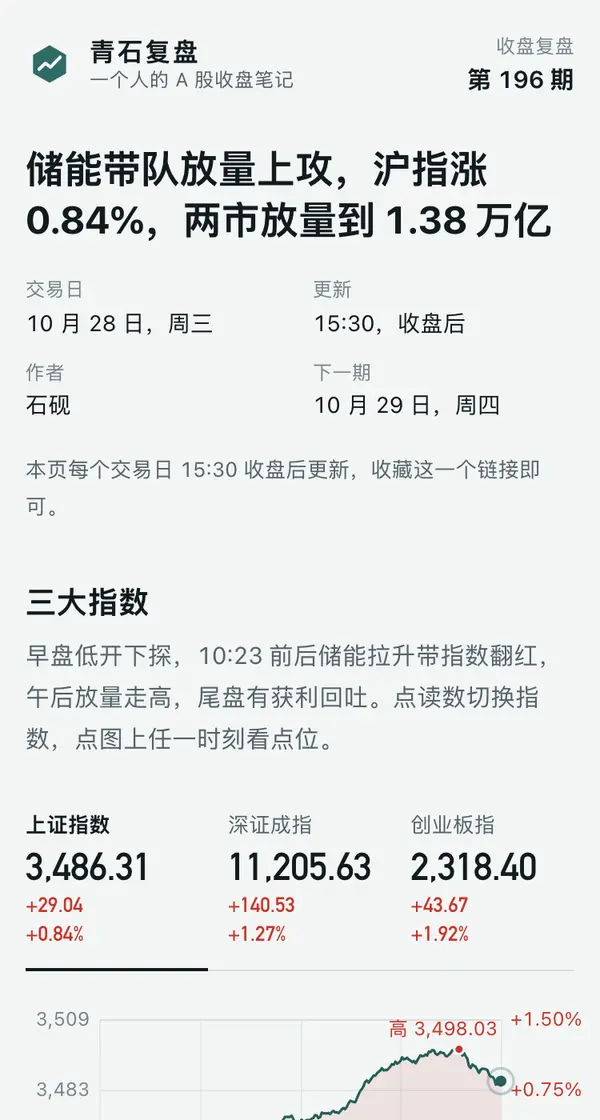
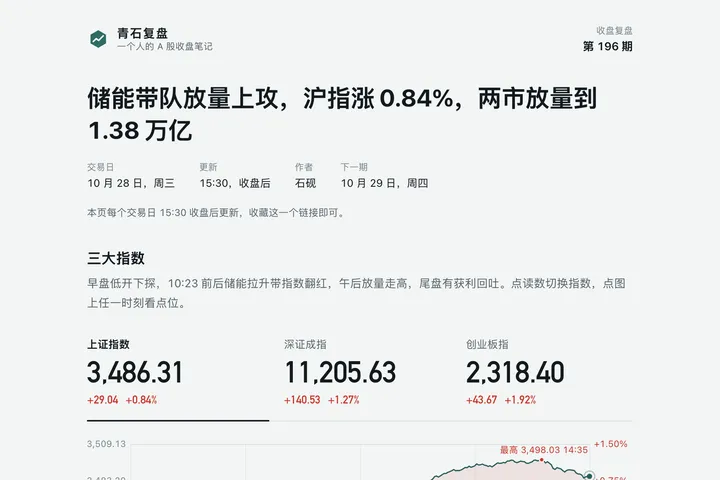 Phone · Desktop
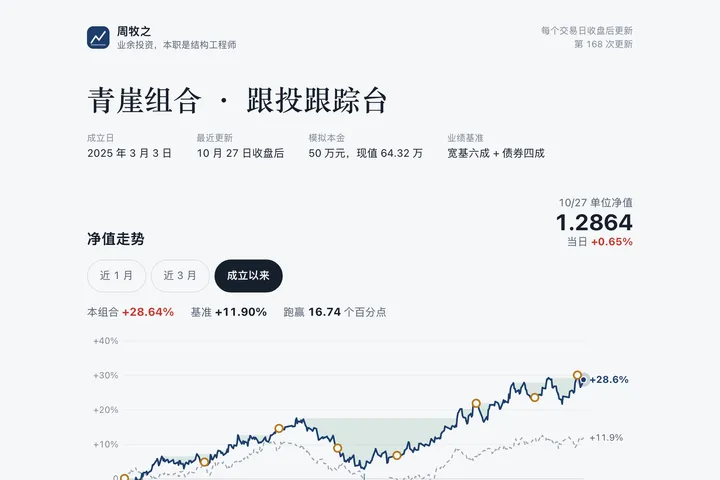
 Desktop