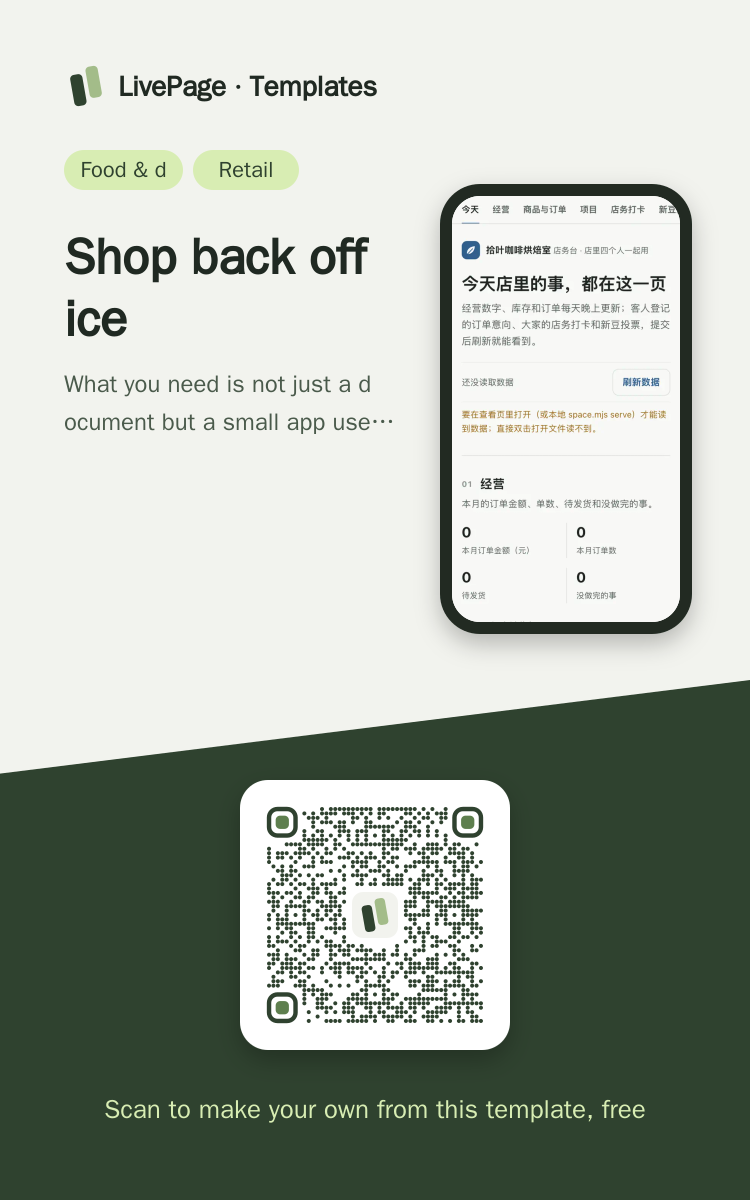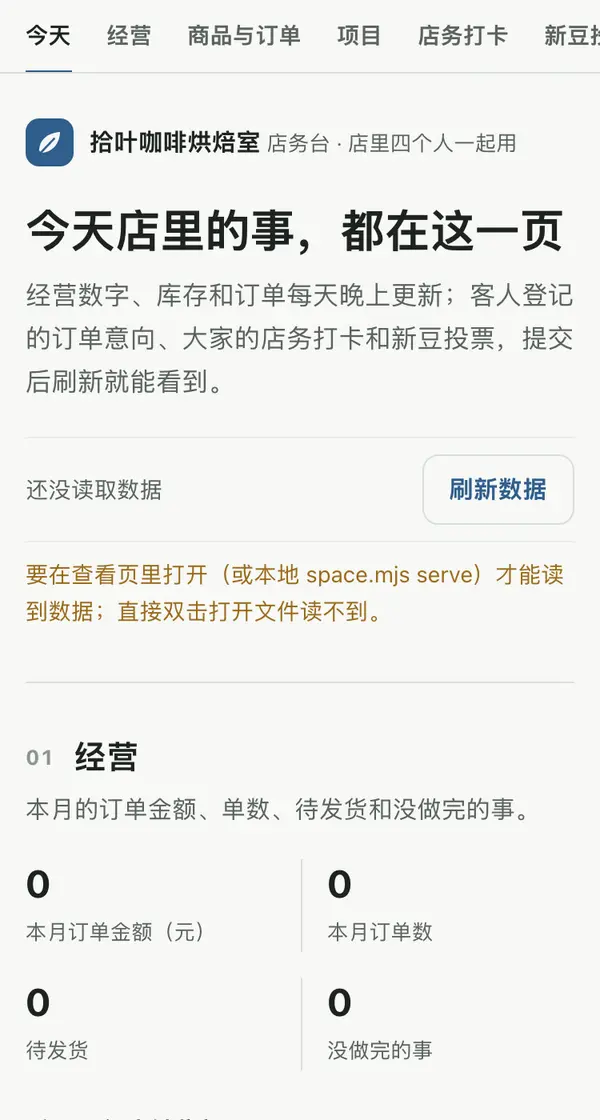
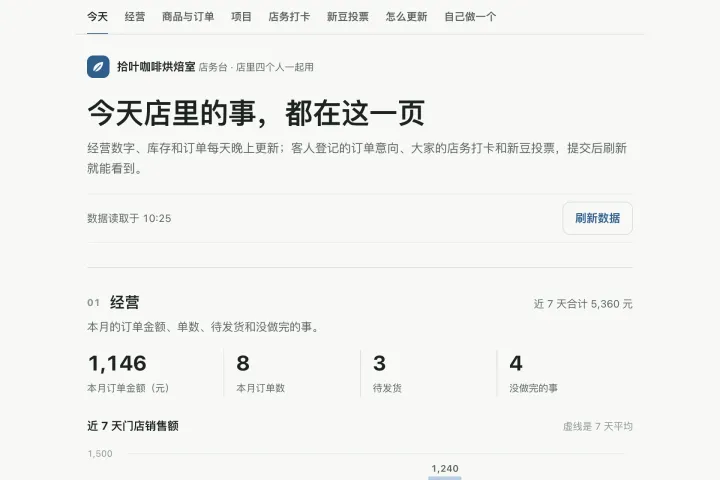
One link opens on phones, computers and big screens, and adapts to each.
Shop back office template
Example: Juniper Lane Coffee Roasters · Back Office · A small app people read and write
Help me build a back-office page for our small shop that we use every day, and send it as a web link. At the top, the shop name and a "Refresh data" button. The first block is sales: four numbers (order value this month, order count, waiting to ship, open to-dos) plus a bar chart of sales for the last 7 days (with an average line), and below it a to-do list filterable by status. The second block is products and stock (available = stock minus unshipped orders), a table of recent orders, and a small form where customers register what they want. The third block is this week's projects and their status. The fourth block is shop check-ins: one row per task, the last 7 days as boxes on the right, and a "Done" button. Last, a new-product poll for regular customers that shows vote bars. Keep all the data in data tables, so later I only say which number to change and the page does not need to be republished. On a phone, the charts use their own set of axes.

Reference template: first read https://space.24haowan.com/examples/livepage-app/agent.md and follow its structure and layout, replacing all content with mine. Deliver one self-contained HTML file (styles inline, no external files, good on phones) and give me the .html file to download.
· If you have LivePage tools (MCP): use sample livepage-app as the base (list_examples key=livepage-app), publish it on LivePage and show me the preview first.
· No LivePage tools but you can send HTTPS requests: POST the finished HTML with Content-Type: text/html to https://space.24haowan.com/api/quick?client=template-livepage-app and give me the preview link and claim link it returns (a 7-day temporary link).
If you don't have the LivePage connector (MCP) yet, read https://space.24haowan.com/for-agents.md first and follow it to connect, or publish without signing in.
Doubao, DeepSeek, Kimi, Yuanbao, ChatGPT, Claude… any agent that can read a link
Publish as a link that opens in WeChat
WorkBuddy, Claude, Codex and other MCP agents; sign in by scanning with WeChat
Connecting LivePage in WorkBuddy for the first time? See the illustrated guide ›
Connect me to LivePage: first read https://space.24haowan.com/for-agents.md and walk me through it step by step; then use https://space.24haowan.com/examples/livepage-app/agent.md as a reference to make my own "Juniper Lane Coffee Roasters · Back Office", publish it on LivePage and show me the preview first.

My requirements: Help me build a back-office page for our small shop that we use every day, and send it as a web link. At the top, the shop name and a "Refresh data" button. The first block is sales: four numbers (order value this month, order count, waiting to ship, open to-dos) plus a bar chart of sales for the last 7 days (with an average line), and below it a to-do list filterable by status. The second block is products and stock (available = stock minus unshipped orders), a table of recent orders, and a small form where customers register what they want. The third block is this week's projects and their status. The fourth block is shop check-ins: one row per task, the last 7 days as boxes on the right, and a "Done" button. Last, a new-product poll for regular customers that shows vote bars. Keep all the data in data tables, so later I only say which number to change and the page does not need to be republished. On a phone, the charts use their own set of axes.
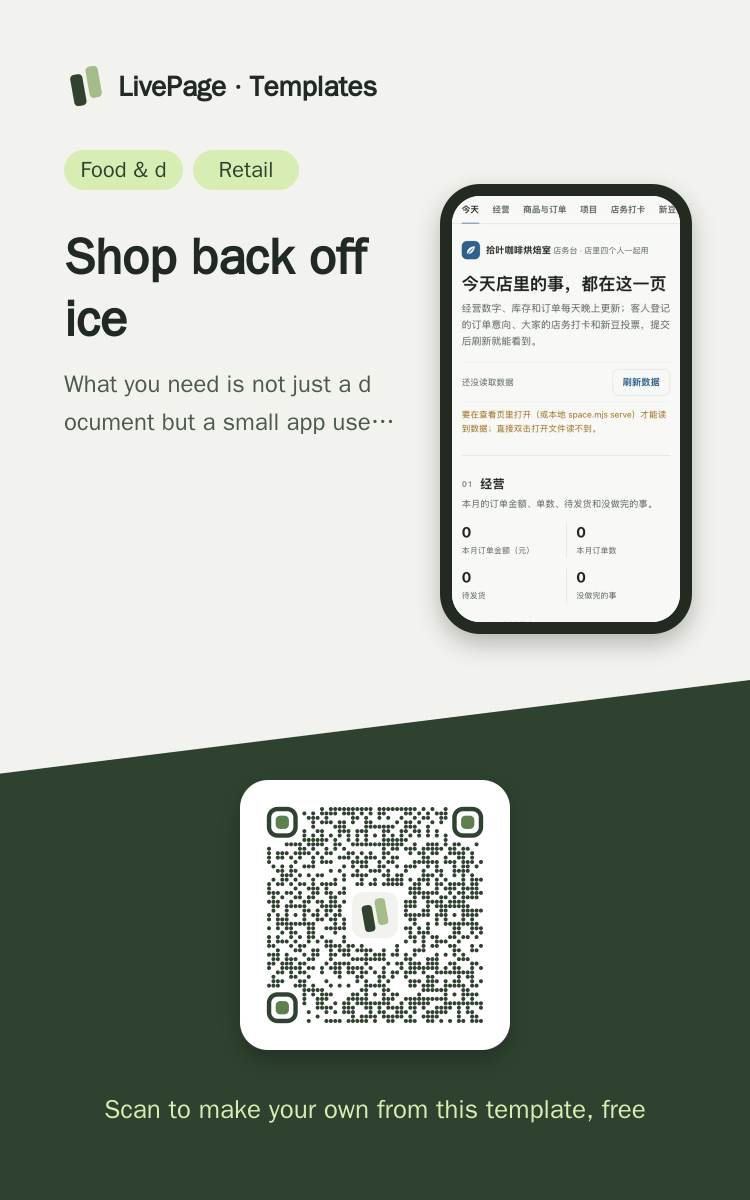
Share poster
In WeChat, long-press the image to save or forward it. Scanning the code opens this template.
About this template
What you need is not just a document but a small app used every day: sales numbers, products and stock, order intake, a project board, check-ins, polls. The data lives in tables, so editing a table changes the page, and readers can write back. If you only collect sign-ups once, pick sample-event-signup.
Page structure:Today · Sales · Products & orders · Projects · Check-ins · Bean poll · How it updates · Make your own
- 9 data tables (the page fetches ./_data/<table>.json)
- Readers write back to three tables through native forms (order requests / check-ins / poll)
- Edit a table without republishing; the link stays the same
Prepare before publishing: Data tables orders / daily_sales / todos / products / weekly_board / habits (read-only, append_open=false): the shop updates them by editing the tables each day;Data tables order_intake (columns sku / qty / name / note), checkins (columns habit / name / day) and signup (columns choice / name / note), all append_open=true: the three forms write here
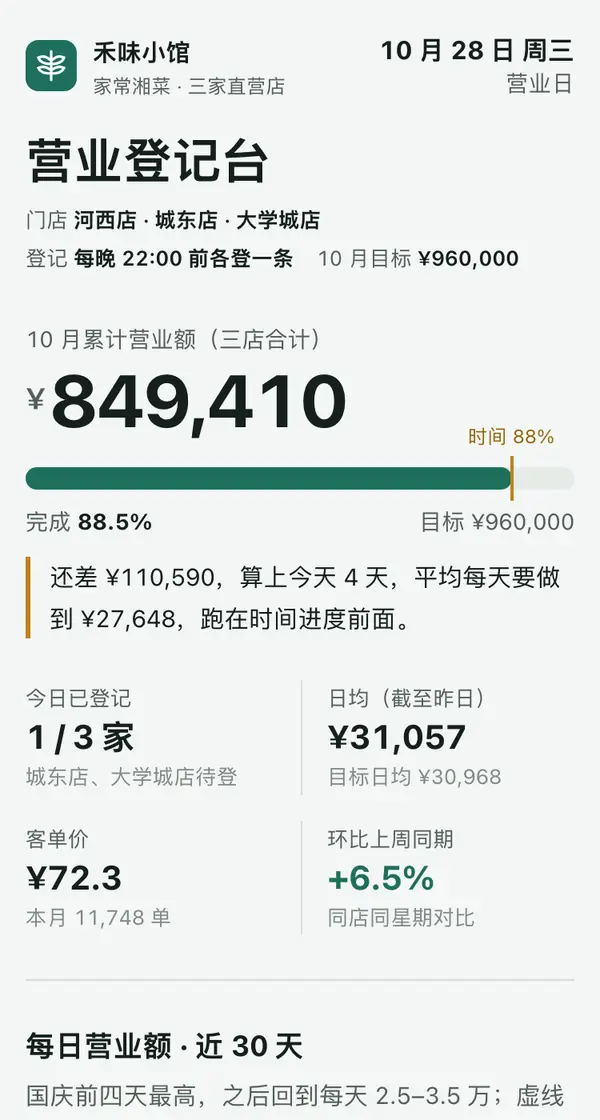
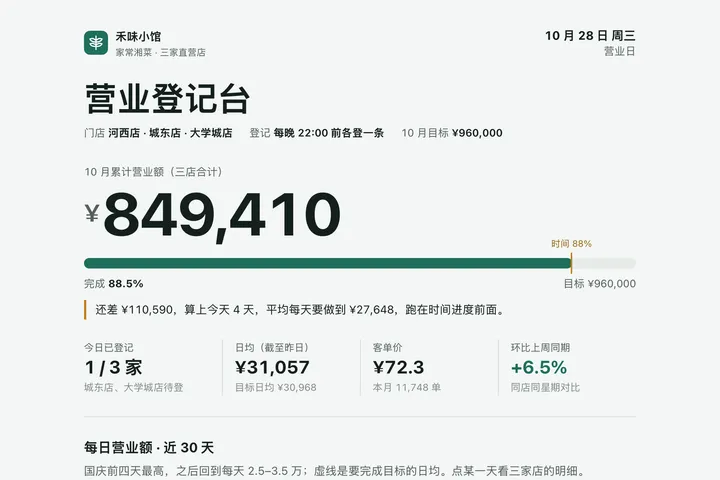 Phone · Desktop

 Mobile
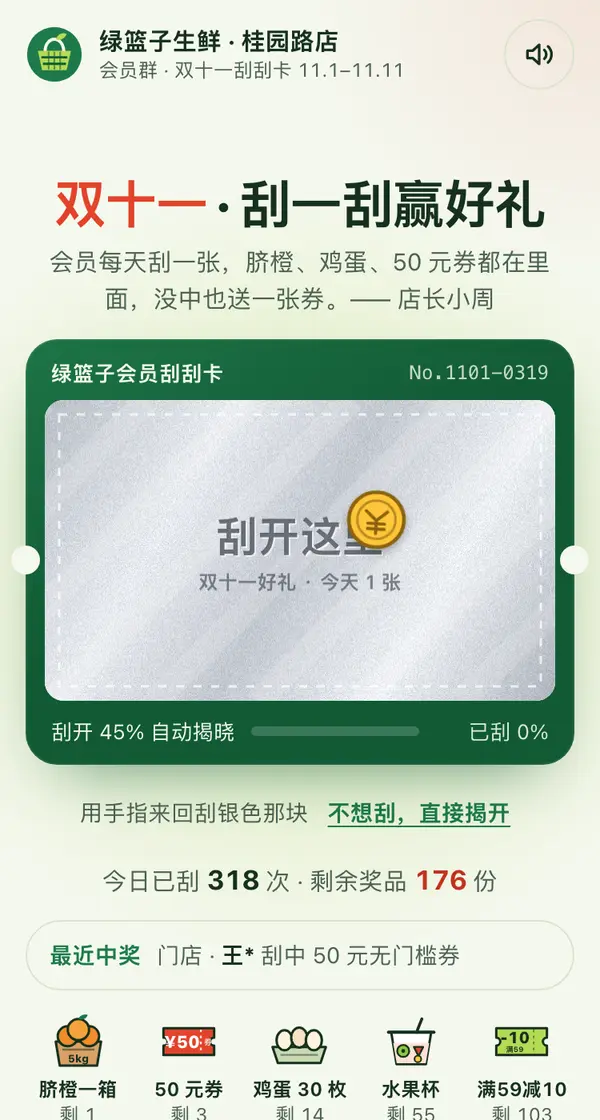
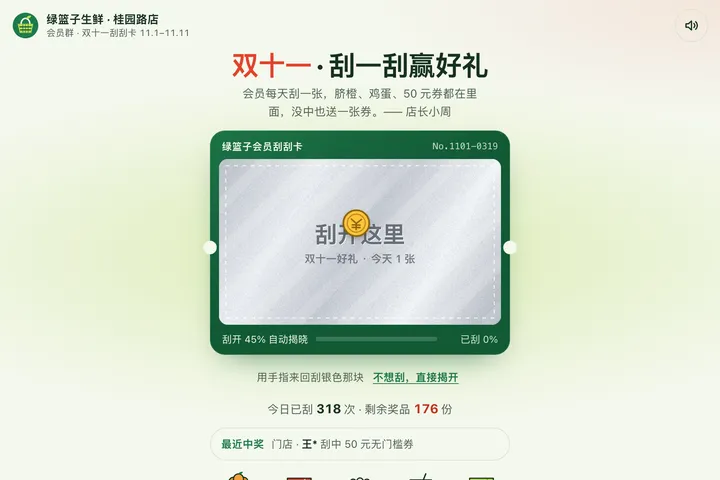 Mobile

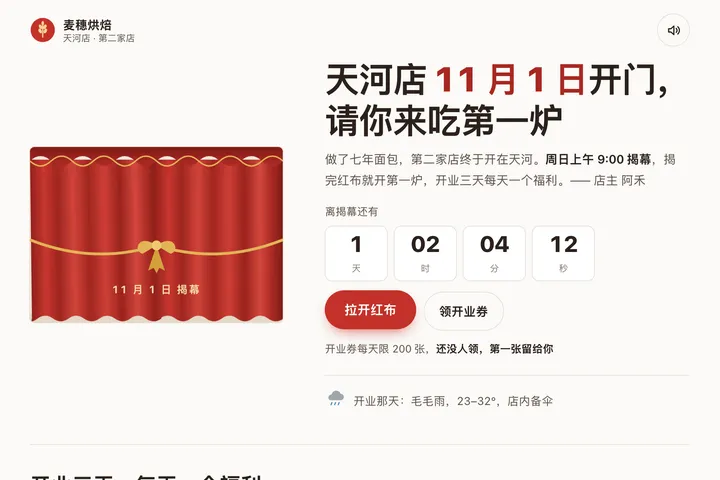 Mobile
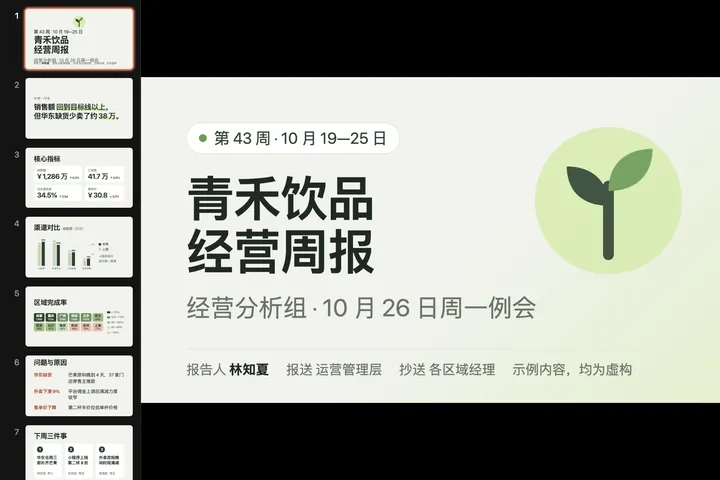
 Big screen
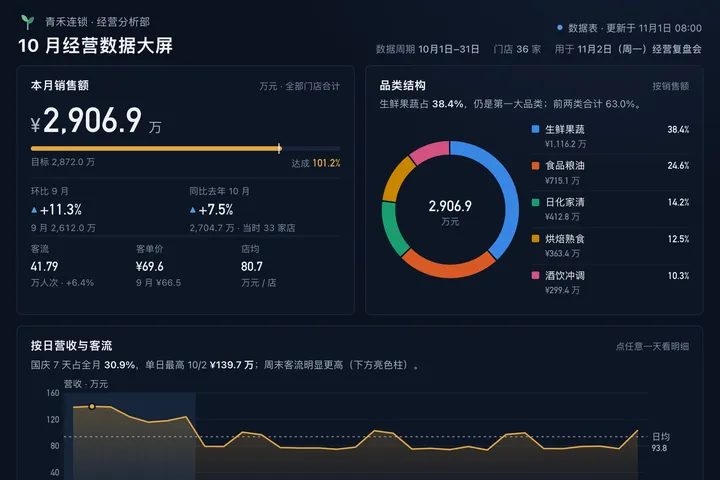
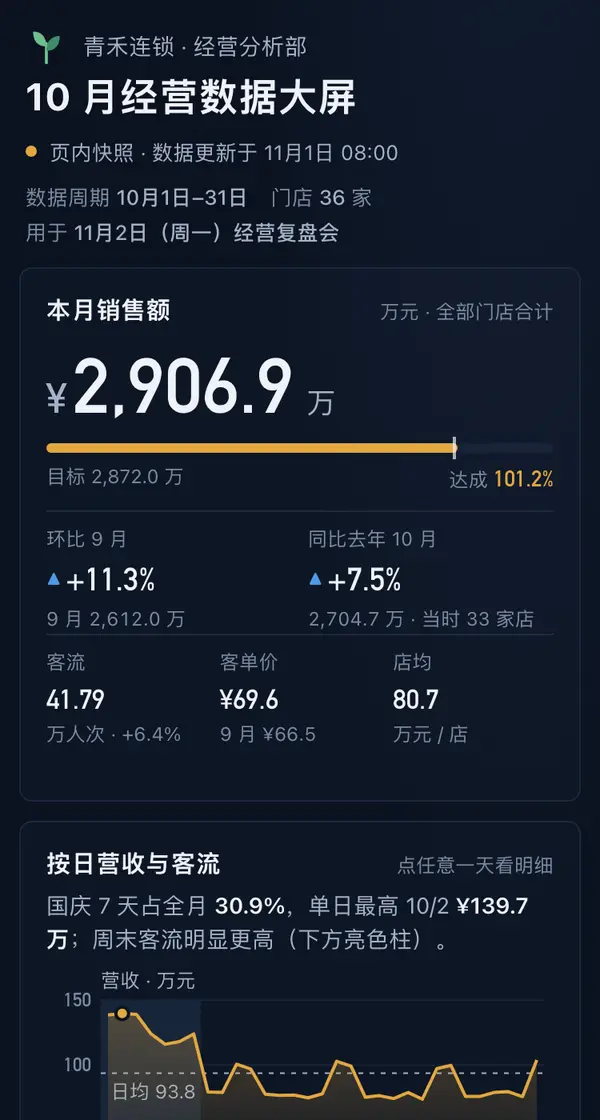 Big screen