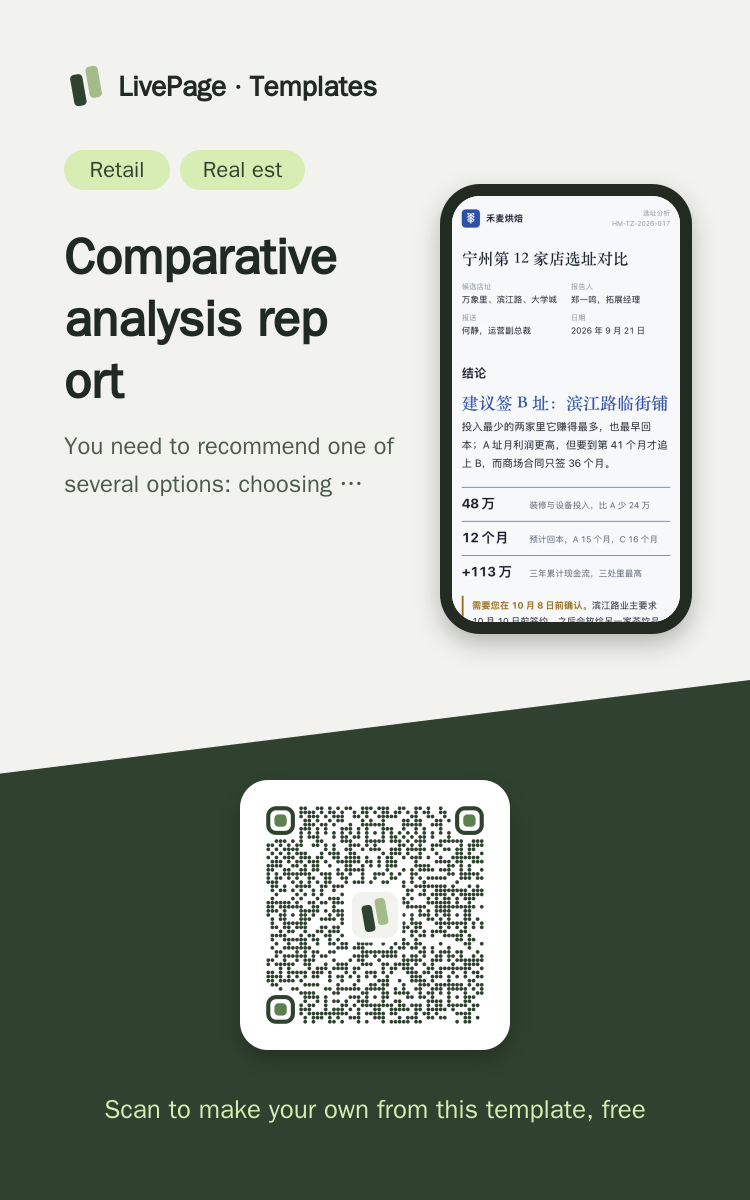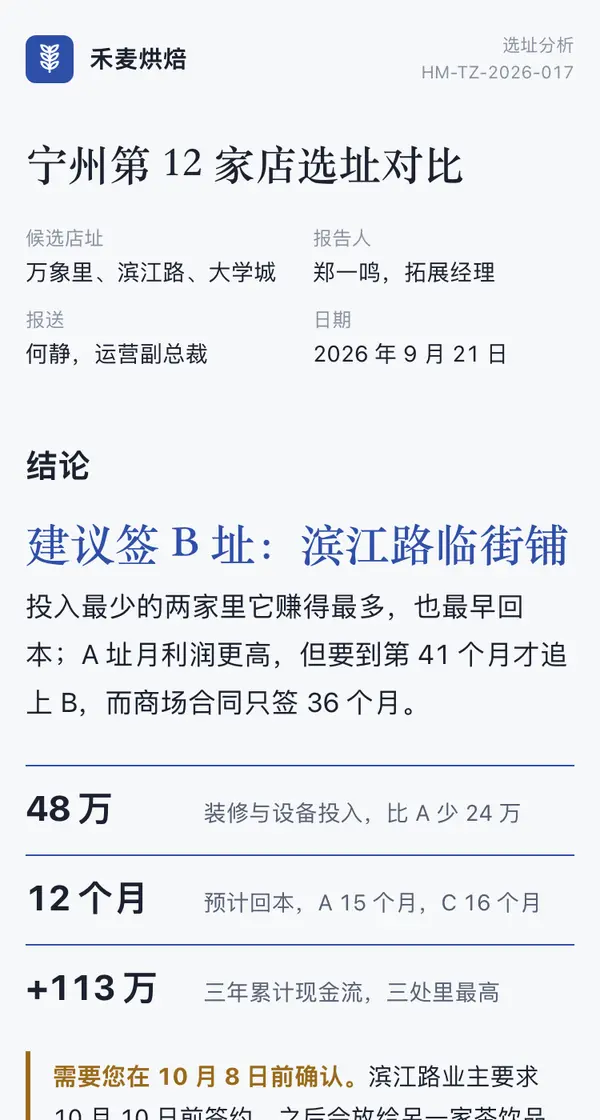
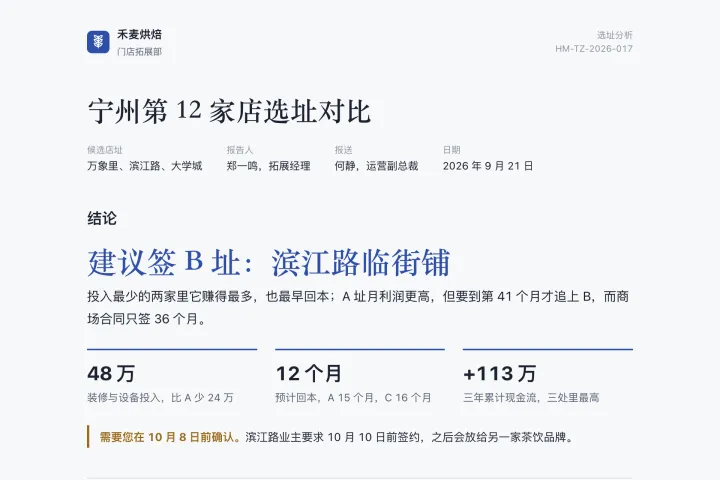
One link opens on phones, computers and big screens, and adapts to each.
Comparative analysis report template
Example: Store No. 12 in Austin: Site Comparison · Several options side by side
Turn the research on these options into a comparative analysis report and send it as a web link. The header has the company letterhead and the report details (candidates, author, addressed to, date). Section one states the conclusion directly: a one-line recommendation in large type plus three key numbers, ending with one sentence on who needs to sign off by which date. Then a comparison table (one row per option, mark the best value in each column, and flag the recommended row with a colour rule); on a phone each row becomes a small vertical card. Then a monthly cumulative line chart that explains why this option wins (mark the break-even point and the key milestones). Finish with risks (by severity), dated next steps and the data method. Use few shaded blocks and separate with thin rules; draw the chart separately for phones. When the data changes, update the same link.

Reference template: first read https://space.24haowan.com/examples/sample-analysis-report/agent.md and follow its structure and layout, replacing all content with mine. Deliver one self-contained HTML file (styles inline, no external files, good on phones) and give me the .html file to download.
· If you have LivePage tools (MCP): use sample sample-analysis-report as the base (list_examples key=sample-analysis-report), publish it on LivePage and show me the preview first.
· No LivePage tools but you can send HTTPS requests: POST the finished HTML with Content-Type: text/html to https://space.24haowan.com/api/quick?client=template-sample-analysis-report and give me the preview link and claim link it returns (a 7-day temporary link).
If you don't have the LivePage connector (MCP) yet, read https://space.24haowan.com/for-agents.md first and follow it to connect, or publish without signing in.
Doubao, DeepSeek, Kimi, Yuanbao, ChatGPT, Claude… any agent that can read a link
Publish as a link that opens in WeChat
WorkBuddy, Claude, Codex and other MCP agents; sign in by scanning with WeChat
Connecting LivePage in WorkBuddy for the first time? See the illustrated guide ›
Connect me to LivePage: first read https://space.24haowan.com/for-agents.md and walk me through it step by step; then use https://space.24haowan.com/examples/sample-analysis-report/agent.md as a reference to make my own "Store No. 12 in Austin: Site Comparison", publish it on LivePage and show me the preview first.

My requirements: Turn the research on these options into a comparative analysis report and send it as a web link. The header has the company letterhead and the report details (candidates, author, addressed to, date). Section one states the conclusion directly: a one-line recommendation in large type plus three key numbers, ending with one sentence on who needs to sign off by which date. Then a comparison table (one row per option, mark the best value in each column, and flag the recommended row with a colour rule); on a phone each row becomes a small vertical card. Then a monthly cumulative line chart that explains why this option wins (mark the break-even point and the key milestones). Finish with risks (by severity), dated next steps and the data method. Use few shaded blocks and separate with thin rules; draw the chart separately for phones. When the data changes, update the same link.
Share poster
In WeChat, long-press the image to save or forward it. Scanning the code opens this template.
About this template
You need to recommend one of several options: choosing a site, comparing suppliers, evaluating proposals, researching competitors. The conclusion comes first, and wide tables turn into small cards on a phone. To just share progress, pick sample-weekly-report; to teach someone a process step by step, pick sample-handbook.
Page structure:Verdict · Three sites compared · Payback · Risks · Next steps · Method
- Conclusion first; no sideways dragging of tables on a phone
- Read receipts (which section people reached and where they lingered)
- Update the same link after the data is re-measured
- Follow and download buttons drawn in the page body (data-space)
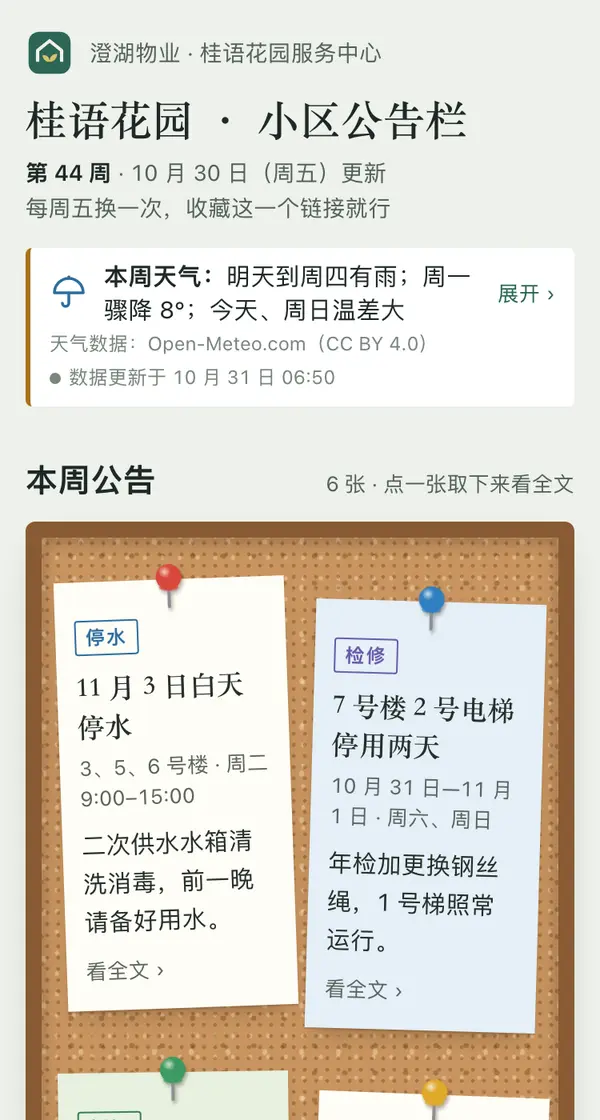
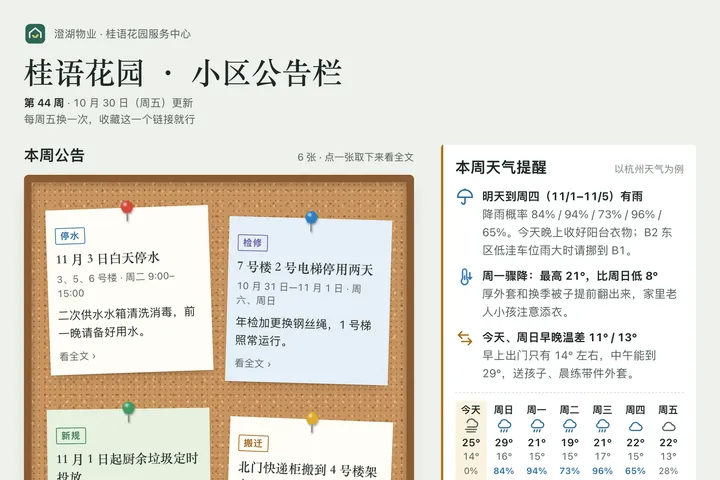 Mobile
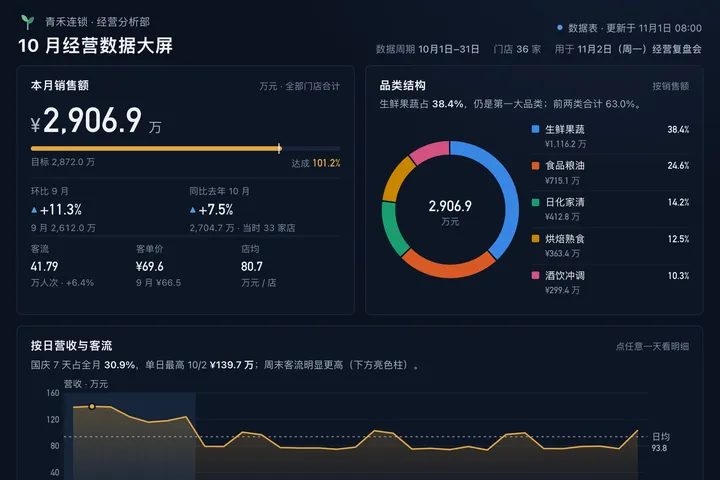
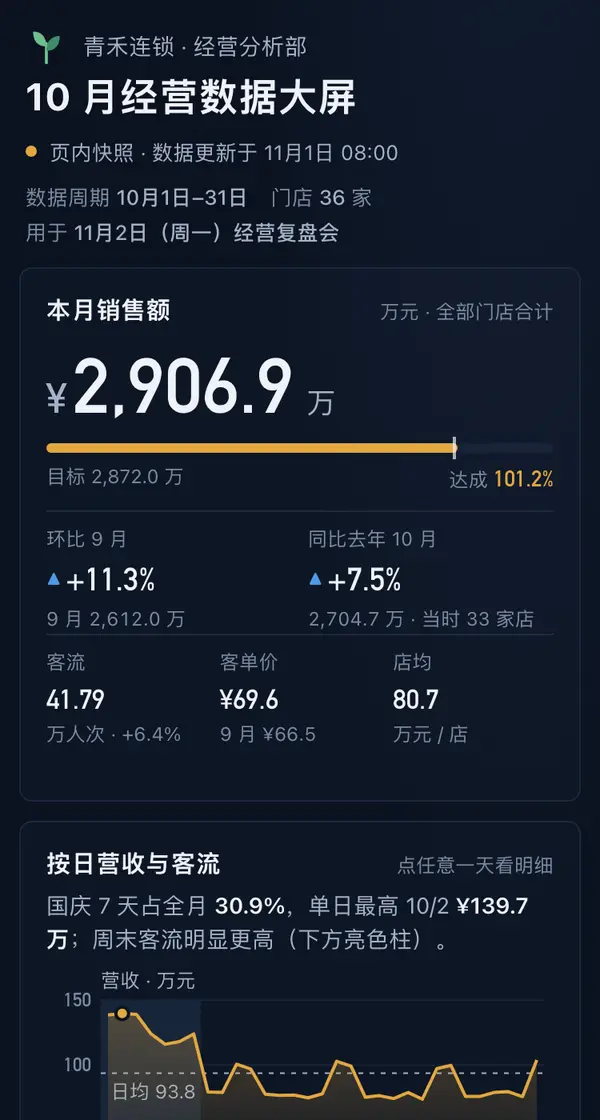 Big screen
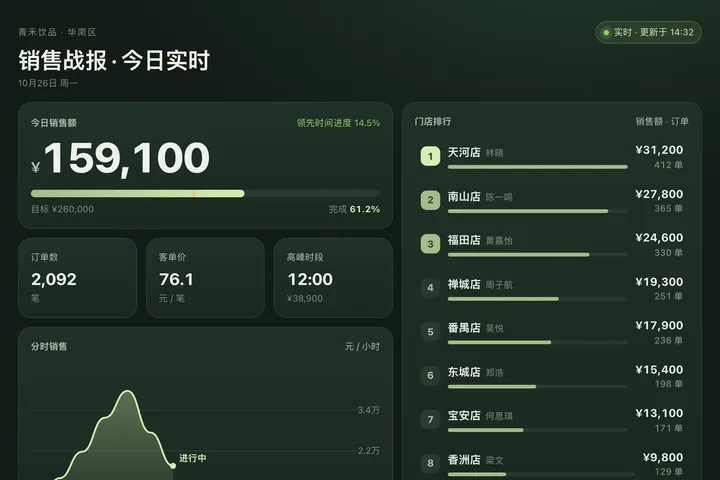
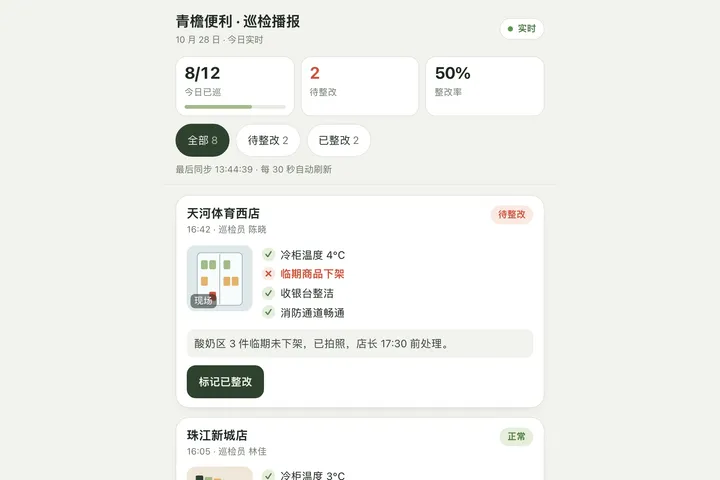
 Big screen
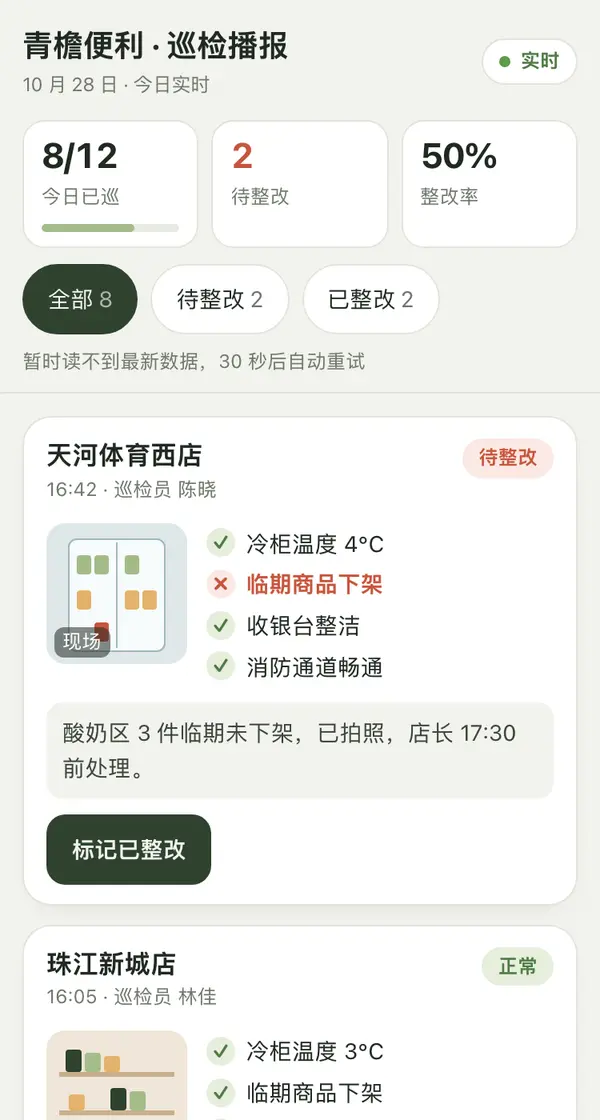
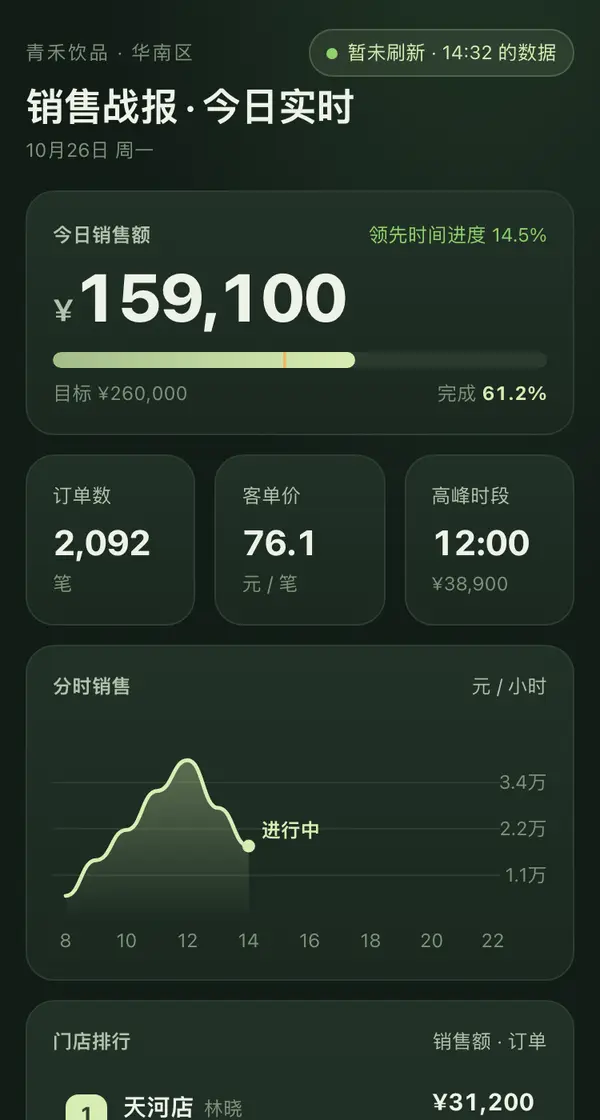
 Mobile
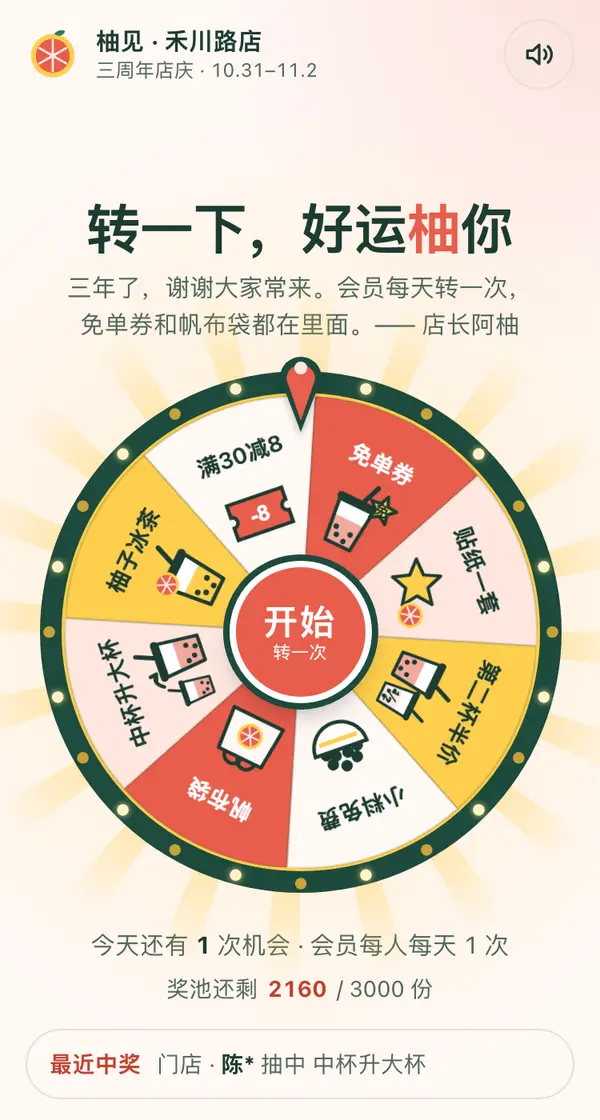
 Mobile
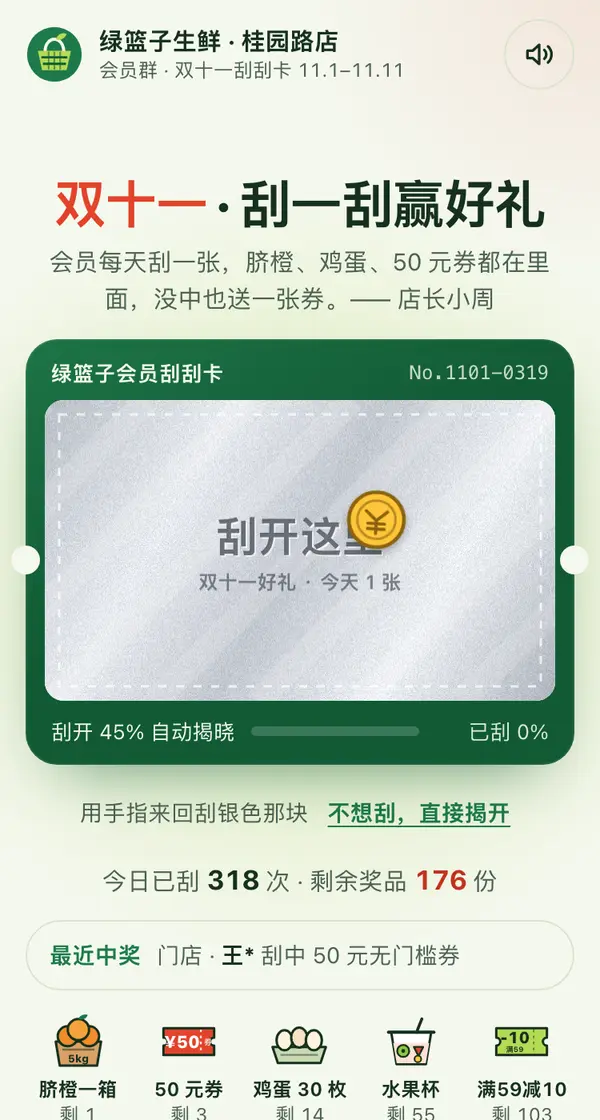
 Mobile