One link opens on phones, computers and big screens, and adapts to each.
年会抽奖 template
Example: 方寸科技 2026 年会 · 现场抽奖 · 抽奖大屏
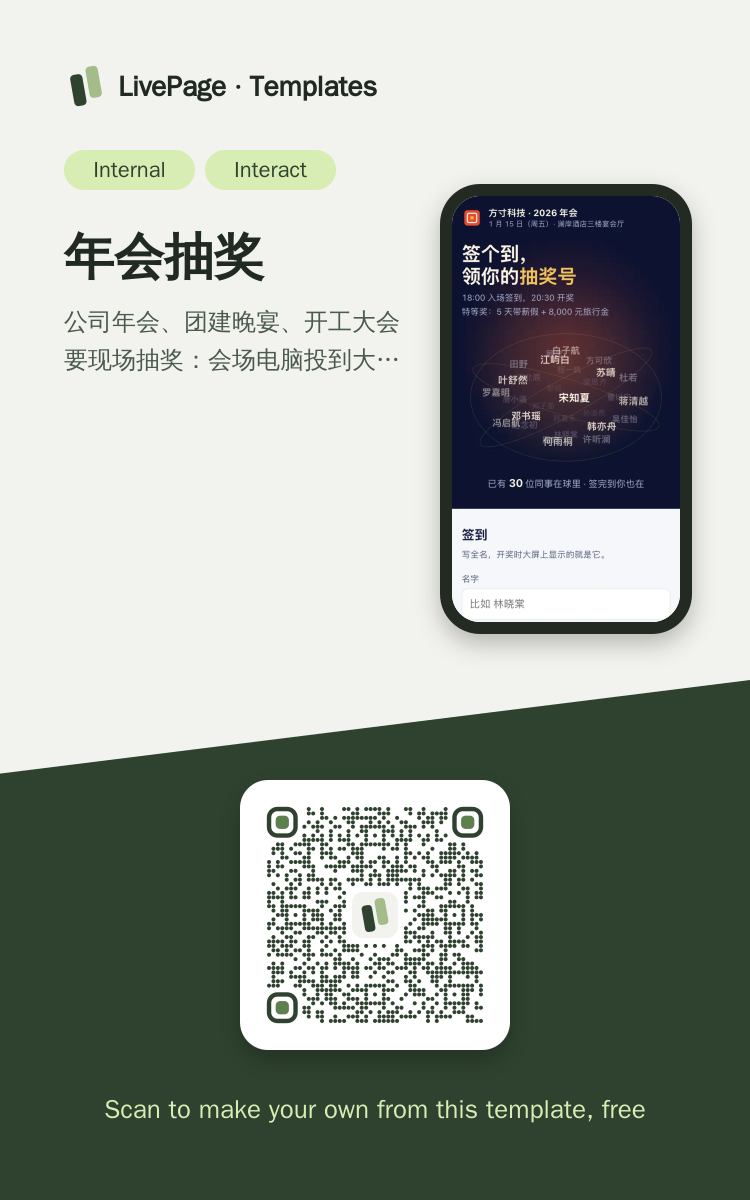
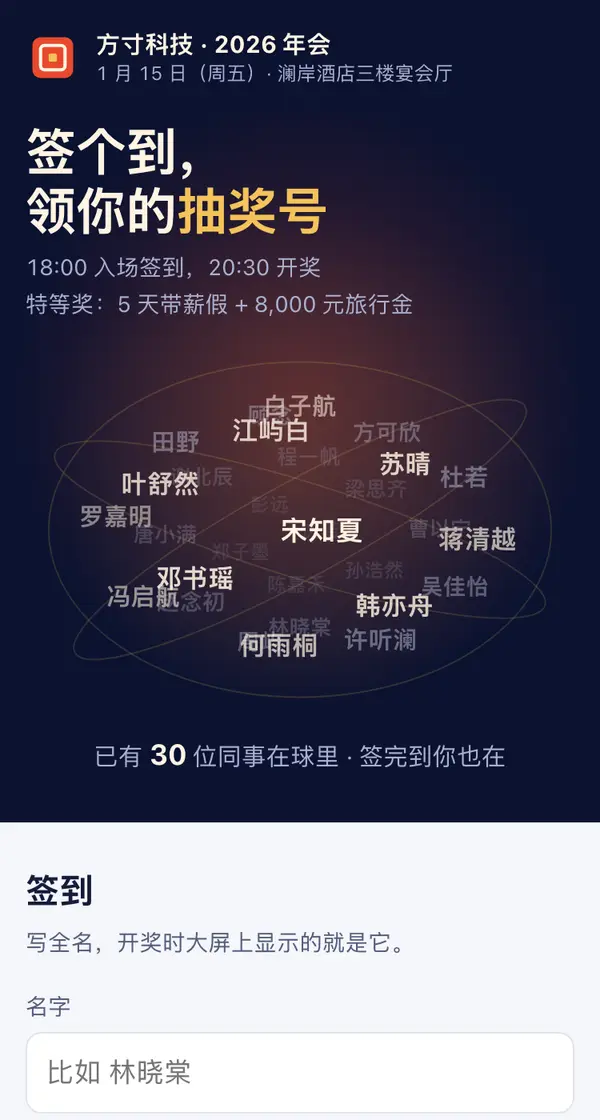
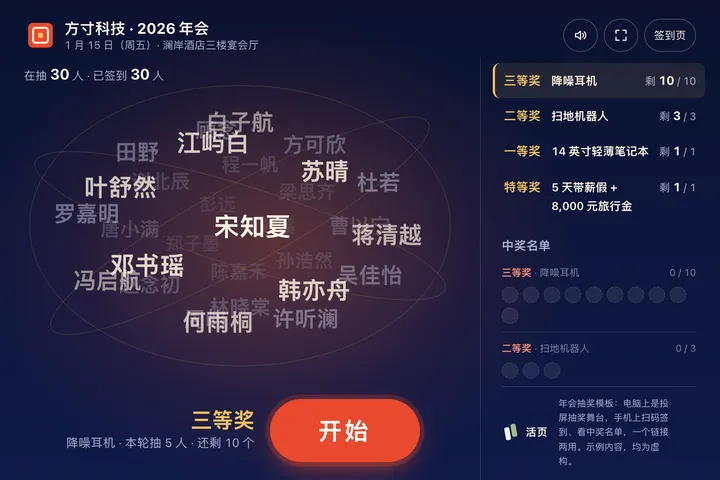
帮我给公司年会做一个现场抽奖网页,同一个链接电脑投屏抽奖、手机扫码签到:在电脑宽屏上(或网址带 ?screen=1)进入全屏抽奖舞台,深蓝夜色背景带一团红金色光晕,中间是用 canvas 画的 3D 旋转名字球,参与者的名字按前后远近变大小和深浅,外面绕几条轨道环;下面是当前奖项、一个大的「开始」按钮和快捷键提示,按空格或点按钮开始,球加速转、名字随机闪金色、嗒嗒作响,再按一次停下,中奖名字从球上飞出放大成卡片(名字、部门、抽奖号),撒彩带、响一段合成的音效(点了才响,有静音键);右侧栏是四个奖项(三等奖 10 名分两轮、二等奖 3 名、一等奖 1 名、特等奖 1 名)的剩余,左右键切换,下面是实时中奖名单,已中奖的人不再进球,每轮结果存进一张数据表(name / prize)。手机上是签到页:顶上是同一只小号名字球和年会时间地点,下面填名字、选部门,存进另一张数据表(name / dept),签到成功出一张「你的抽奖号 #031」的票根卡片;再往下是和大屏同步的中奖名单(每个奖项有待抽空位)和奖项、当晚流程。名字球里放 30 个示例同事加签到名单。系统要求减少动效时球不转、直接出结果;不跑脚本时签到表单照样能交。

Reference template: first read https://space.24haowan.com/examples/sample-annual-draw/agent.md and follow its structure and layout, replacing all content with mine. Deliver one self-contained HTML file (styles inline, no external files, good on phones) and give me the .html file to download.
· If you have LivePage tools (MCP): use sample sample-annual-draw as the base (list_examples key=sample-annual-draw), publish it on LivePage and show me the preview first.
· No LivePage tools but you can send HTTPS requests: POST the finished HTML with Content-Type: text/html to https://space.24haowan.com/api/quick?client=template-sample-annual-draw and give me the preview link and claim link it returns (a 7-day temporary link).
If you don't have the LivePage connector (MCP) yet, read https://space.24haowan.com/for-agents.md first and follow it to connect, or publish without signing in.
Doubao, DeepSeek, Kimi, Yuanbao, ChatGPT, Claude… any agent that can read a link
Publish as a link that opens in WeChat
WorkBuddy, Claude, Codex and other MCP agents; sign in by scanning with WeChat
Connecting LivePage in WorkBuddy for the first time? See the illustrated guide ›
Connect me to LivePage: first read https://space.24haowan.com/for-agents.md and walk me through it step by step; then use https://space.24haowan.com/examples/sample-annual-draw/agent.md as a reference to make my own "方寸科技 2026 年会 · 现场抽奖", publish it on LivePage and show me the preview first.

My requirements: 帮我给公司年会做一个现场抽奖网页,同一个链接电脑投屏抽奖、手机扫码签到:在电脑宽屏上(或网址带 ?screen=1)进入全屏抽奖舞台,深蓝夜色背景带一团红金色光晕,中间是用 canvas 画的 3D 旋转名字球,参与者的名字按前后远近变大小和深浅,外面绕几条轨道环;下面是当前奖项、一个大的「开始」按钮和快捷键提示,按空格或点按钮开始,球加速转、名字随机闪金色、嗒嗒作响,再按一次停下,中奖名字从球上飞出放大成卡片(名字、部门、抽奖号),撒彩带、响一段合成的音效(点了才响,有静音键);右侧栏是四个奖项(三等奖 10 名分两轮、二等奖 3 名、一等奖 1 名、特等奖 1 名)的剩余,左右键切换,下面是实时中奖名单,已中奖的人不再进球,每轮结果存进一张数据表(name / prize)。手机上是签到页:顶上是同一只小号名字球和年会时间地点,下面填名字、选部门,存进另一张数据表(name / dept),签到成功出一张「你的抽奖号 #031」的票根卡片;再往下是和大屏同步的中奖名单(每个奖项有待抽空位)和奖项、当晚流程。名字球里放 30 个示例同事加签到名单。系统要求减少动效时球不转、直接出结果;不跑脚本时签到表单照样能交。
Share poster
In WeChat, long-press the image to save or forward it. Scanning the code opens this template.
About this template
公司年会、团建晚宴、开工大会要现场抽奖:会场电脑投到大屏上转名字球、主持人按空格停,大家用手机扫码签到、看中奖名单,选它。门店或活动给顾客每人转一次、奖品限量要显示剩余,选 sample-lucky-wheel;只收报名、按场次限名额选 sample-event-signup;让大家留言祝福、当天投到电视上飘,选 sample-wish-wall;只是投票选节目,选 sample-vote-rank。
Page structure:抽奖名字球 · 签到 · 中奖名单 · 奖项
- 一页两种模式:电脑 / 投屏宽屏自动进入全屏抽奖舞台(canvas 3D 名字球、空格开始 / 停、中奖名字飞出放大、彩带与 Web Audio 合成音),手机上是签到页
- 手机签到写回数据表(原生表单 POST ./_data/entrants),出「你的抽奖号」卡片;大屏读回签到名单,新签到的人实时长进名字球
- 大屏每抽一轮写进数据表 winners,手机页读回中奖名单并提醒本人;已中奖的人不再进球
- 微信卡片(share.title / share.desc),发到公司群或印成桌卡二维码
Prepare before publishing: 数据表 entrants(列 name / dept,append_open=true):手机签到写进这里,名字球和抽奖号从这里读回;发布前先用 set_data 建好;数据表 winners(列 name / prize,append_open=true):大屏每抽一轮写进这里,手机页读回中奖名单;只在年会当晚开,散场后关掉,重抽前用 set_data 清空;会场一台接大屏的电脑(横屏、浏览器打开同一链接即自动进抽奖模式),签到二维码印在桌卡或发到群里
Improvement history
- 2026-10-29 · New 年会抽奖大屏 — 投屏场景,手机扫码签到
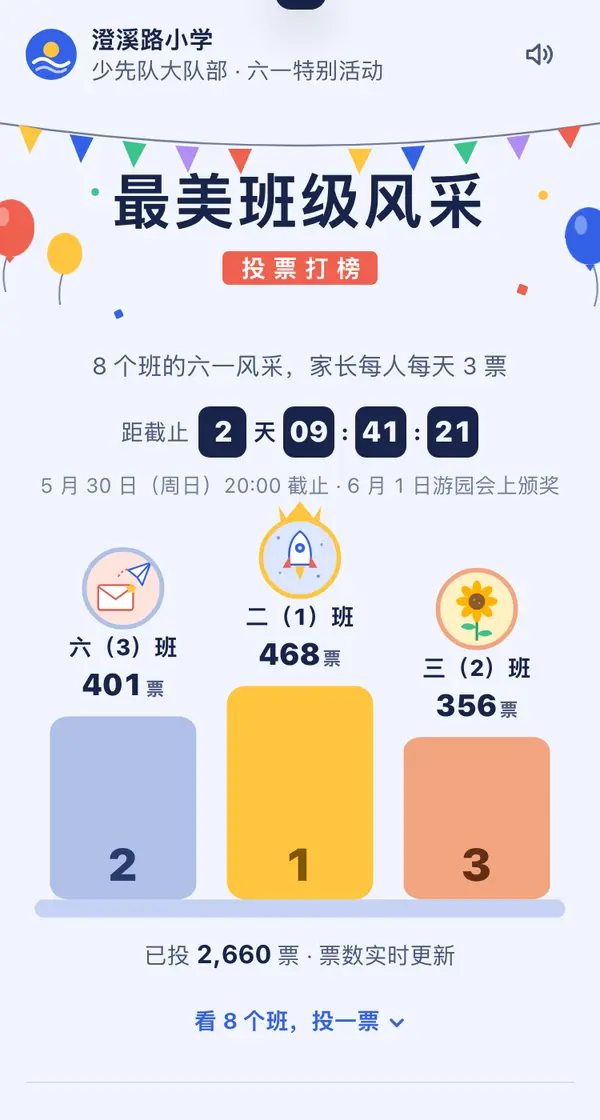
 Mobile
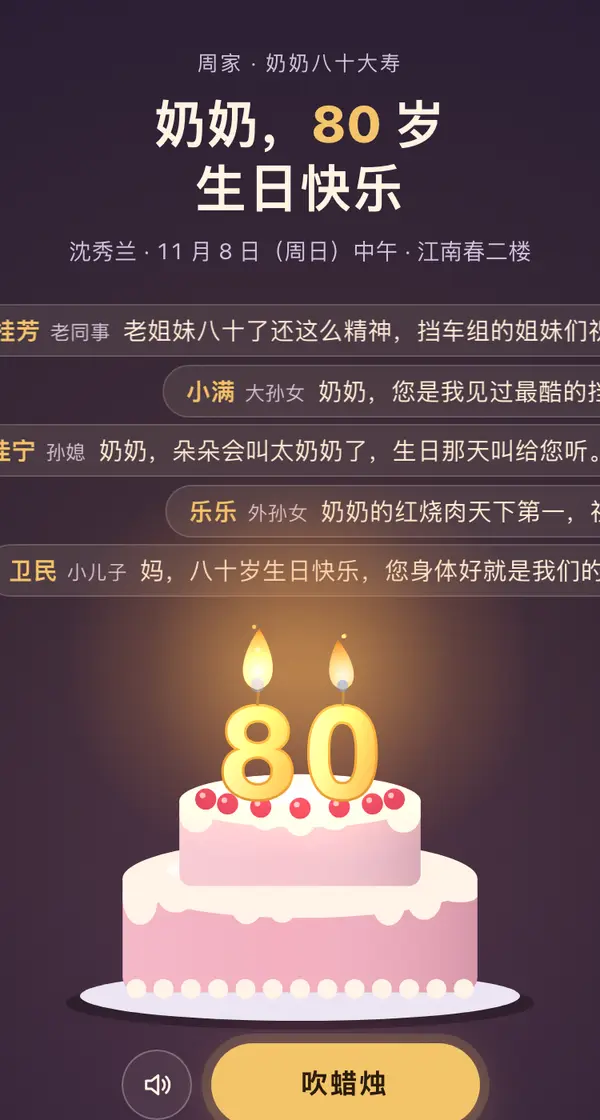 Big screen
 Desktop
 Big screen
 Big screen
 Phone · Desktop