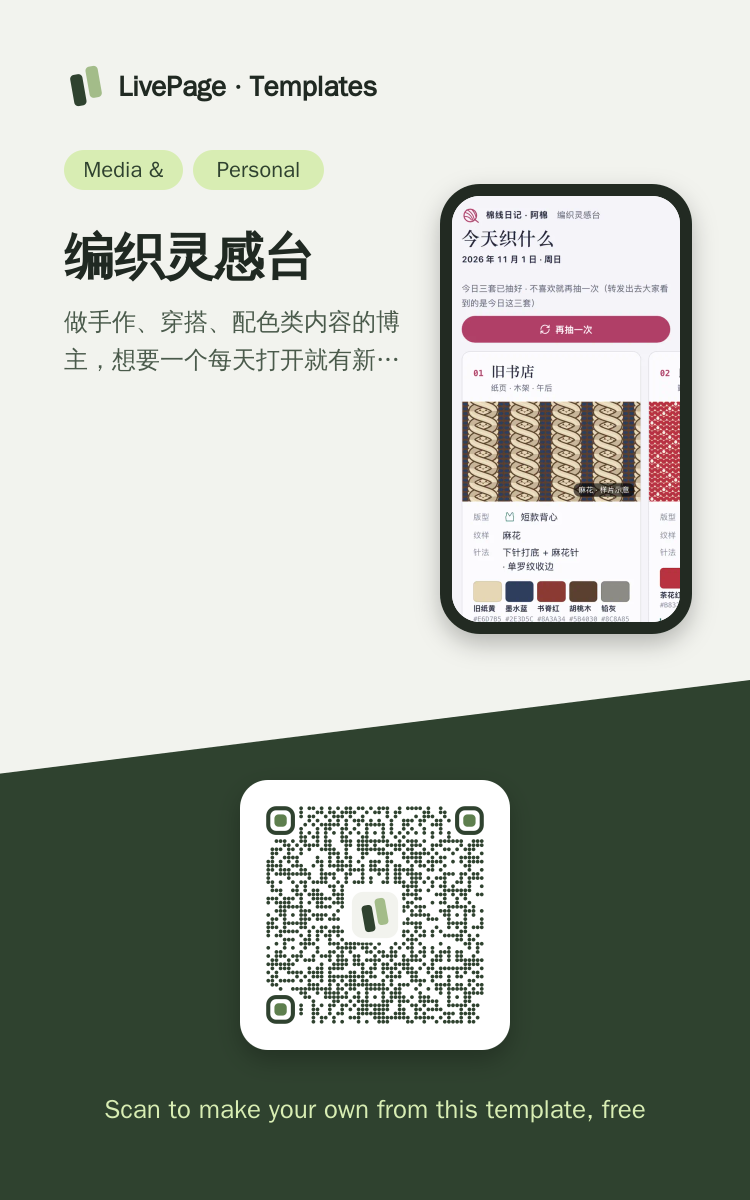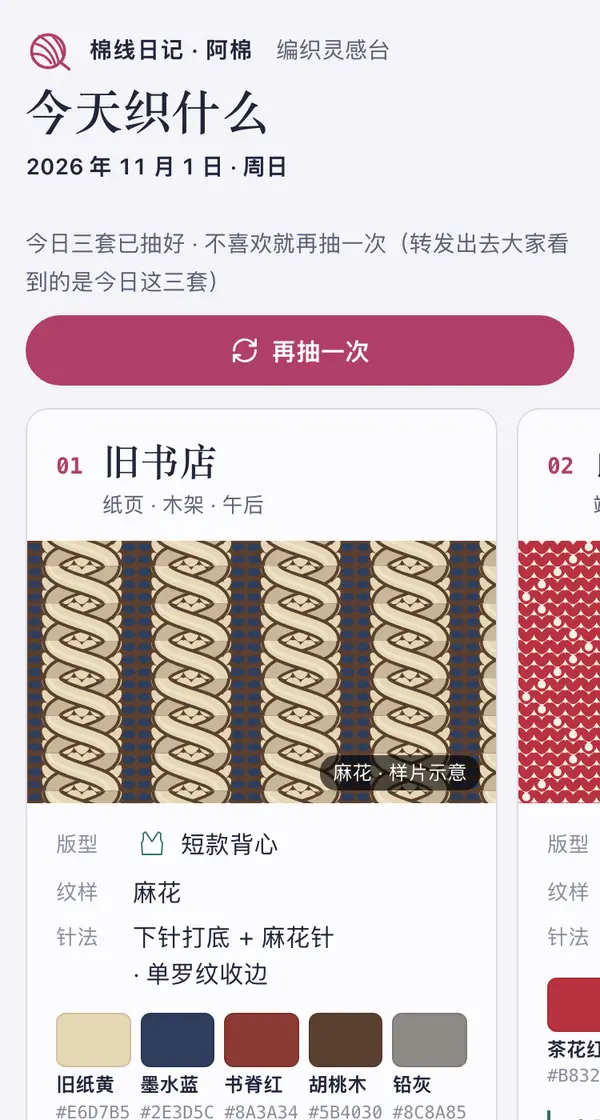
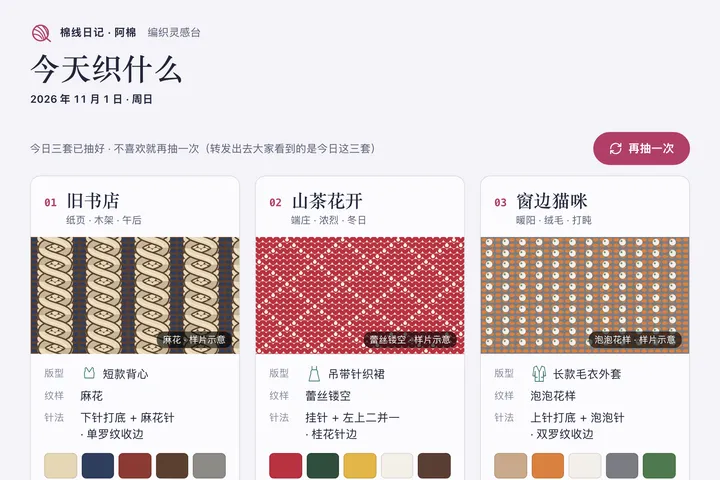
One link opens on phones, computers and big screens, and adapts to each.
编织灵感台 template
Example: 今天织什么 · 棉线日记灵感台 · 灵感三连抽
帮我做一个编织博主每天用的灵感台网页:页头是博主名和今天的日期;首屏并排三张灵感板,按今天的日期抽出来(同一天打开都一样,有个「再抽一次」按钮,翻牌动效重摇),每张板写主题名、一块用 SVG 画出来的针织纹理样片、版型(配小图标)、纹样、针法、五个带色名和 HEX 的色块,以及一段能一键复制的出图提示词;每张板底下一个「就织这套」投票按钮,票存到一张数据表里并显示今天各套的票数,投完出一张适合截图的「今日我选」卡片。下面是本季色卡和三组穿搭配色、本周选题清单;侧栏是可按难度和类别筛选的针法库(每种针法一个示意图和一句要点)和一个编织热款排行(标明示例数据)。手机上三张板左右滑动,电脑上三张并排加侧栏。

Reference template: first read https://space.24haowan.com/examples/sample-knit-moodboard/agent.md and follow its structure and layout, replacing all content with mine. Deliver one self-contained HTML file (styles inline, no external files, good on phones) and give me the .html file to download.
· If you have LivePage tools (MCP): use sample sample-knit-moodboard as the base (list_examples key=sample-knit-moodboard), publish it on LivePage and show me the preview first.
· No LivePage tools but you can send HTTPS requests: POST the finished HTML with Content-Type: text/html to https://space.24haowan.com/api/quick?client=template-sample-knit-moodboard and give me the preview link and claim link it returns (a 7-day temporary link).
If you don't have the LivePage connector (MCP) yet, read https://space.24haowan.com/for-agents.md first and follow it to connect, or publish without signing in.
Doubao, DeepSeek, Kimi, Yuanbao, ChatGPT, Claude… any agent that can read a link
Publish as a link that opens in WeChat
WorkBuddy, Claude, Codex and other MCP agents; sign in by scanning with WeChat
Connecting LivePage in WorkBuddy for the first time? See the illustrated guide ›
Connect me to LivePage: first read https://space.24haowan.com/for-agents.md and walk me through it step by step; then use https://space.24haowan.com/examples/sample-knit-moodboard/agent.md as a reference to make my own "今天织什么 · 棉线日记灵感台", publish it on LivePage and show me the preview first.

My requirements: 帮我做一个编织博主每天用的灵感台网页:页头是博主名和今天的日期;首屏并排三张灵感板,按今天的日期抽出来(同一天打开都一样,有个「再抽一次」按钮,翻牌动效重摇),每张板写主题名、一块用 SVG 画出来的针织纹理样片、版型(配小图标)、纹样、针法、五个带色名和 HEX 的色块,以及一段能一键复制的出图提示词;每张板底下一个「就织这套」投票按钮,票存到一张数据表里并显示今天各套的票数,投完出一张适合截图的「今日我选」卡片。下面是本季色卡和三组穿搭配色、本周选题清单;侧栏是可按难度和类别筛选的针法库(每种针法一个示意图和一句要点)和一个编织热款排行(标明示例数据)。手机上三张板左右滑动,电脑上三张并排加侧栏。
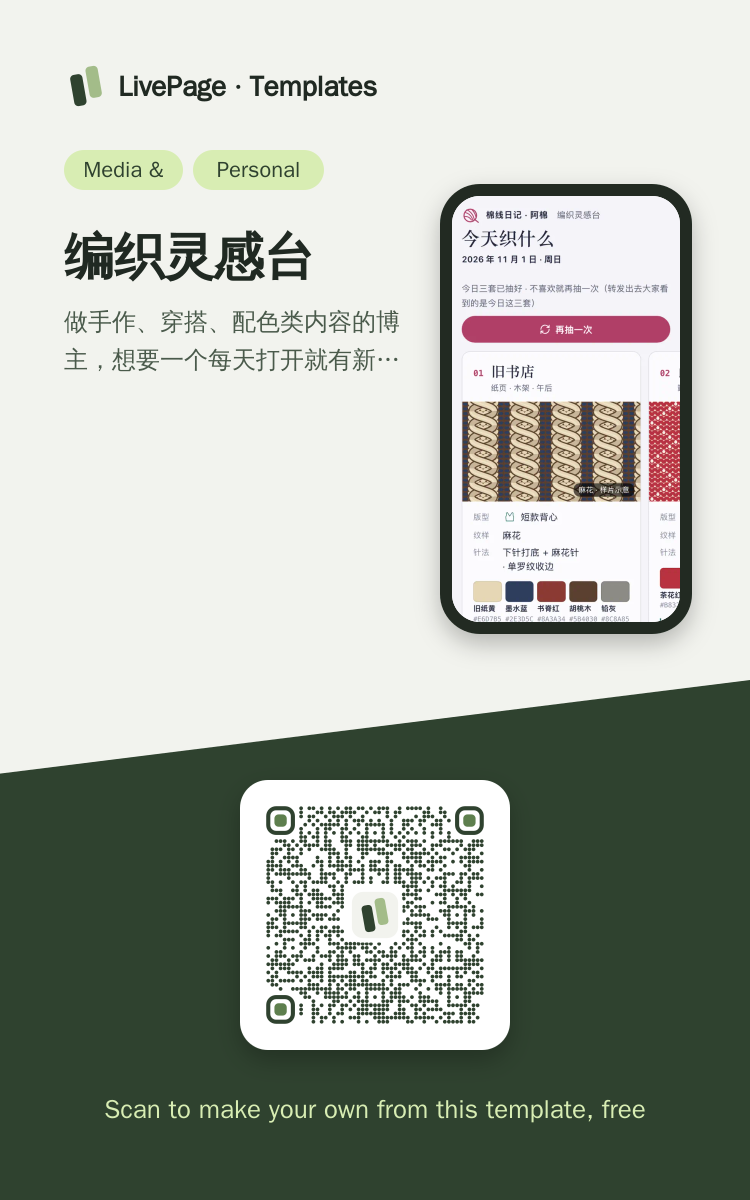
Share poster
In WeChat, long-press the image to save or forward it. Scanning the code opens this template.
About this template
做手作、穿搭、配色类内容的博主,想要一个每天打开就有新灵感、能转发给粉丝投票的小工具时选它;同一天打开结果一样,适合发群里一起选。只是要一份固定的作品集或产品目录,别选它;要报名收人选 sample-event-signup。
Page structure:今日三套 · 本季色卡 · 本周选题 · 针法库 · 编织热款
- 按日期做种子的每日三连抽(同一天同一结果,可本机重摇)
- 读者投票写回数据表并读回今天各套票数(原生表单 POST ./_data/picks)
- 一键复制的出图提示词与值得截图的「今日我选」结果卡
Prepare before publishing: 数据表 picks(列 date / board / silhouette / theme / palette,append_open=true):每张灵感板底下的「就织这套」写进这里,页面读回当天各套的票数
Something missing here? Suggest an improvementThe template factory checks daily and logs every improvement›
Improvement history
- 2026-11-01 · New 今天织什么 · 棉线日记灵感台 — 用户现提的需求
 Mobile
 Mobile

 Mobile
 Mobile
 Phone · Desktop
 Desktop