One link opens on phones, computers and big screens, and adapts to each.
盘前 60 秒 template
Example: 盘前 60 秒 · 10月27日 · 动画播报
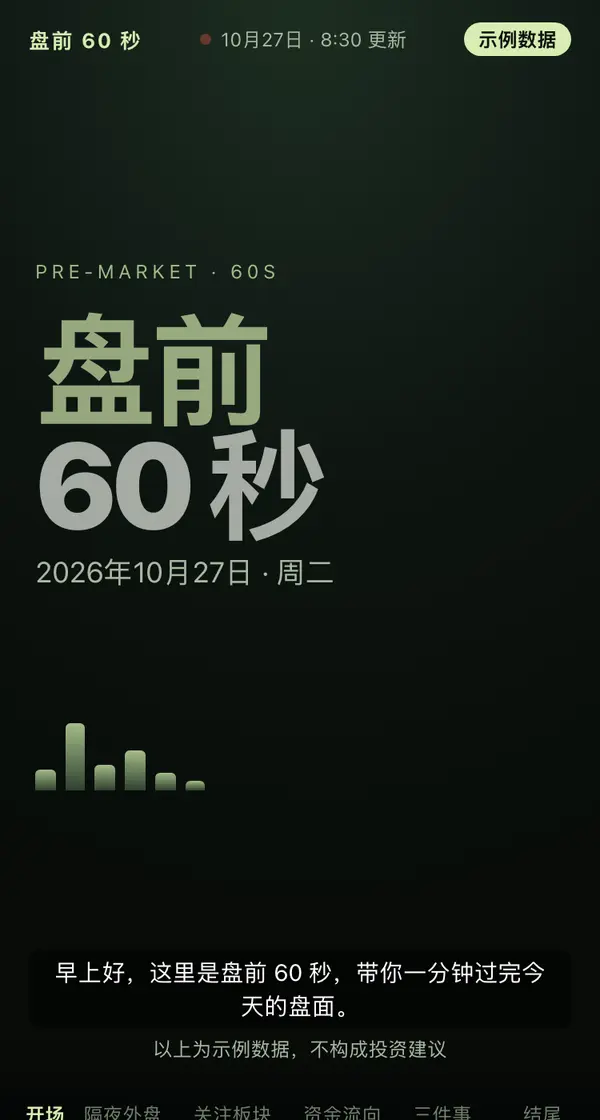
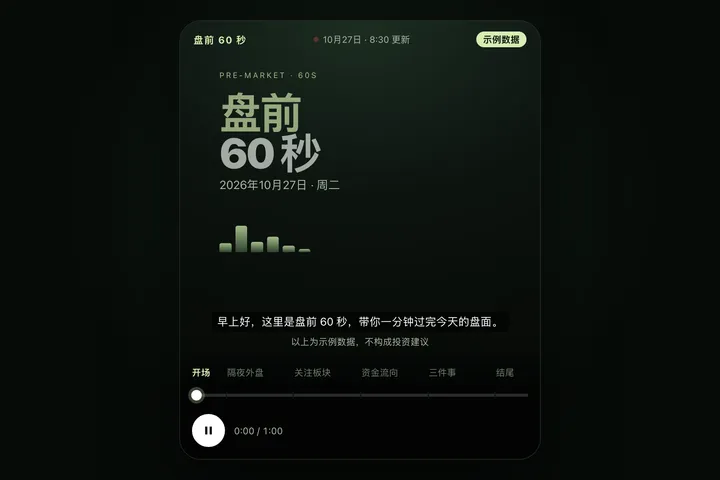
把今天的盘前要点做成一段 60 秒的竖屏动画播报,发成一个网页链接:深色舞台,顶上一行栏目名、更新时间和「示例数据」标;六章自动播放 —— 开场大字「盘前 60 秒」和日期,隔夜外盘六格(指数点位从小数滚到终值、涨跌幅、一条迷你走势线),今日关注板块(横条从昨天的涨跌幅过渡到今天,边动边重新排名,红涨绿跌),资金流向(北向资金大数字滚动、各行业主力流入流出左右对开的横条、近 10 日两市成交额折线一笔画出来),今天盯住三件事(编号、时间点、一句逐字浮出的话、一句怎么看),结尾一句每个交易日几点更新加一个关注按钮和不构成投资建议的提示;每章底部一行字幕,最下面是章节按钮、可拖动的进度条和播放暂停。关掉动效时改成同样内容的静态摘要。每个交易日开盘前更新到同一个链接。

Reference template: first read https://space.24haowan.com/examples/sample-premarket-60s/agent.md and follow its structure and layout, replacing all content with mine. Deliver one self-contained HTML file (styles inline, no external files, good on phones) and give me the .html file to download.
· If you have LivePage tools (MCP): use sample sample-premarket-60s as the base (list_examples key=sample-premarket-60s), publish it on LivePage and show me the preview first.
· No LivePage tools but you can send HTTPS requests: POST the finished HTML with Content-Type: text/html to https://space.24haowan.com/api/quick?client=template-sample-premarket-60s and give me the preview link and claim link it returns (a 7-day temporary link).
If you don't have the LivePage connector (MCP) yet, read https://space.24haowan.com/for-agents.md first and follow it to connect, or publish without signing in.
Doubao, DeepSeek, Kimi, Yuanbao, ChatGPT, Claude… any agent that can read a link
Publish as a link that opens in WeChat
WorkBuddy, Claude, Codex and other MCP agents; sign in by scanning with WeChat
Connecting LivePage in WorkBuddy for the first time? See the illustrated guide ›
Connect me to LivePage: first read https://space.24haowan.com/for-agents.md and walk me through it step by step; then use https://space.24haowan.com/examples/sample-premarket-60s/agent.md as a reference to make my own "盘前 60 秒 · 10月27日", publish it on LivePage and show me the preview first.

My requirements: 把今天的盘前要点做成一段 60 秒的竖屏动画播报,发成一个网页链接:深色舞台,顶上一行栏目名、更新时间和「示例数据」标;六章自动播放 —— 开场大字「盘前 60 秒」和日期,隔夜外盘六格(指数点位从小数滚到终值、涨跌幅、一条迷你走势线),今日关注板块(横条从昨天的涨跌幅过渡到今天,边动边重新排名,红涨绿跌),资金流向(北向资金大数字滚动、各行业主力流入流出左右对开的横条、近 10 日两市成交额折线一笔画出来),今天盯住三件事(编号、时间点、一句逐字浮出的话、一句怎么看),结尾一句每个交易日几点更新加一个关注按钮和不构成投资建议的提示;每章底部一行字幕,最下面是章节按钮、可拖动的进度条和播放暂停。关掉动效时改成同样内容的静态摘要。每个交易日开盘前更新到同一个链接。
Share poster
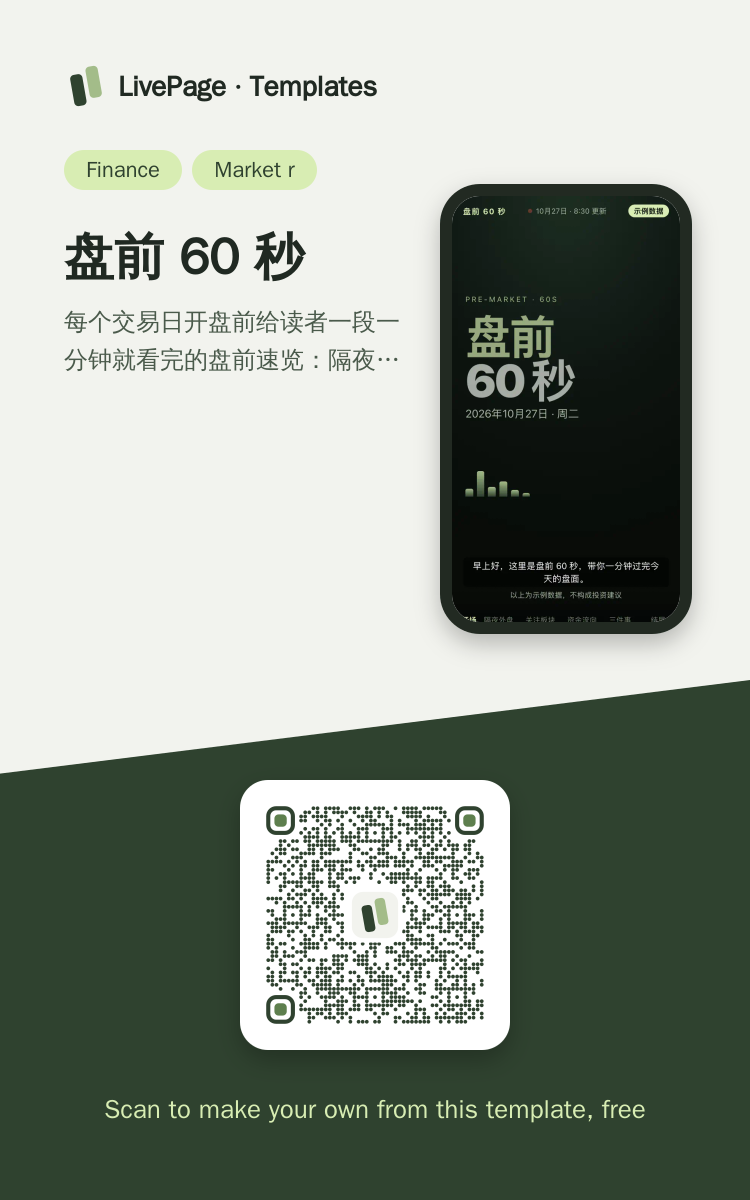
In WeChat, long-press the image to save or forward it. Scanning the code opens this template.
About this template
每个交易日开盘前给读者一段一分钟就看完的盘前速览:隔夜外盘、今天关注的板块、资金流向、今天盯住的三件事,做成能播放、能拖动、能点章节跳的竖屏动画,适合在微信里转发。收盘后写当天指数分时、板块涨跌和自选的长页复盘选 sample-market-recap;从自己组合视角每天记净值和调仓选 sample-portfolio-tracker;每天早上的行业新闻、价格与招标早报选 sample-daily-brief。
Page structure:开场 · 隔夜外盘 · 关注板块 · 资金流向 · 今天盯住三件事 · 结尾
- 同一链接每个交易日换新一期(每天往同一份页面发一个新版本)
- 读者点「关注更新」,新一期出来收到微信提醒(data-space="subscribe")
- 章节目录点了跳到那一章接着播;阅读回执记到每一章(data-track-section)
Prepare before publishing: 每个交易日定时更新:让助手每个交易日开盘前跑一次(需要助手那边能设定时任务),每次用同一个 proposal_id 发新版本,链接不变;数字是示例:换成真实行情时要写明数据来源,页内保留「不构成投资建议」
More like this
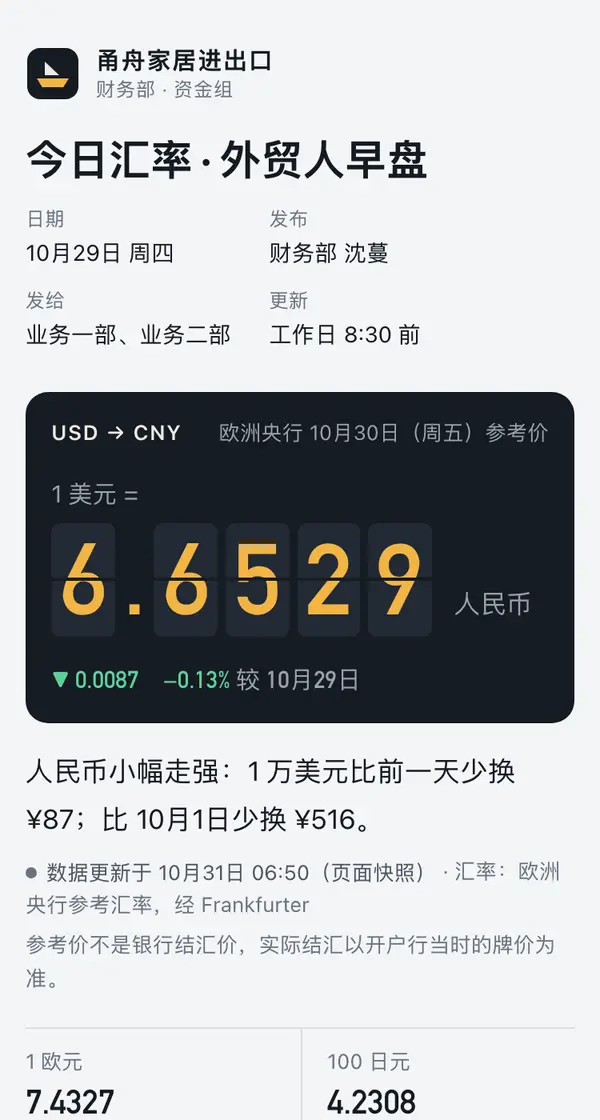
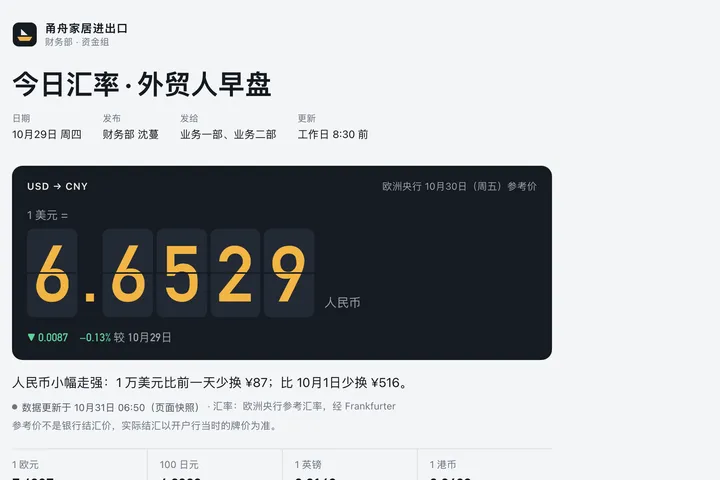 Phone · Desktop今日汇率 · 外贸人早盘Finance · 汇率仪表盘
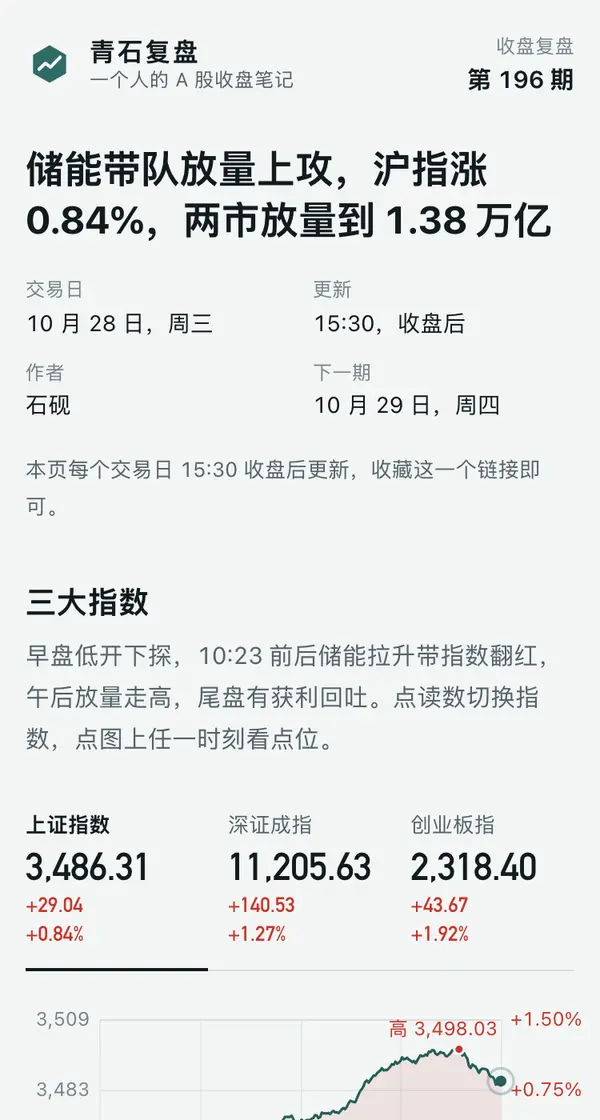
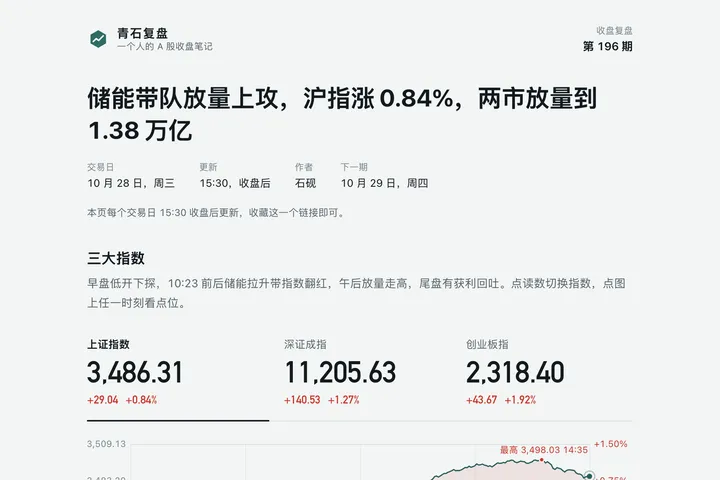 Phone · Desktop青石复盘 · 10 月 28 日收盘Finance · 分时看板
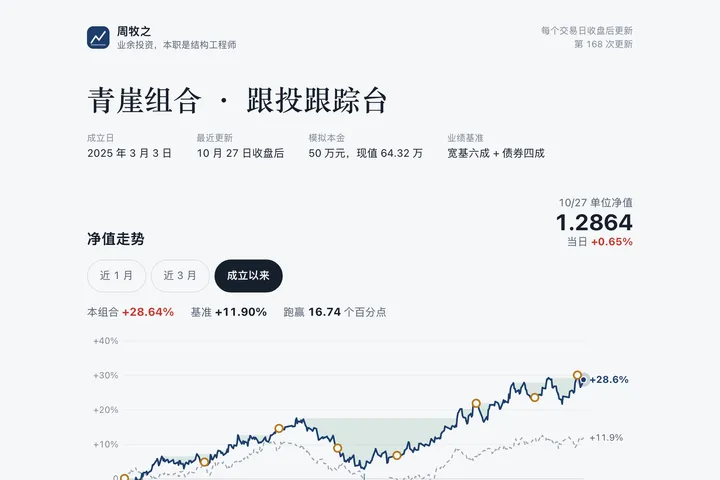
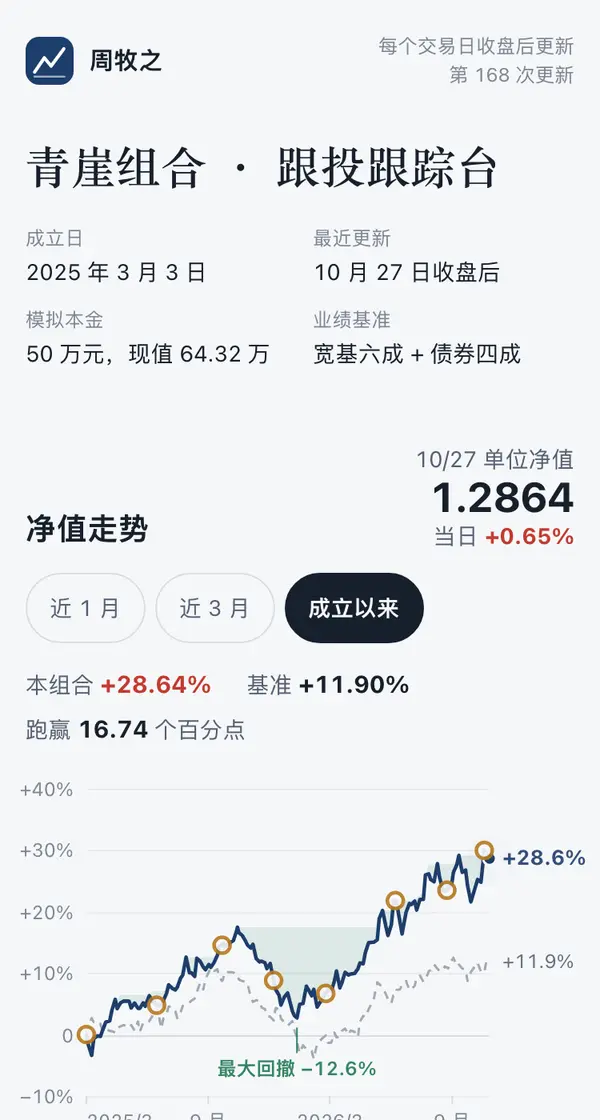 Desktop青崖组合 · 跟投跟踪台Finance · 净值曲线
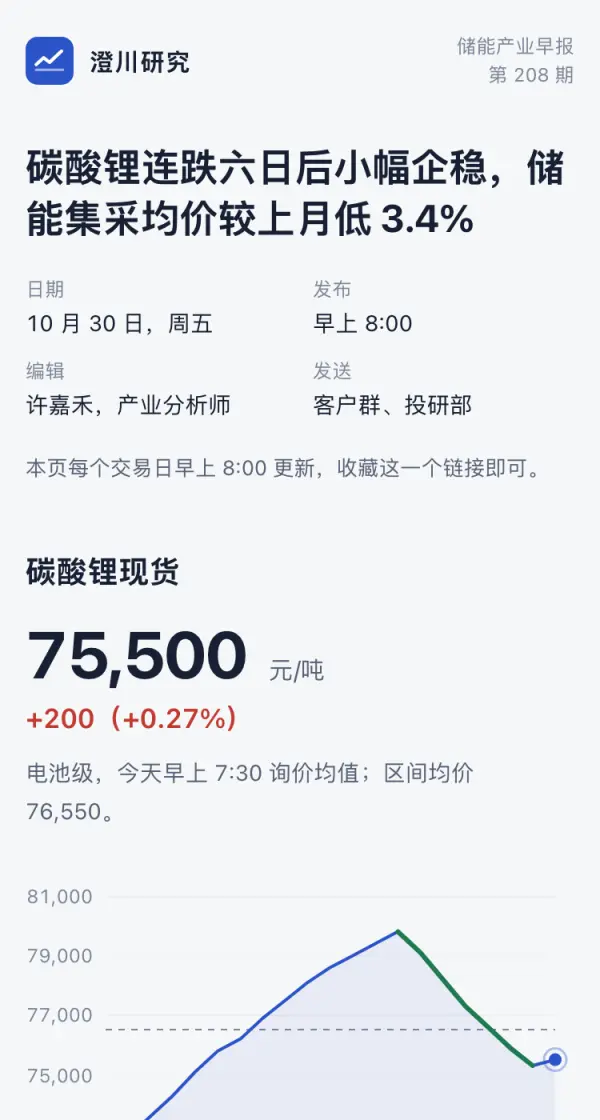
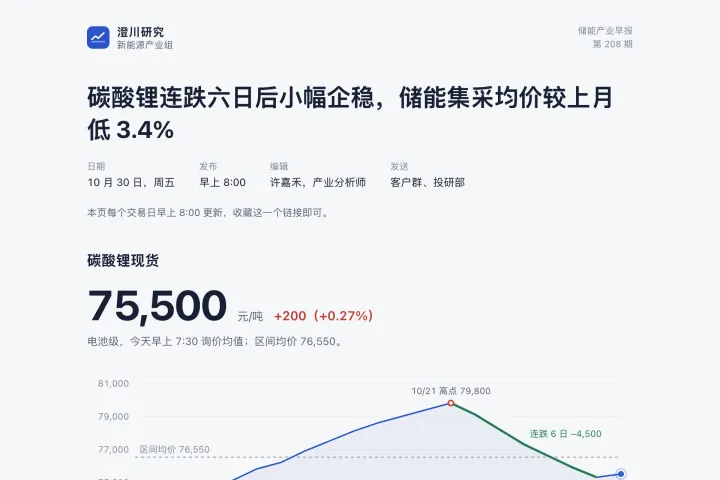 Phone · DesktopShopfront Daily Ops Brief (Oct 30)Finance · For your team or clients every morning
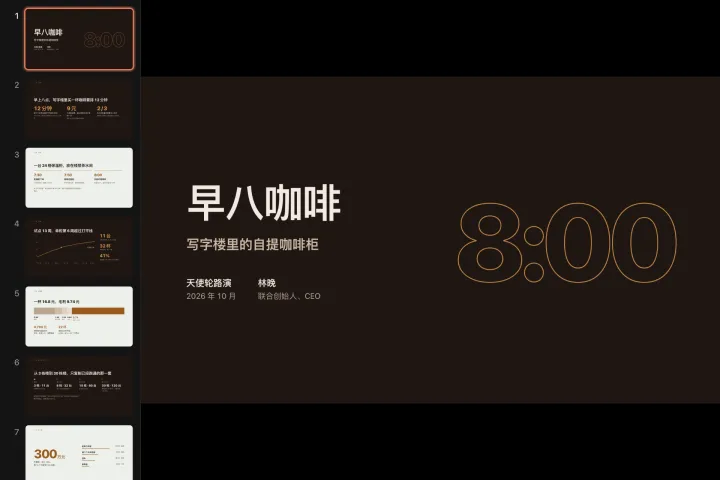
 Big screenLumen Coffee · Pre-seed PitchFinance · Investor pitch
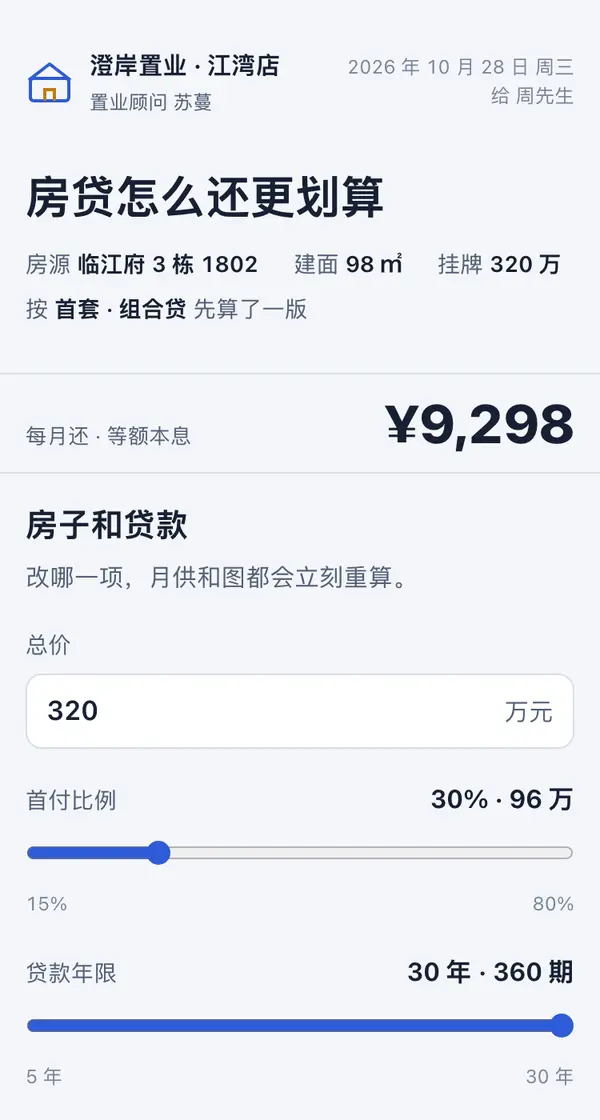
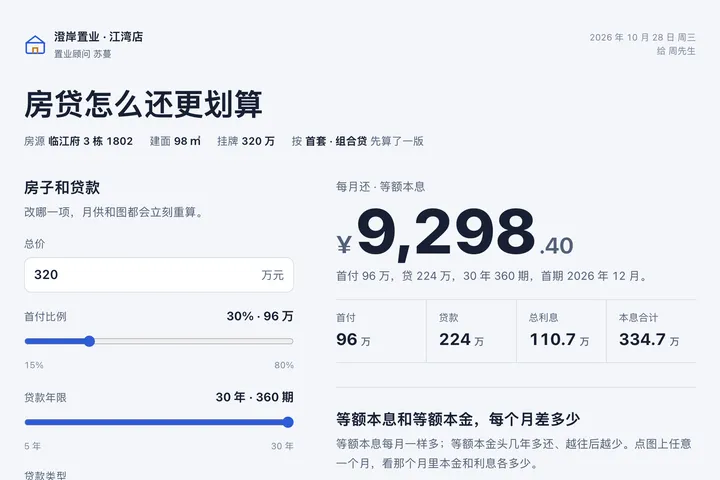 Phone · Desktop房贷怎么还更划算 · 计算器Finance · 计算器