One link opens on phones, computers and big screens, and adapts to each.
团队年度回顾 template
Example: 我们的 2026 · 团队年度回顾 · 滚动叙事
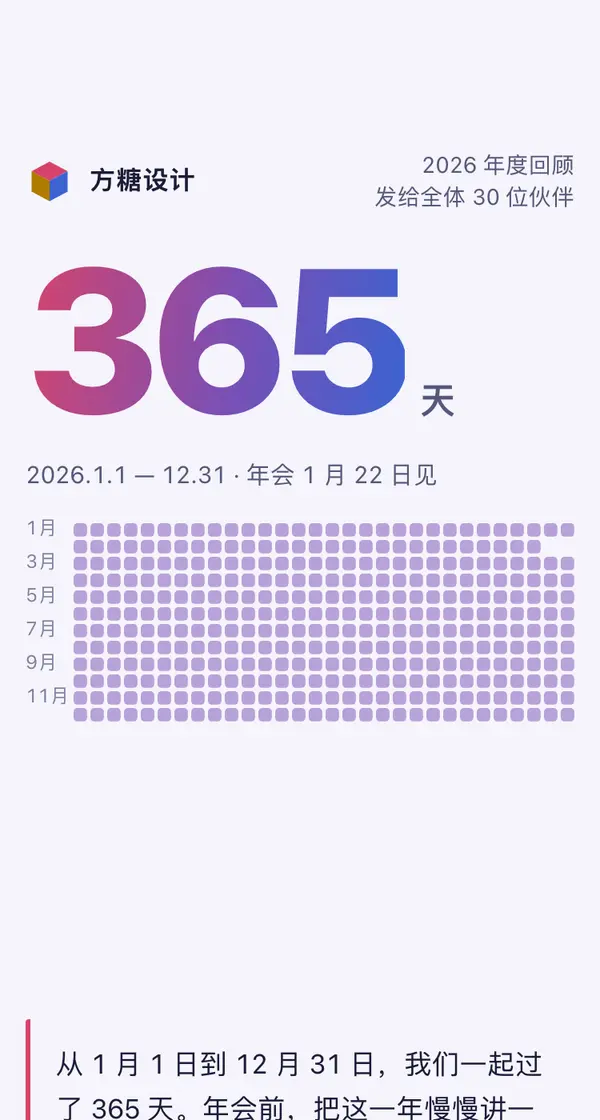
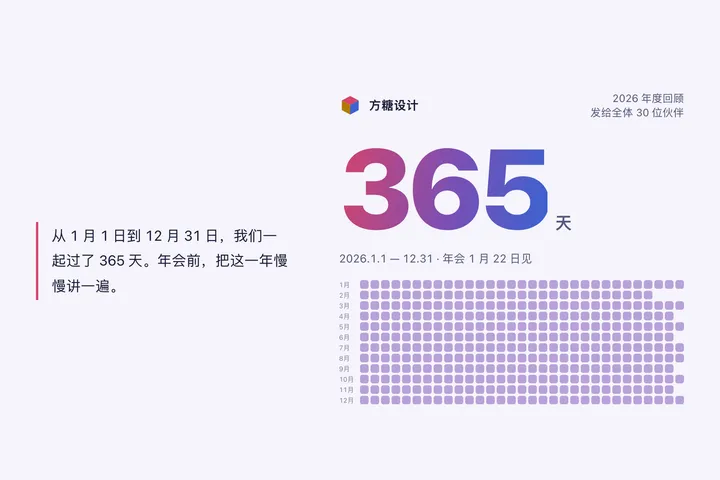
帮我把我们团队这一年做成一个往下滑着看的年度回顾网页,年会前发到团队群里:每一章画面钉在屏幕上、随滚动变化,文字在下方一句句换。第一章一个从 0 跳到 365 的大数字,下面是一年 12 行的日历格子,滑动时先标出开门的日子、再点亮周末加班的那几天;第二章一条按月份画的项目数曲线,随滚动一点点描出来,在几个关键月份停一下弹出注释(那个月发生了什么),标题跟着显示累计数;第三章 30 个小圆点人像先散开、再聚成「2026」字样、最后按岗位排成一张合影,今年新来的带一圈;第四章「年度之最」几张趣味数据卡片从下方一张张叠上来;第五章以公司所在城市为中心,客户城市按真实方向一座座亮起,标题数城市和客户数;最后一节「给明年的一句话」,大家填名字和一句话,存进一张数据表,读回来显示成飘动的词云,提交后给一张能截图的结果卡。所有数字前后要对得上。电脑上左边文字、右边画面;系统设了减少动态效果时变成一段段静态长图。

Reference template: first read https://space.24haowan.com/examples/sample-year-story/agent.md and follow its structure and layout, replacing all content with mine. Deliver one self-contained HTML file (styles inline, no external files, good on phones) and give me the .html file to download.
· If you have LivePage tools (MCP): use sample sample-year-story as the base (list_examples key=sample-year-story), publish it on LivePage and show me the preview first.
· No LivePage tools but you can send HTTPS requests: POST the finished HTML with Content-Type: text/html to https://space.24haowan.com/api/quick?client=template-sample-year-story and give me the preview link and claim link it returns (a 7-day temporary link).
If you don't have the LivePage connector (MCP) yet, read https://space.24haowan.com/for-agents.md first and follow it to connect, or publish without signing in.
Doubao, DeepSeek, Kimi, Yuanbao, ChatGPT, Claude… any agent that can read a link
Publish as a link that opens in WeChat
WorkBuddy, Claude, Codex and other MCP agents; sign in by scanning with WeChat
Connecting LivePage in WorkBuddy for the first time? See the illustrated guide ›
Connect me to LivePage: first read https://space.24haowan.com/for-agents.md and walk me through it step by step; then use https://space.24haowan.com/examples/sample-year-story/agent.md as a reference to make my own "我们的 2026 · 团队年度回顾", publish it on LivePage and show me the preview first.

My requirements: 帮我把我们团队这一年做成一个往下滑着看的年度回顾网页,年会前发到团队群里:每一章画面钉在屏幕上、随滚动变化,文字在下方一句句换。第一章一个从 0 跳到 365 的大数字,下面是一年 12 行的日历格子,滑动时先标出开门的日子、再点亮周末加班的那几天;第二章一条按月份画的项目数曲线,随滚动一点点描出来,在几个关键月份停一下弹出注释(那个月发生了什么),标题跟着显示累计数;第三章 30 个小圆点人像先散开、再聚成「2026」字样、最后按岗位排成一张合影,今年新来的带一圈;第四章「年度之最」几张趣味数据卡片从下方一张张叠上来;第五章以公司所在城市为中心,客户城市按真实方向一座座亮起,标题数城市和客户数;最后一节「给明年的一句话」,大家填名字和一句话,存进一张数据表,读回来显示成飘动的词云,提交后给一张能截图的结果卡。所有数字前后要对得上。电脑上左边文字、右边画面;系统设了减少动态效果时变成一段段静态长图。
Share poster
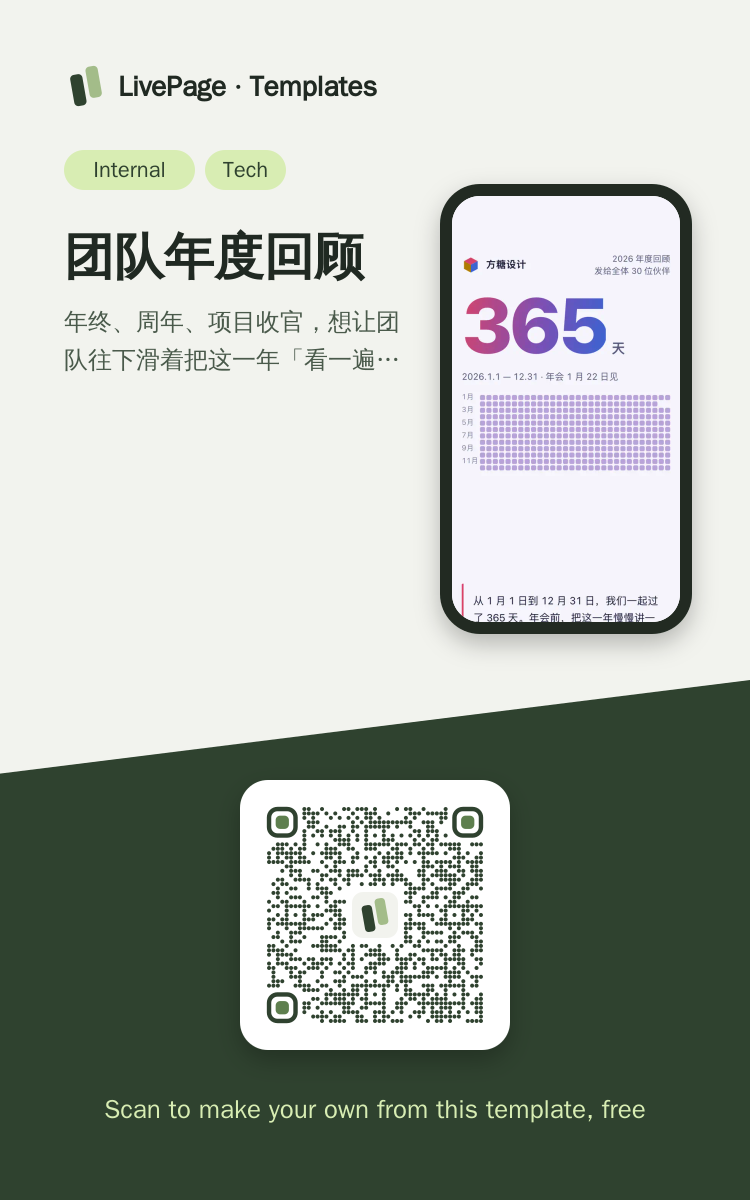
In WeChat, long-press the image to save or forward it. Scanning the code opens this template.
About this template
年终、周年、项目收官,想让团队往下滑着把这一年「看一遍」而不是读一篇总结时选它:画面钉住、随滚动变化,结尾大家各留一句话。要逐条汇报进度给上级选 sample-weekly-report;要讲给客户听、手机翻页的选 sample-pitch-deck;只是收报名或投票选 sample-event-signup。
Page structure:365 天 · 128 个项目 · 30 个人 · 年度之最 · 12 座城市 · 给明年的一句话
- 滚动叙事:每章画面 position:sticky 钉住,随滚动描曲线、聚散粒子、叠卡片、点亮城市
- 页内回写数据表(原生表单 POST ./_data/wishes),读回成飘动的词云
- 系统设了减少动态效果或脚本不跑时,自动变成一段段静态长图,表单照样能交
- 阅读回执(谁滑到了哪一章)
Prepare before publishing: 数据表 wishes(列 name / text,append_open=true):文末「给明年的一句话」表单写进这里,页面读回成词云;发布前先用 set_data 建好
More like this
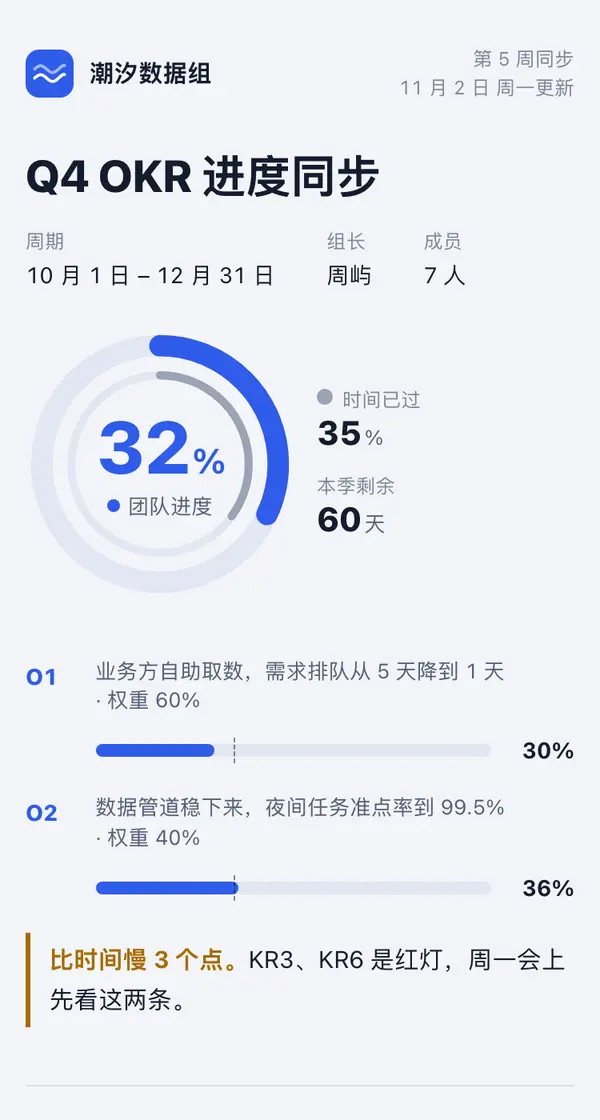
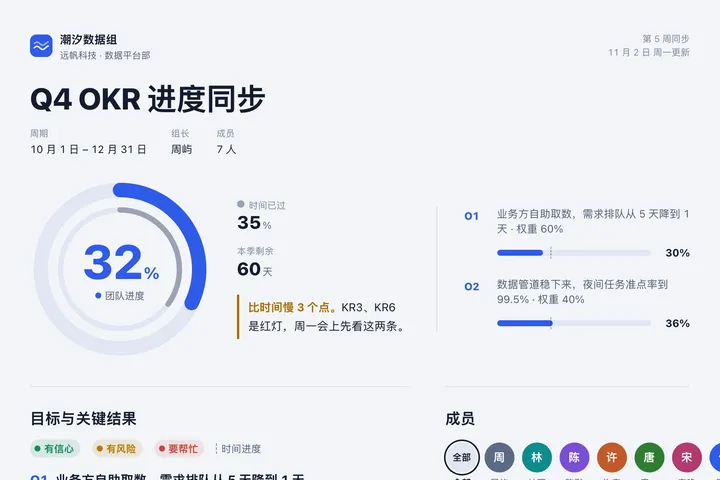 Mobile潮汐数据组 · Q4 OKR 进度同步Internal teams · 目标进度环
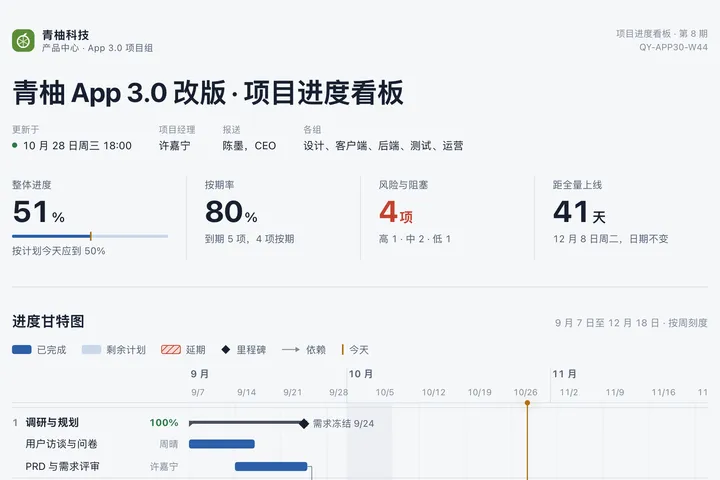
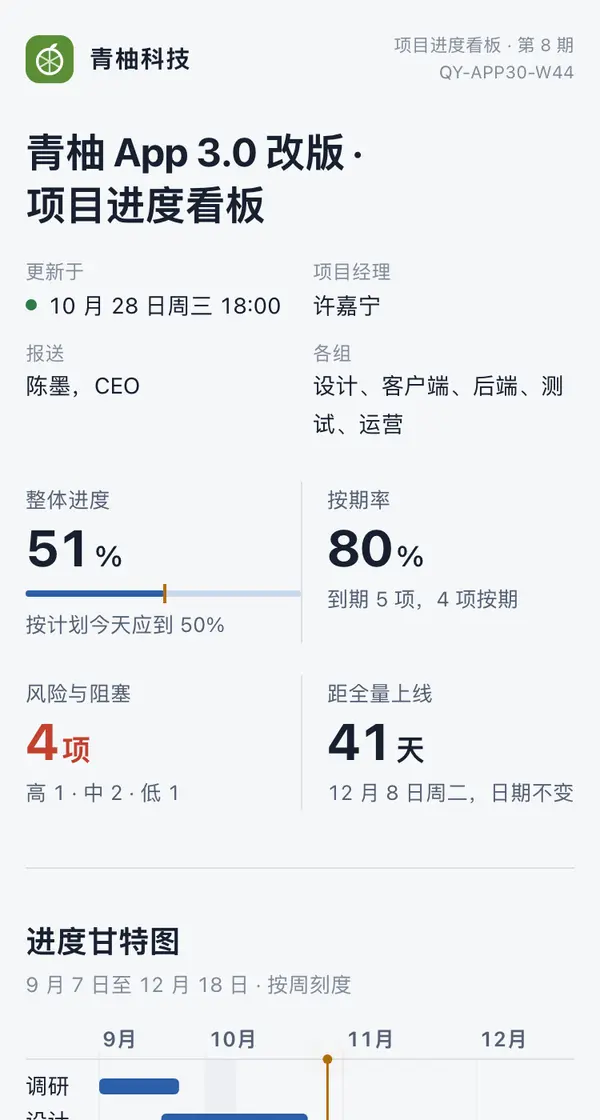 Desktop青柚 App 3.0 改版 · 项目进度看板Internal teams · 甘特看板

 Mobile我们在招人 · 青萝科技 2026 秋招Internal teams · 招聘海报
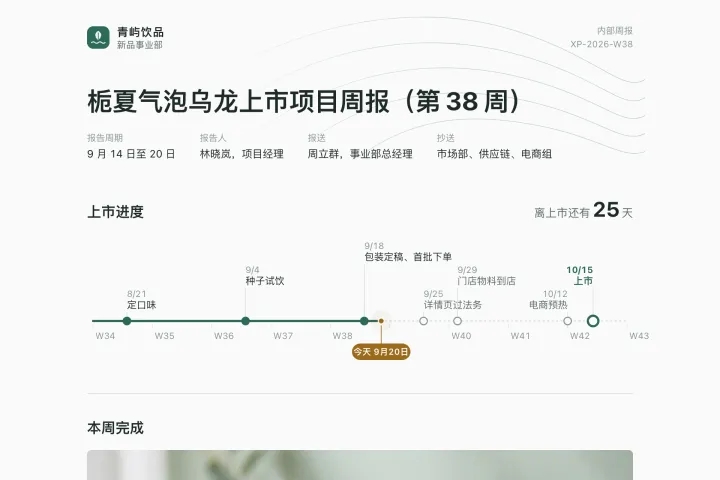
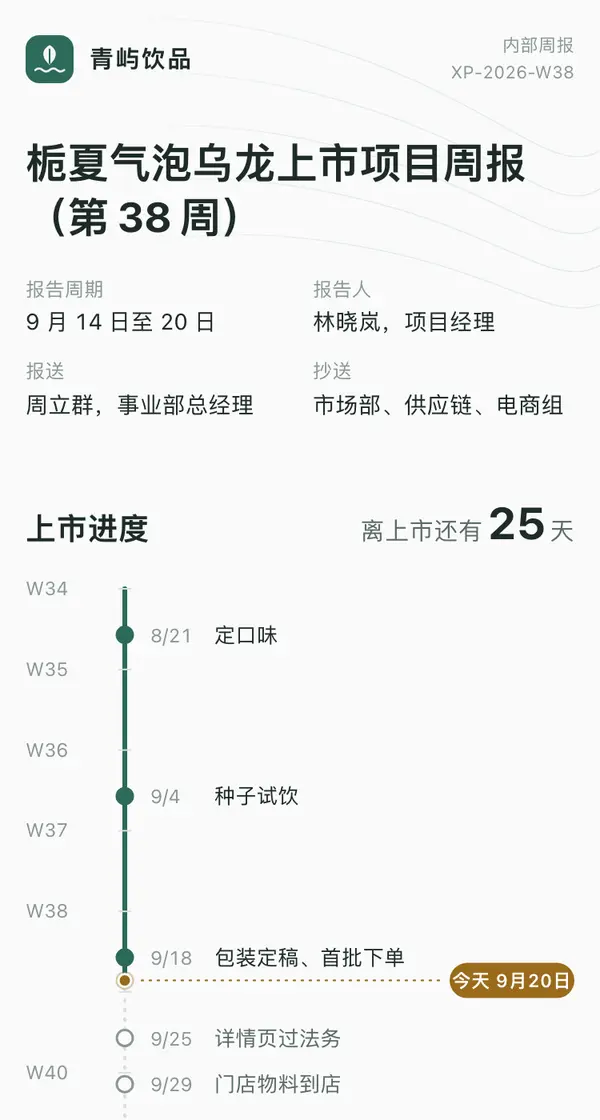 DesktopNorthwind Sparkling Tea Launch · Weekly Report, Week 38Internal teams · sent to colleagues every week

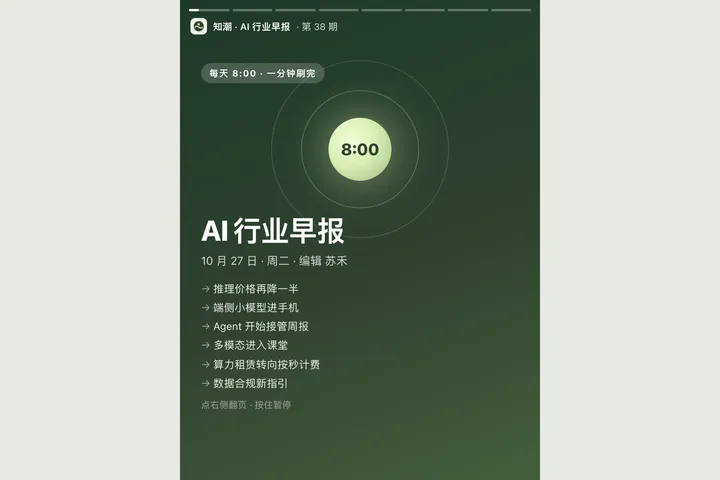 Mobile知潮 AI 行业早报 · 10月27日Tech · 竖屏故事卡
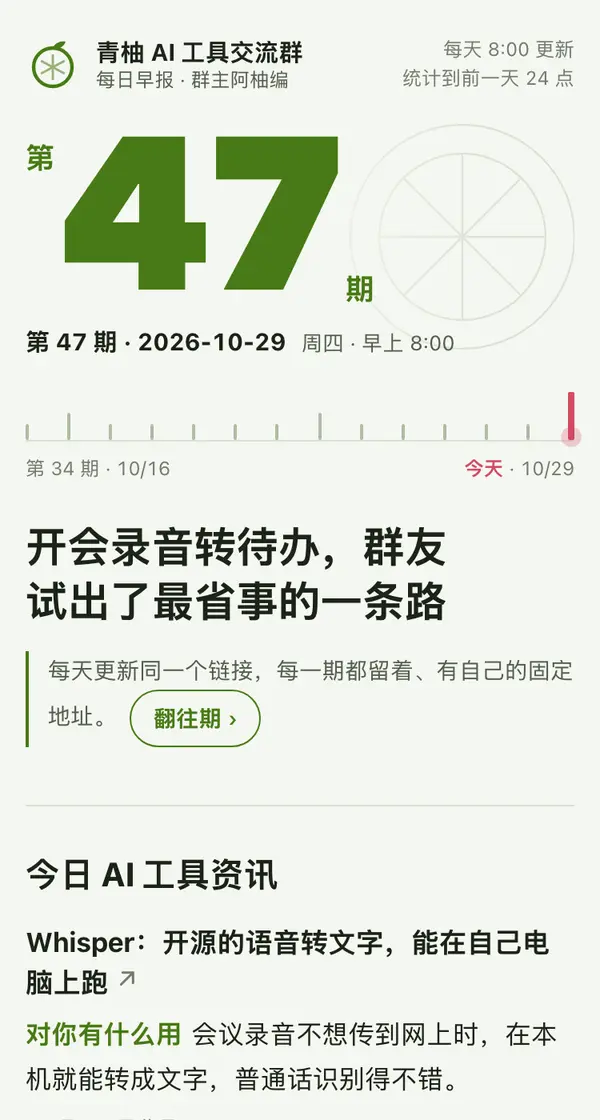
 Mobile青柚 AI 工具群日报 · 第 47 期Tech · 往期日报