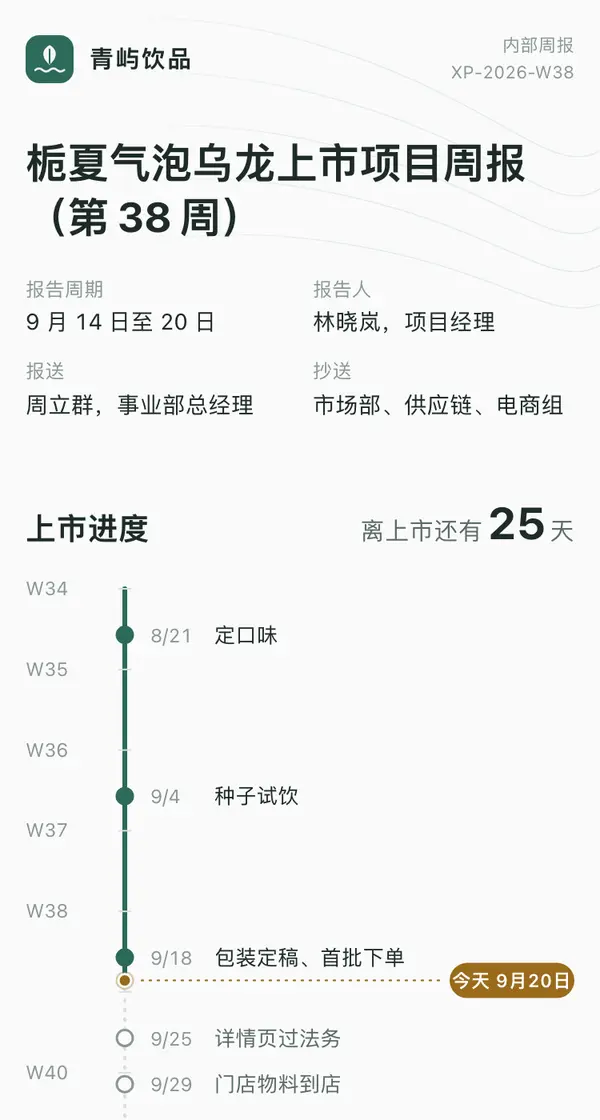
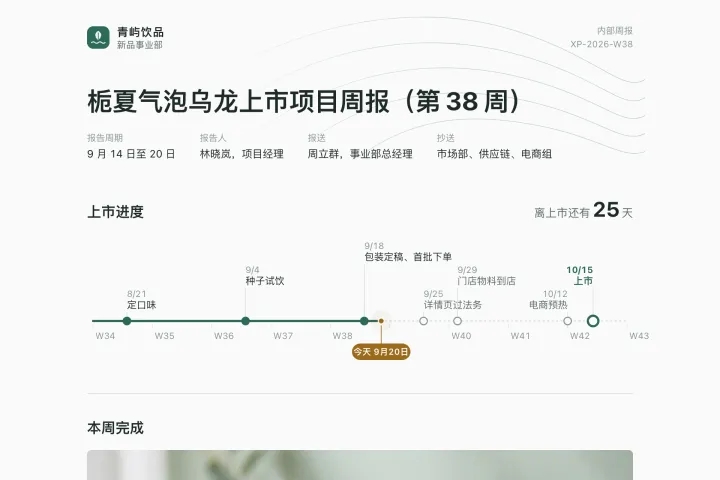
One link opens on phones, computers and big screens, and adapts to each.
Weekly report template
Example: Northwind Sparkling Tea Launch · Weekly Report, Week 38 · sent to colleagues every week
Turn this week's project progress into a formal internal weekly report and publish it as a web link: a letterhead with the report details (period, author, sent to, cc); then a launch timeline drawn to the real date scale, marking finished milestones, today (with a gentle pulse) and the days left until launch; then this week's completed work (each item with an owner, plus one image of the key result), four key numbers and a cumulative weekly bar chart (with a dashed stock-target line; tapping a bar shows that week's additions and sources), and next week's plan laid out Monday to Friday; finally, make "Needs your sign-off" a compact form, one row per item with short option labels and one send button, saving replies to a data table. Keep background fills to a minimum and separate sections with thin rules; on phones, turn the timeline vertical. Update the same link every week from now on.

Reference template: first read https://space.24haowan.com/examples/sample-weekly-report/agent.md and follow its structure and layout, replacing all content with mine. Deliver one self-contained HTML file (styles inline, no external files, good on phones) and give me the .html file to download.
· If you have LivePage tools (MCP): use sample sample-weekly-report as the base (list_examples key=sample-weekly-report), publish it on LivePage and show me the preview first.
· No LivePage tools but you can send HTTPS requests: POST the finished HTML with Content-Type: text/html to https://space.24haowan.com/api/quick?client=template-sample-weekly-report and give me the preview link and claim link it returns (a 7-day temporary link).
If you don't have the LivePage connector (MCP) yet, read https://space.24haowan.com/for-agents.md first and follow it to connect, or publish without signing in.
Doubao, DeepSeek, Kimi, Yuanbao, ChatGPT, Claude… any agent that can read a link
Publish as a link that opens in WeChat
WorkBuddy, Claude, Codex and other MCP agents; sign in by scanning with WeChat
Connecting LivePage in WorkBuddy for the first time? See the illustrated guide ›
Connect me to LivePage: first read https://space.24haowan.com/for-agents.md and walk me through it step by step; then use https://space.24haowan.com/examples/sample-weekly-report/agent.md as a reference to make my own "Northwind Sparkling Tea Launch · Weekly Report, Week 38", publish it on LivePage and show me the preview first.

My requirements: Turn this week's project progress into a formal internal weekly report and publish it as a web link: a letterhead with the report details (period, author, sent to, cc); then a launch timeline drawn to the real date scale, marking finished milestones, today (with a gentle pulse) and the days left until launch; then this week's completed work (each item with an owner, plus one image of the key result), four key numbers and a cumulative weekly bar chart (with a dashed stock-target line; tapping a bar shows that week's additions and sources), and next week's plan laid out Monday to Friday; finally, make "Needs your sign-off" a compact form, one row per item with short option labels and one send button, saving replies to a data table. Keep background fills to a minimum and separate sections with thin rules; on phones, turn the timeline vertical. Update the same link every week from now on.
Share poster
In WeChat, long-press the image to save or forward it. Scanning the code opens this template.
About this template
For anything you update again and again behind the same link: weekly reports, progress pages, monthly reports. Also pick it when you want to know who read it and how far they got. For a one-off proposal sent to a client, pick sample-client-proposal.
Page structure:Launch progress · Done this week · Numbers · Next week · Needs your sign-off
- Same link, updated in place
- Read receipts (who opened it / which section they reached)
- In-page confirmation written back to a data table (plain form POST ./_data/confirmations)
Prepare before publishing: Data table confirmations (columns legal / price / note, append_open=true): the sign-off form at the end writes here; created automatically when a new workspace is seeded
More like this
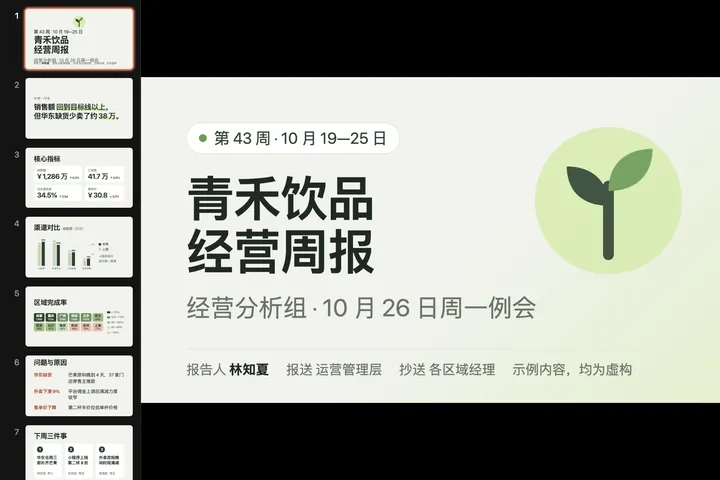
 Big screen青禾饮品 · 经营周报 · 第 43 周Food & drink · 演示稿
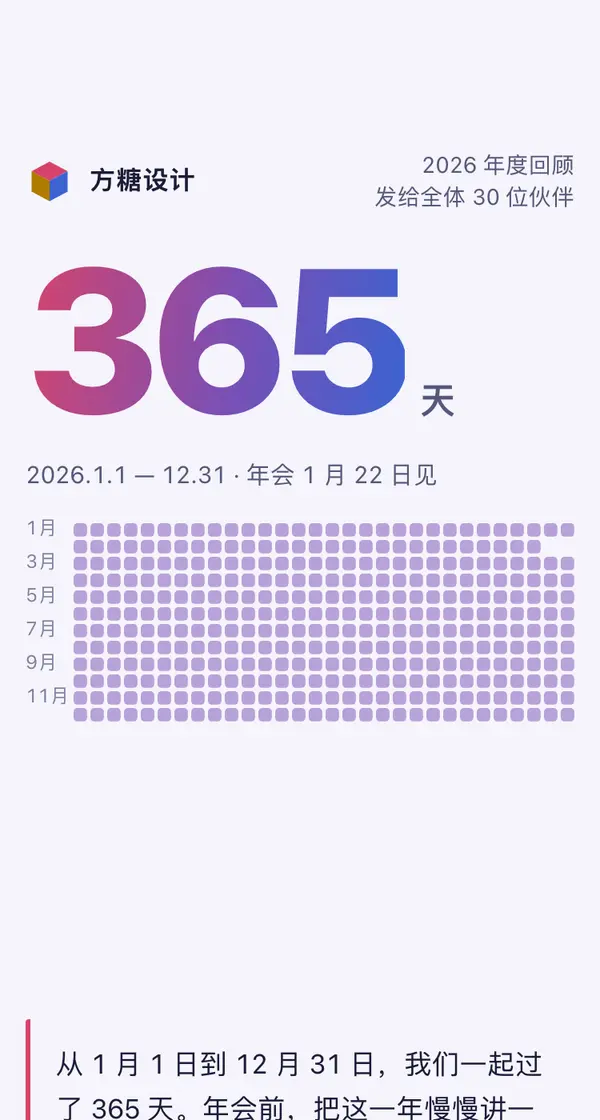
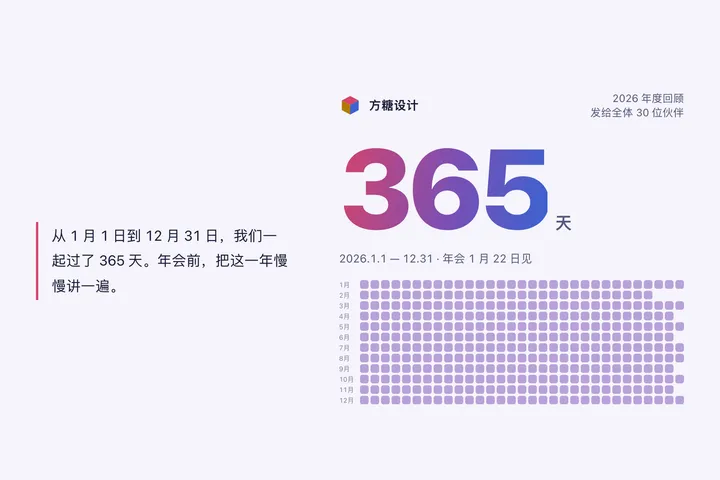 Phone · Desktop我们的 2026 · 团队年度回顾Internal teams · 滚动叙事
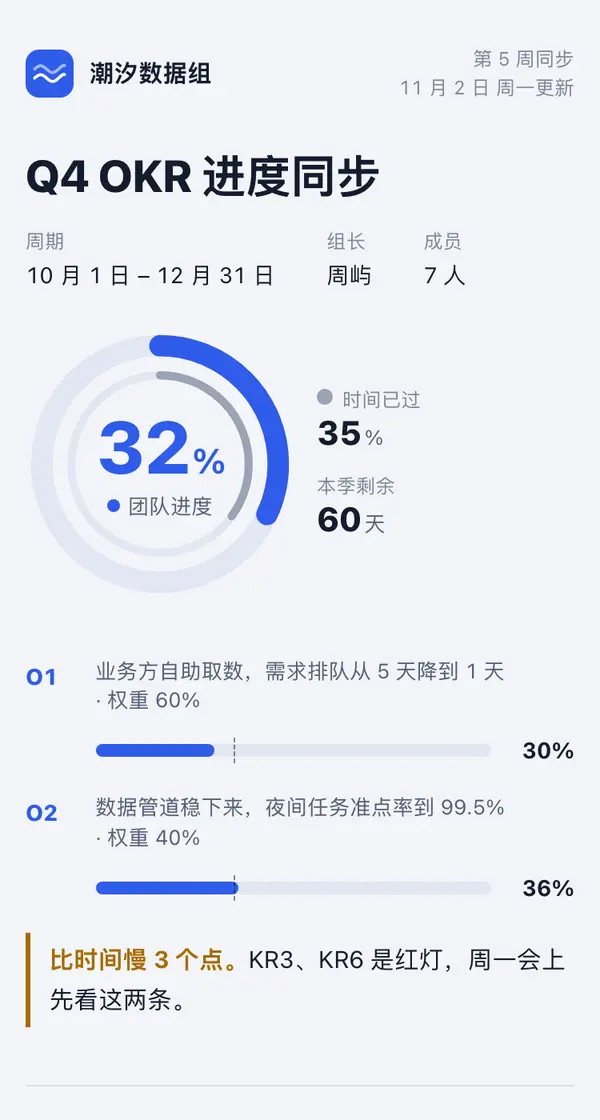
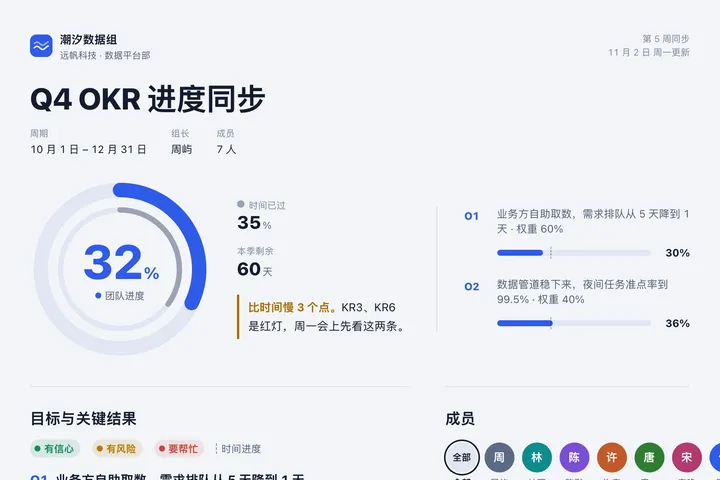 Mobile潮汐数据组 · Q4 OKR 进度同步Internal teams · 目标进度环
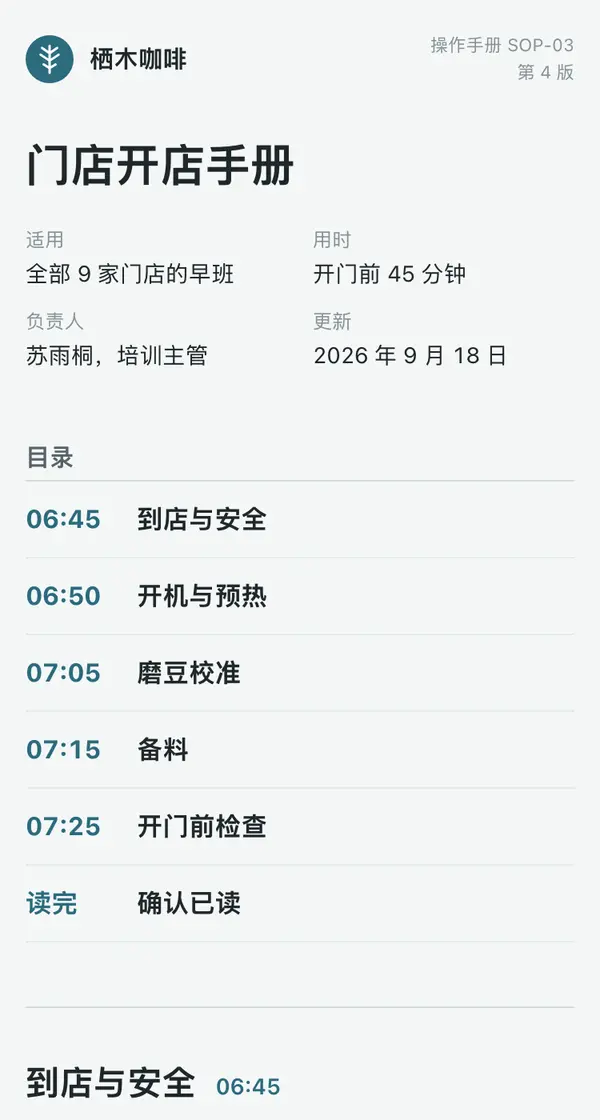
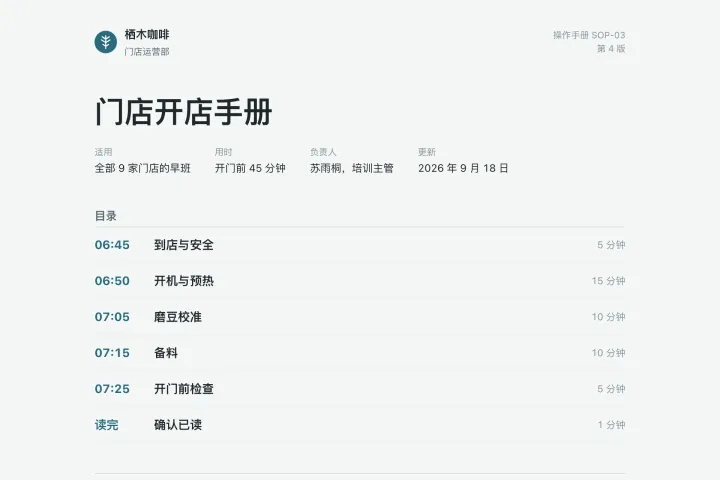 Phone · DesktopFern & Bean Coffee · Store Opening HandbookFood & drink · Teach someone a task step by step
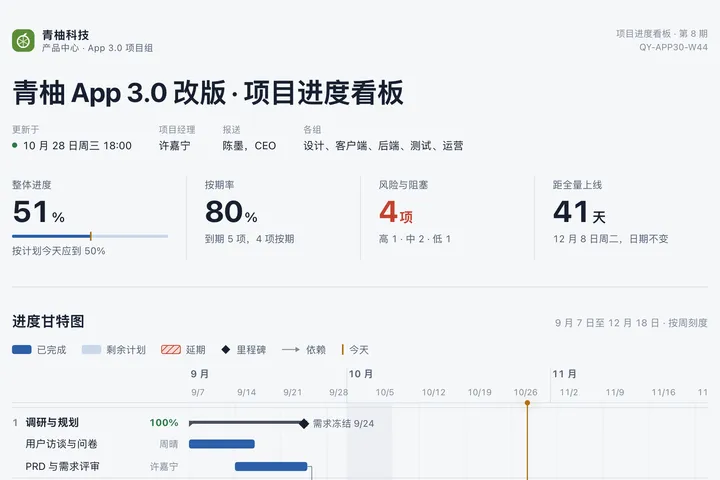
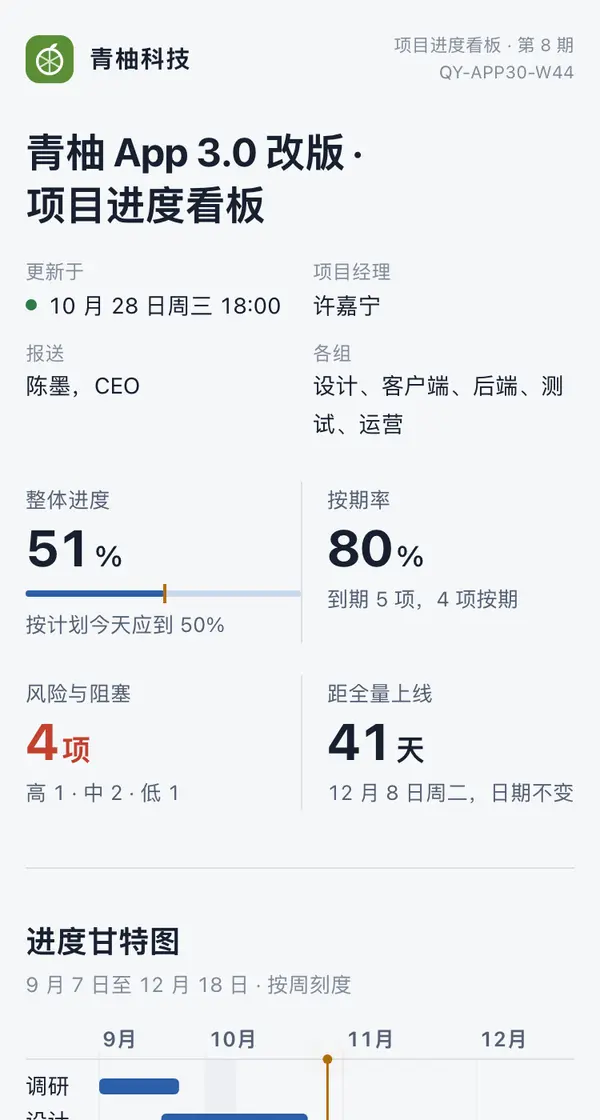 Desktop青柚 App 3.0 改版 · 项目进度看板Internal teams · 甘特看板
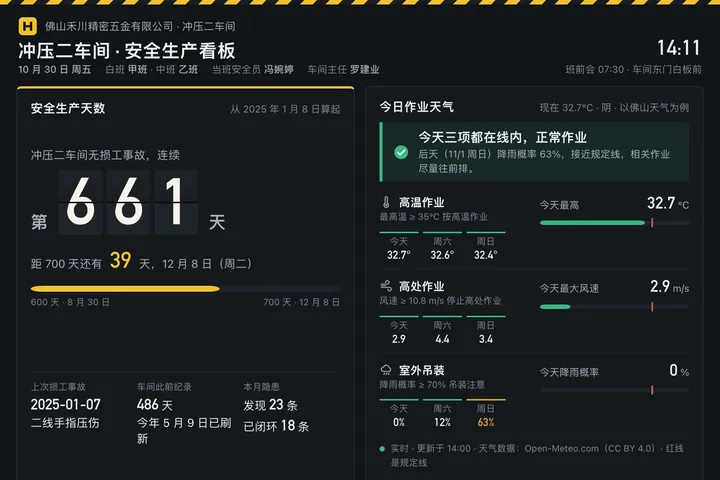
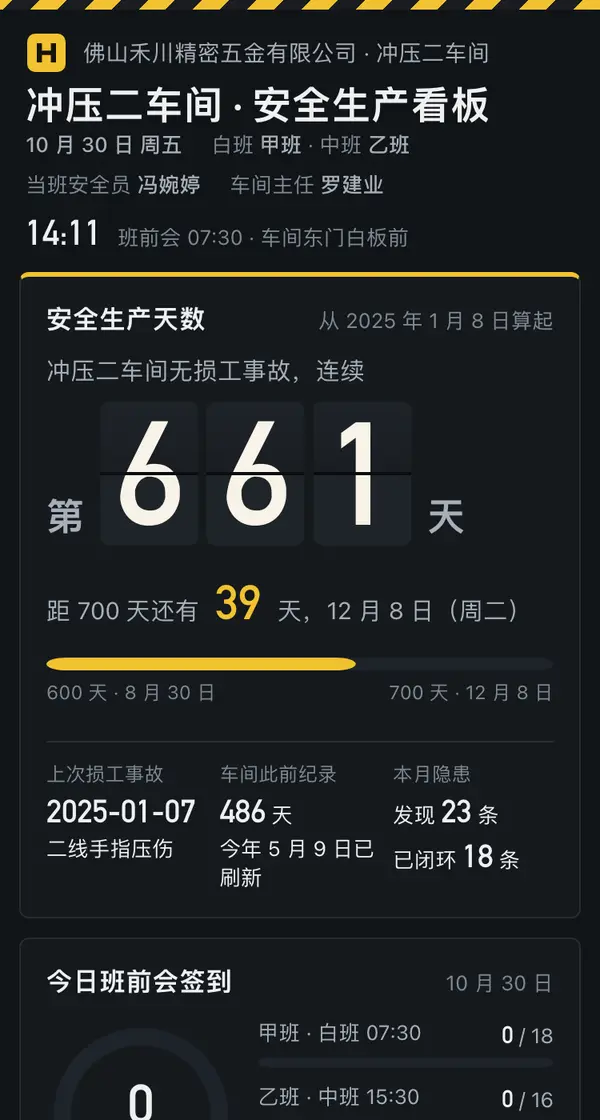 Big screen冲压二车间 · 安全生产看板Internal teams · 安全天数牌